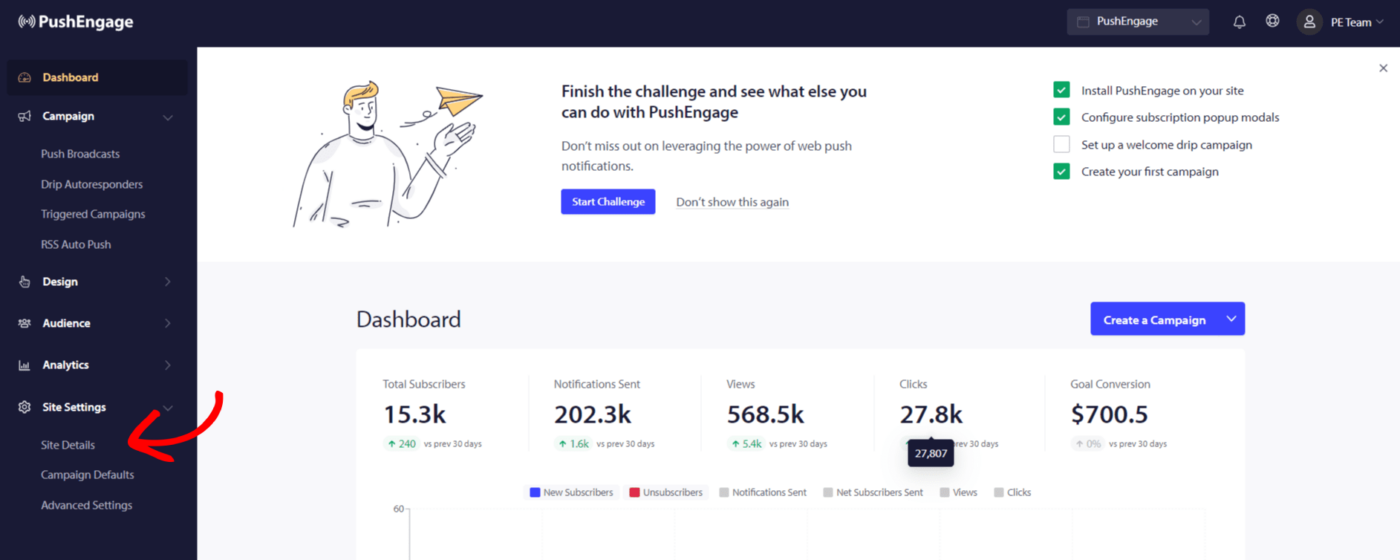
Guide to setting up a Fallback Campaign

A fallback Campaign is a campaign used as the default campaign to fallback in rare scenarios when the push campaign content cannot be fetched. It might occur due to various reasons very rarely, and a few of them are – … Continue reading
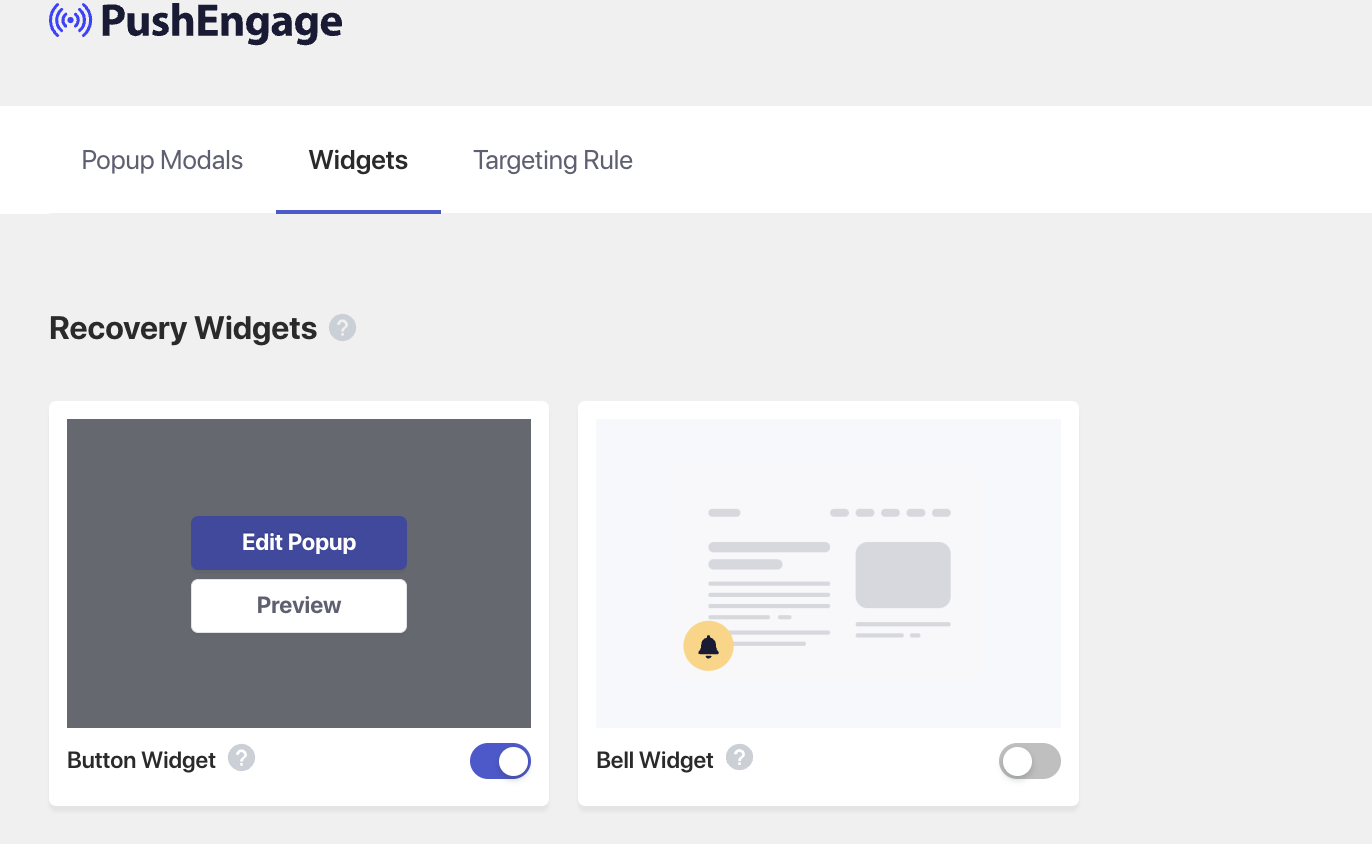
Guide to enabling recovery widgets

Web Push Notifications enable your visitors to become subscribers. While some people click on allow, a section of visitors clicks on the block. However, we do not want these subscribers to be lost forever. So we give them a second … Continue reading

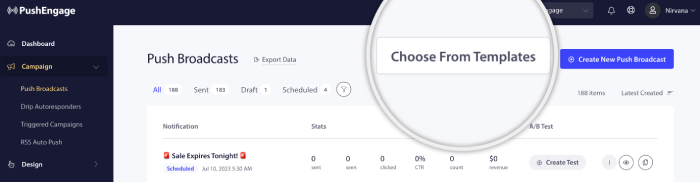
Guide to using Templates for Push Broadcasts

Creating a campaign from scratch can feel overwhelming. But we’ve got your back! We’ve put together a bunch of templates from different industries and use cases. These templates are designed to make your life easier and save your time. In … Continue reading

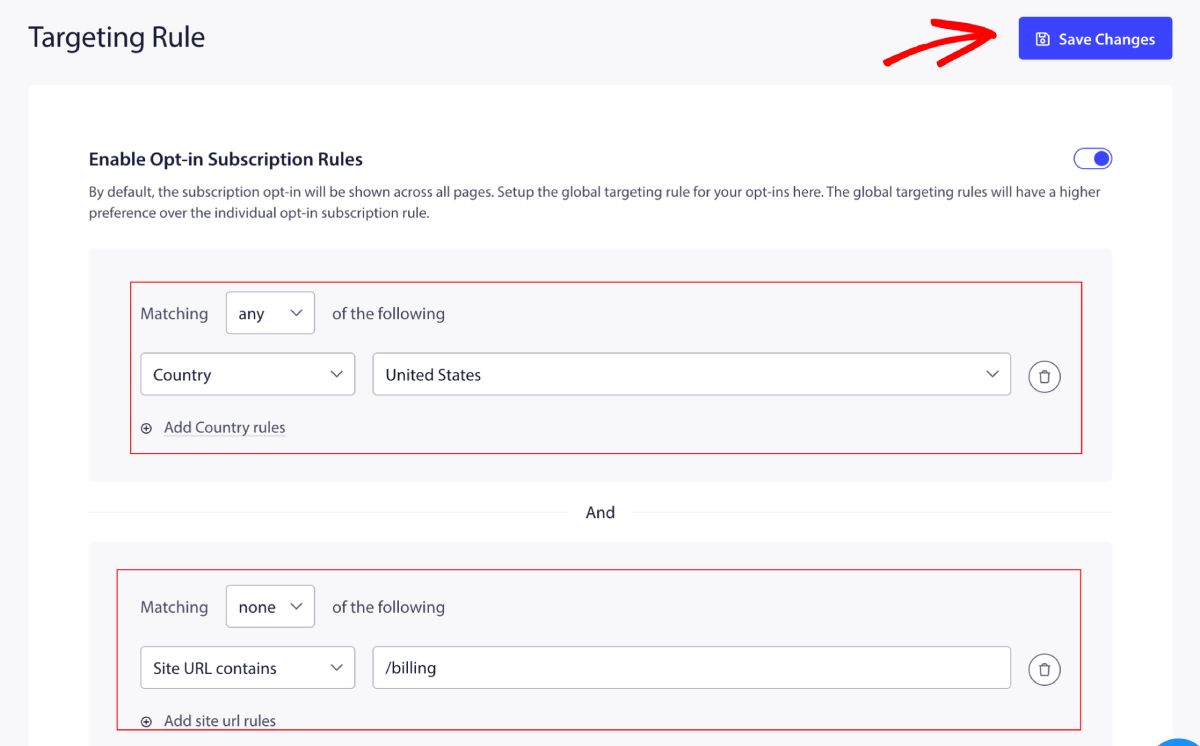
Guide to Targeting Rules for Subscription Optin

Targeting Rules help you manage the Subscription Optin or Popup Dialogobox on specific pages. You can choose to include/exclude certain pages from the dashboard itself instead of going ahead and removing the code every time. Types of Targeting Rule There … Continue reading

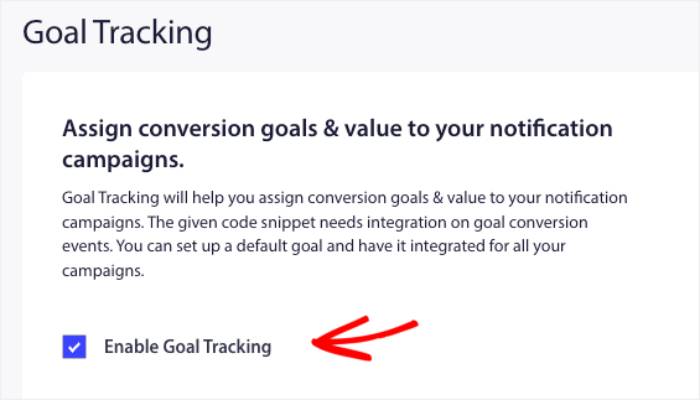
Guide to Enable Goal Tracking through WPCode

You can enable goal tracking for your site or store through WPCode. Goal Tracking helps you see within the PushEngage dashboard how many goals you have achieved and the goal value of your campaigns. These goals are visible across all … Continue reading

Guide to Using PushEngage Attributes for WordPress

Attributes are a powerful feature in PushEngage that allow you to store additional data about your subscribers. By enriching subscriber profiles with custom details, you can create highly personalized campaigns, build targeted segments, and automate notifications based on user-specific information. … Continue reading