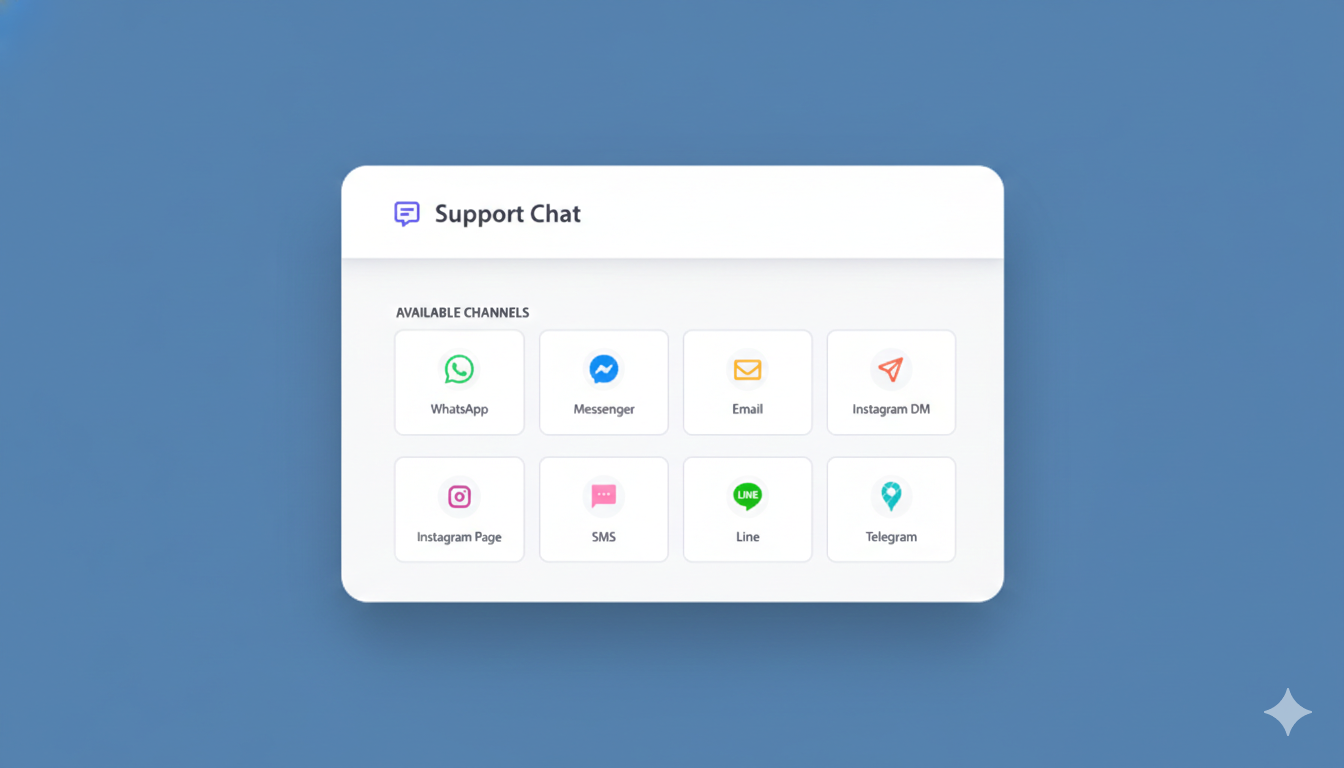
Base44 is a smart choice for building modern PWAs. It’s fast, flexible, and takes away infrastructure headaches. But if you’ve tried adding a chat widget to your Base44 site, you’ve probably hit a familiar wall.
No root access. No simple plugin. No live chat.
Or so it seems.
In this guide, we’ll show you:
- Why traditional chat widgets don’t work on Base44
- Why most people think it’s impossible
- How PushEngage’s chat widget works on Base44 anyway
- What you get, and why it makes sense for your business
If you’re running a PWA on Base44 and need to answer customer questions without breaking the bank, this is for you.
Send Multichannel Messages Today!
Push and WhatsApp messaging are super effective, low-cost marketing tools to help you grow your repeat traffic, engagement, and sales on autopilot.
Why Live Chat Seems Impossible on Base44
Let’s start with the problem.
How Chat Widgets Usually Work
Most chat widgets need direct access to your site’s root directory. They require:
- Installation files at the root level
- Custom script placement
- Manual configuration
For traditional setups, this works fine. But Base44 is different.
The Base44 Problem
Base44 doesn’t give you the kind of root access traditional chat widgets expect.
That means:
- You can’t just drop files wherever you want
- Most “5-minute installation” guides don’t apply
- Standard chat tools like LiveChat assume you have control you don’t
So most Base44 users reach the same conclusion: “I guess live chat won’t work on my site.”
And they give up on answering customer questions in real-time.
Why This Hurts Your Business
Missing out on live chat isn’t just inconvenient. It costs you sales.
Here’s what happens without live chat:
- Customer has a question → No answer → Leaves your site
- Product confusion → No one to help → Abandoned cart
- Pricing question → No response → Buys from competitor
Every unanswered question is a potential sale you’re losing.
But here’s the thing: LiveChat and similar tools cost $200+ per month. For a small business, that’s $2,400+ per year just to answer customer questions.
That’s where most people get stuck. They need live chat, but can’t afford it. And even if they could, they can’t install it on Base44 anyway.
The common belief: “Good live chat has to be expensive and needs full site access.”
The reality: You can get professional live chat for Base44 without root access—for $49/year instead of $200+/month.
The PushEngage Chat Widget Solution
PushEngage built a chat widget specifically for situations like yours. It works on Base44 without requiring root access.
The Approach (Simple Version)
Instead of forcing you to:
- Modify Base44’s root structure
- Install complicated plugins
- Hire a developer
PushEngage uses a simple embed code that:
- Works in your existing Base44 setup
- Requires no root file access
- Installs in literally 5 minutes
From your customer’s perspective, they see a professional chat widget on your site.
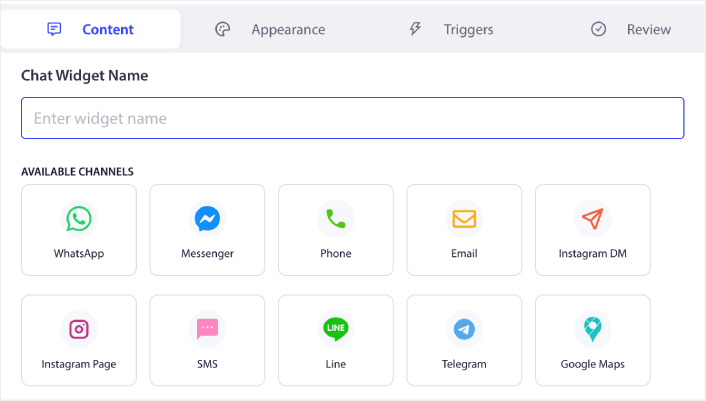
From your perspective, conversations go straight to your DMs—email, SMS, WhatsApp, wherever you actually check messages.
No separate inbox. No dashboard to log into. Just instant notifications when someone needs help.
What You Can Do With PushEngage Chat on Base44
Once the widget is installed (and yes, it really takes 5 minutes), you get real customer support capabilities.
How It Works
The PushEngage chat widget is:
- Multichannel – Conversations route to email, SMS, WhatsApp, Slack, or Telegram
- Multi-agent – Your whole team can handle chats on their preferred platform
- Inbox-free – No separate dashboard to check. Messages come to you.
What You Can Build
You’re not limited to basic “contact us” functionality. You can:
- Answer pre-sale questions (close more sales)
- Provide customer support (reduce refund requests)
- Handle shipping inquiries (fewer support tickets)
- Get instant feedback (improve your product faster)

In short, you get the same customer support setup bigger companies have—without the $200/month price tag and without the technical complexity.
Why This Makes Sense for Base44 Sites
For most Base44 users, this solution is exactly what you need.
Where Your Customers Actually Are
Let’s be real about your traffic:
- Most of your paying customers visit from desktop or Android
- Your highest-intent visitors are browsing during business hours
- People who ask questions are way more likely to buy
That’s exactly where PushEngage’s chat widget works perfectly.
What You Actually Gain
Even without some fancy enterprise features, you get:
- Direct customer communication – Answer questions in real-time
- Your DMs, not another inbox – Conversations come to you
- $49/year, not $200+/month – Saves you over $2,400 annually
- 5-minute setup – Working today, not next quarter
For small businesses and solopreneurs, one extra sale pays for the entire year.
Base44 + PushEngage: A Practical Support Stack
If you’re using Base44 to run your business, your goals are clear:
- Keep costs low
- Ship fast
- Answer customer questions without complex tools
PushEngage fits naturally into that approach.
You can:
- Keep your Base44 setup exactly as is
- Add live chat where it actually matters (answering questions = closing sales)
- Avoid expensive enterprise tools or complicated installations
No root access needed. No technical headaches. No $200/month bills.
Get Live Chat on Base44 Today
Live chat on Base44 isn’t impossible—it’s just impossible the traditional way.
With PushEngage’s chat widget:
- Installation works without root access
- Conversations go straight to your DMs
- You save $2,400+ per year compared to LiveChat
- Setup takes 5 minutes, not 5 days
If you’re running a business on Base44 and losing sales because you can’t answer questions fast enough, live chat is still very much on the table.
And at $49/year, it pays for itself with a single extra sale.
Ready to stop missing customer questions? Try PushEngage’s chat widget free and see how many sales you’ve been leaving on the table.
- How to Set Up Multilingual Chat Support on Your Site
- How to Add Custom Icons for Chat Widgets (And Why It Matters)
- How to Get More People to Start Live Conversations (5 Tips)
- A Complete Guide to Page-Level Chat Targeting for WordPress Stores
- Why Inbox-Free Chat Widgets Work Better
The best time to add live chat was when you launched. The second best time is right now.


