Somewhere in your PushEngage account is a cart-recovery drip that’s been sending for eight months. It still shows “active.” Nobody has touched it since the person who built it moved teams in the spring. Its click rate has been sliding for weeks — not falling off a cliff, just quietly losing a point or two every month — and because nobody opens that tab of the dashboard anymore, nobody has noticed.
Your automations are failing quietly, and the dashboard won’t tell you
Somewhere else is a workflow you built for a win-back sequence. It’s still marked live too. But a batch of subscribers entered it in June, never advanced past the second step, and are still sitting there — neither converting nor exiting, just stuck, invisible unless you go looking for them.
This is what auditing drip campaigns and workflows actually means for a retention team: not a redesign project, not a rebuild, just catching the automations that are running badly before the slow leak turns into a real one. And it’s exactly the kind of check you can now run from a chat window instead of a dashboard crawl, using two tools built into the PushEngage MCP server: pushengage_list_drip_campaigns and pushengage_list_workflows. Both are read-only. They surface drip campaign analytics and workflow analytics on request, tell you what’s live, what’s paused, and where subscribers are getting stuck — the fixing still happens in the dashboard, but the finding no longer has to.
Most teams only discover a problem automation when a subscriber complains or a monthly report looks soft. By then, the paused automations and the stuck cohorts have usually been sitting there for weeks. The audit in this post is built to catch both before that happens.
Drip campaigns and workflows are two different things to check
PushEngage ships two distinct automation objects, and an audit has to look at both separately, because they fail in different ways.
A drip campaign is a linear autoresponder sequence — a fixed set of notifications that fire in order on a schedule (a welcome series, a post-signup nurture, a fixed-cadence re-engagement sequence). It doesn’t branch. Every subscriber in it gets the same steps in the same order.
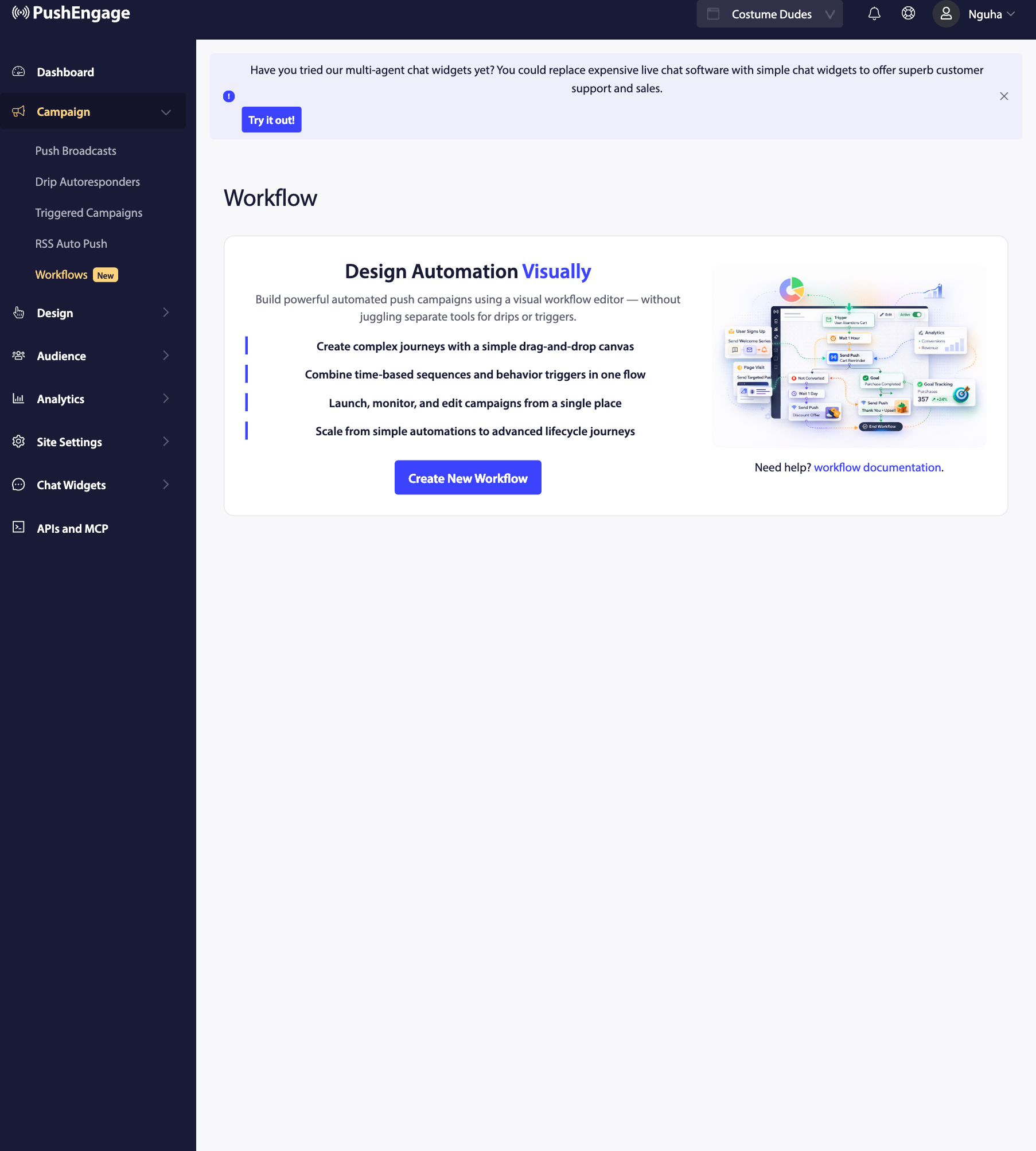
A workflow is a branching automation with entry conditions, decision points, and exit criteria — the kind of thing you’d use for a cart-recovery sequence that behaves differently depending on whether the subscriber clicked, or a win-back flow that stops the moment someone makes a purchase. PushEngage’s PushEngage Workflows visual builder is what most retention teams reach for when the logic needs more than “send this, then that.”
Every competitor guide on “auditing marketing automation” treats these as interchangeable — one blended list of “campaigns” to review. They aren’t. A drip campaign that’s underperforming is usually a copy or timing problem, and drip campaign analytics (sent, seen, clicked) are enough to spot it. A workflow that’s underperforming might have subscribers piling up at a step that never resolves, which a linear drip can’t even do — workflow analytics need a different shape entirely (entered, active, completed, failed) to expose that. Checking them separately, with the right numbers for each, is the difference between finding the right kind of problem and missing it.
If you haven’t set up a drip campaign yet, PushEngage’s guide to configuring a drip autoresponder walks through the setup. This post assumes you already have some running and need to know whether they’re still doing their job.
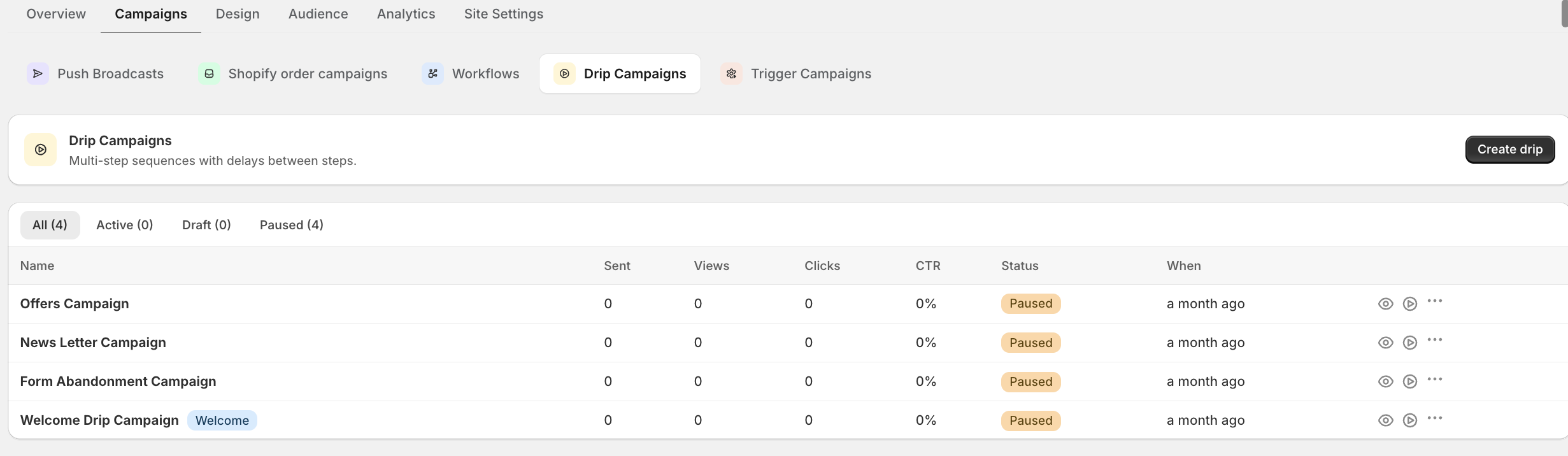
Auditing drip campaigns: pushengage_list_drip_campaigns
Ask your assistant something like: “List my active drip campaigns with analytics.” The pushengage_list_drip_campaigns tool returns every drip campaign matching the status filter you give it — active or paused — and when you set include_analytics, each one comes back with sent, seen, and clicked counts.
That’s enough to spot two kinds of trouble at a glance. First, status drift: a campaign you assumed was paused that’s actually still active, or one you assumed was running that’s actually been sitting paused since a settings change nobody remembered making. Second, quiet decline: a campaign that’s still sending on schedule but converting at a fraction of what it used to.
Here’s what that looks like laid out, using illustrative numbers for a mid-market Shopify account running three drip sequences:
| Campaign | Status | Sent | Seen | Clicked | Implied CTR |
|---|---|---|---|---|---|
| Cart-recovery drip (3-touch) | Active | 4,820 | 3,110 | 96 | 3.1% |
| Welcome series | Active | 6,340 | 4,290 | 258 | 6.0% |
| Win-back re-engagement | Paused | 0 | 0 | 0 | — |
The welcome series is healthy. The win-back drip is paused — worth knowing, since if that’s news to you, subscribers who should be getting a re-engagement nudge are getting nothing. But the real find is the cart-recovery drip: a 3.1% click rate on a cart-abandonment sequence is roughly half what a well-timed multi-touch cadence should produce. If that campaign used to run at 6% and has drifted down to 3%, the gap between those two numbers is recovered cart value walking out the door on every send. A drip that touches 4,820 sends a month and loses half its click rate isn’t a rounding error — it’s a specific, quantifiable amount of abandoned-cart revenue you stopped recovering without deciding to.
Auditing workflows: pushengage_list_workflows and the stuck-subscriber problem
Workflows expose a failure mode that drip campaigns simply can’t have, because a linear sequence has no branches to get lost in. A workflow does — and that’s where subscribers go quiet.
Ask your assistant to “list my active workflows with analytics.” The pushengage_list_workflows tool returns workflows filtered by status, and with include_analytics set, each one comes back with entered, active, completed, failed, and goal-completion counts.
Read those four numbers together and a specific problem shows up that engagement metrics alone would hide entirely. Take an illustrative win-back workflow:
- Entered: 1,200 subscribers triggered the workflow’s entry condition (30 days of inactivity) over the period.
- Active: 640 are still mid-workflow, somewhere between step one and the final step.
- Completed: 310 reached the end and hit the goal (a repeat purchase).
- Failed: 40 hit an exit condition without converting (unsubscribed, hit a suppression rule).
Add those up: 640 + 310 + 40 = 990. That leaves roughly 210 subscribers who entered the workflow and are neither active in a meaningful sense, nor completed, nor failed — a pocket of stuck subscribers, most likely piled up at one specific step where a condition never resolves (a notification that never sends because of a broken segment reference, a wait-step with no exit path). Those 210 stuck subscribers are the leak a status check alone would never surface, because the workflow still says “active” and is still, technically, running.
This is the single most valuable thing an audit of workflows can catch, and it’s specific to how PushEngage’s branching automations work — a linear drip campaign has no step for a subscriber to get stuck at. If that pocket of stuck subscribers represents shoppers who were 30+ days inactive and might otherwise have come back with a working win-back sequence, the gap between 1,200 entered and 990 resolved is a repeat-purchase rate you’re not seeing, not just a stalled automation.
The same math applies to a cart-recovery workflow, and the stakes are higher because the clock runs faster. If a browse-abandonment workflow shows 3,400 entered against only 2,100 resolved (active plus completed plus failed), the 1,300-subscriber gap is shoppers who looked at a product, triggered the workflow, and then never got the notification that should have brought them back — not because the workflow failed outright, but because something inside it quietly stopped moving them forward. A drip campaign’s sent/seen/clicked numbers would never expose that; only entered-versus-resolved math on a branching workflow can.
For adjacent automation types worth checking in the same pass — PushEngage’s triggered campaigns fire on real-time behavior rather than a fixed schedule or a workflow’s branching logic, and often feed the same segmentation rules that determine who enters a workflow in the first place. The MCP’s pushengage_list_workflows tool doesn’t cover triggered campaigns, but a full monthly review should still glance at them.
What the numbers are actually telling you
Once you’ve pulled drip-campaign analytics and workflow analytics, you’re looking at a short list of findings, not a wall of dashboard tabs. The next step is deciding what’s urgent and what’s just cleanup — a distinction most audit checklists skip entirely.
A simple way to triage what you find:
- Live and declining — urgent. A drip or workflow that’s still active and still sending, but converting well below its own history, is losing revenue every day it keeps running unchanged. Fix the copy, timing, or segment first.
- Stuck subscribers inside an active workflow — urgent. Subscribers piled up at a step are neither converting nor exiting; the longer they sit there, the more of them age out of being reachable at all.
- Paused but still referenced elsewhere — medium. A paused automation that other flows still point to (a workflow branch that assumes it’s live) can create a silent dead end for subscribers routed toward it.
- Paused draft, no dependencies — low. One of the more common paused automations you’ll find is simply an old test nobody deleted; safe to leave, or clean up whenever you get to it.
Not every finding needs the same response speed. A cart-recovery workflow with stuck subscribers piling up this week competes for attention against a welcome drip that’s been quietly declining for two months — and the workflow usually wins, because every day those subscribers sit unresolved is a day closer to them aging out of reach entirely. The declining drip, by contrast, has been losing the same increment of revenue for weeks already; fixing it this week or next week barely changes the math. Triage by how fast the leak is growing, not by which automation you noticed first.
Worth saying plainly: everything above is a finding, not a fix. pushengage_list_drip_campaigns and pushengage_list_workflows are read-only tools — they tell you what’s live, what’s paused, and where subscribers are stuck, but neither one edits a campaign, adjusts a workflow step, or changes a status. The actual fix — rewriting a notification, re-pointing a broken segment reference, pausing a declining drip — still happens in the PushEngage dashboard. The audit’s job is to tell you exactly where to go and why, so the fifteen minutes you do spend in the dashboard are spent on the two things that mattered instead of a blind scroll through everything you’ve ever built.

Getting started: connect Claude, Cursor, or Claude Code to PushEngage
Running this audit from a chat window starts with connecting the PushEngage MCP server to whichever AI assistant you use. Add the server to your client’s MCP config — for Claude Desktop or Cursor, that’s one entry pointing at npx -y @pushengage/mcp, since no global install is required. Restart the client, then ask it to log you into PushEngage: a browser tab opens to authorize the connection, so your credentials never pass through the assistant itself.
Once authorized, ask to see your sites and select the one you want to work with, and every site-scoped tool — including pushengage_list_drip_campaigns and pushengage_list_workflows — defaults to that site from then on. For the full walkthrough, including config file paths and troubleshooting a connection that won’t start, see the full PushEngage MCP setup guide.
Make the audit a five-minute habit, not a quarterly project
PushEngage runs at real volume — 75,000+ businesses across 150+ countries send more than 15.2 billion notifications through the platform in a given 30-day window. At that scale, a drip campaign or workflow that quietly underperforms for a month before anyone notices isn’t a small miss; it’s a month of recovered cart value or repeat-purchase revenue that a five-minute check would have caught in week one.
That’s the actual case for running this audit often instead of occasionally: the cost of a stuck workflow or a declining drip compounds every day it keeps running unnoticed, and the check itself costs less time than the meeting where you’d otherwise explain why last quarter’s numbers came in soft. Auditing drip campaigns and workflows doesn’t need a calendar reminder or a dedicated analyst — it needs five minutes and the two prompts this post already gave you.
Ask your assistant to list your drip campaigns and workflows with analytics on a Monday, glance at the PushEngage plans if you’re weighing whether Workflows or advanced segmentation is worth adding to your setup, and go fix the one thing that actually needs fixing.


