React Native Push Notifications SDK

React Native Push Notifications SDK Ship features, not notification infra. One SDK, both stores. The PushEngage React Native SDK delivers production push on iOS and Android from one integration, with documented REST APIs, webhooks, and a dashboard marketing runs without … Continue reading
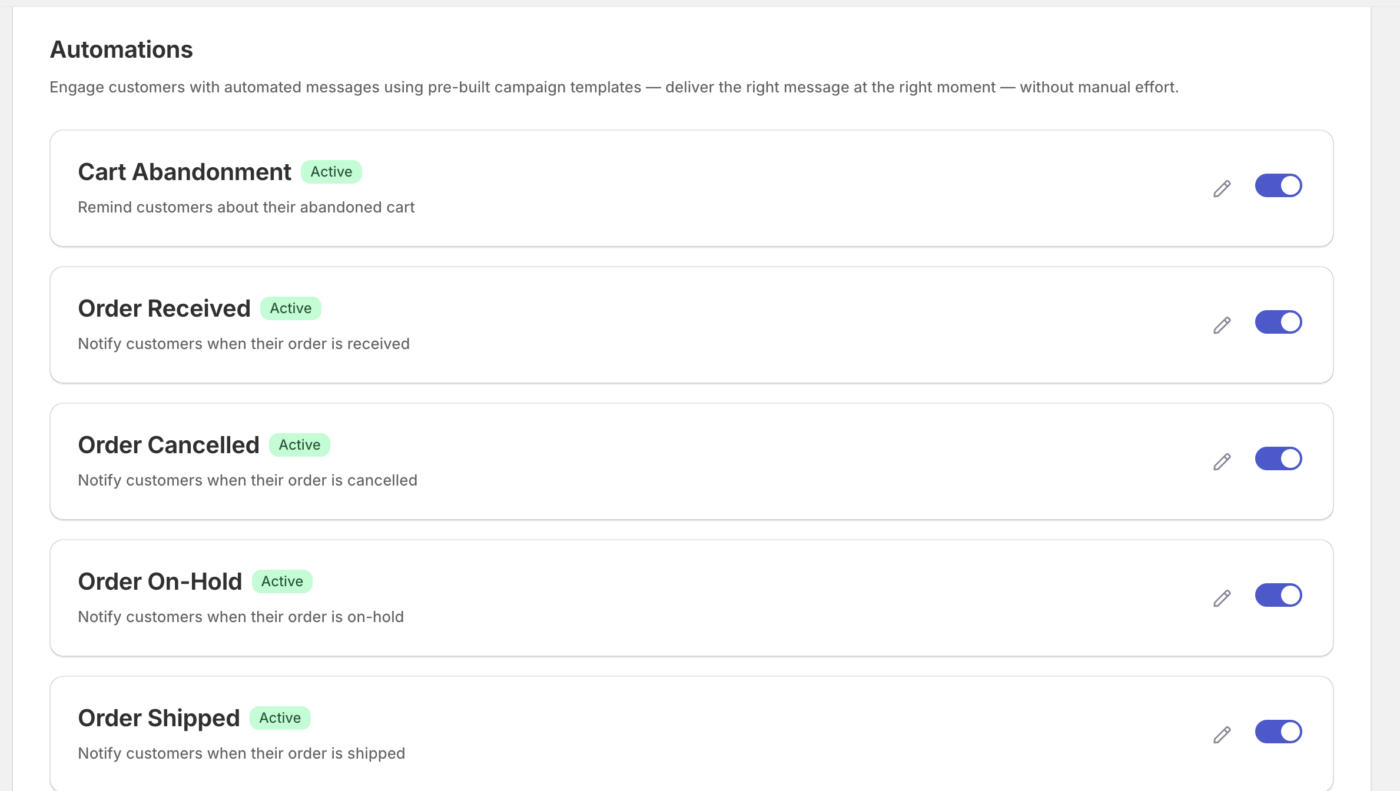
Automation settings screen listing rules: Cart Abandonment, Order Received, Order Cancelled, Order On-Hold, and Order Shipped, each with Active badge and toggle switch.

WhatsApp Automation for Shopify

WhatsApp automations send messages to your customers automatically when order events happen in your Shopify store, such as an order being received, shipped, or refunded, plus cart abandonment recovery. Each automation uses an approved WhatsApp template and sends through your … Continue reading

Push Analytics and Revenue Tracking for WooCommerce

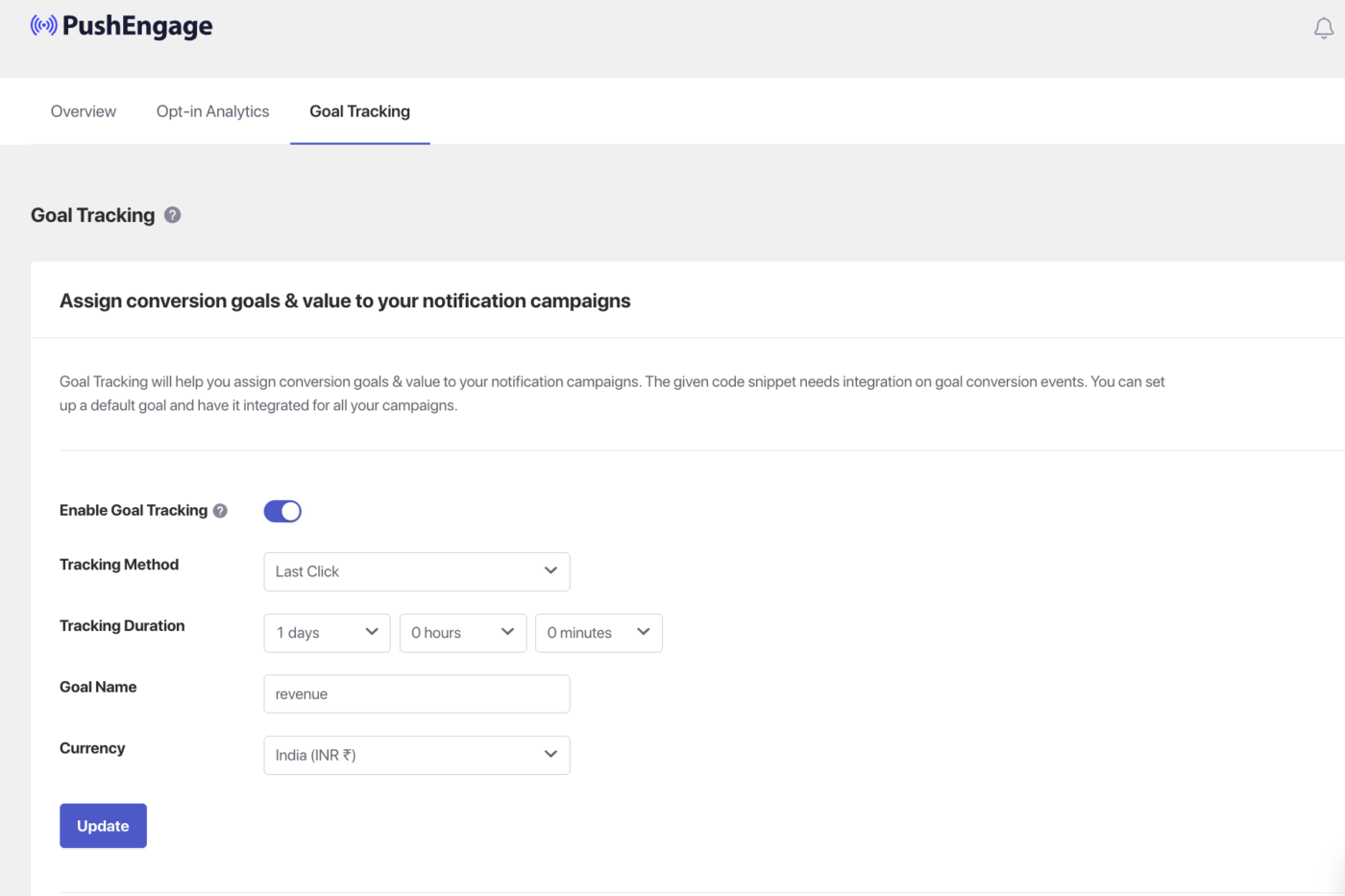
PushEngage tracks sent, delivered, clicked, conversion, and revenue metrics for every WooCommerce push campaign. Whether you are running cart abandonment sequences, drip autoresponders, or order status notifications, all performance data is available directly inside the PushEngage dashboard. Revenue attribution is … Continue reading

Price Drop Alert Campaign

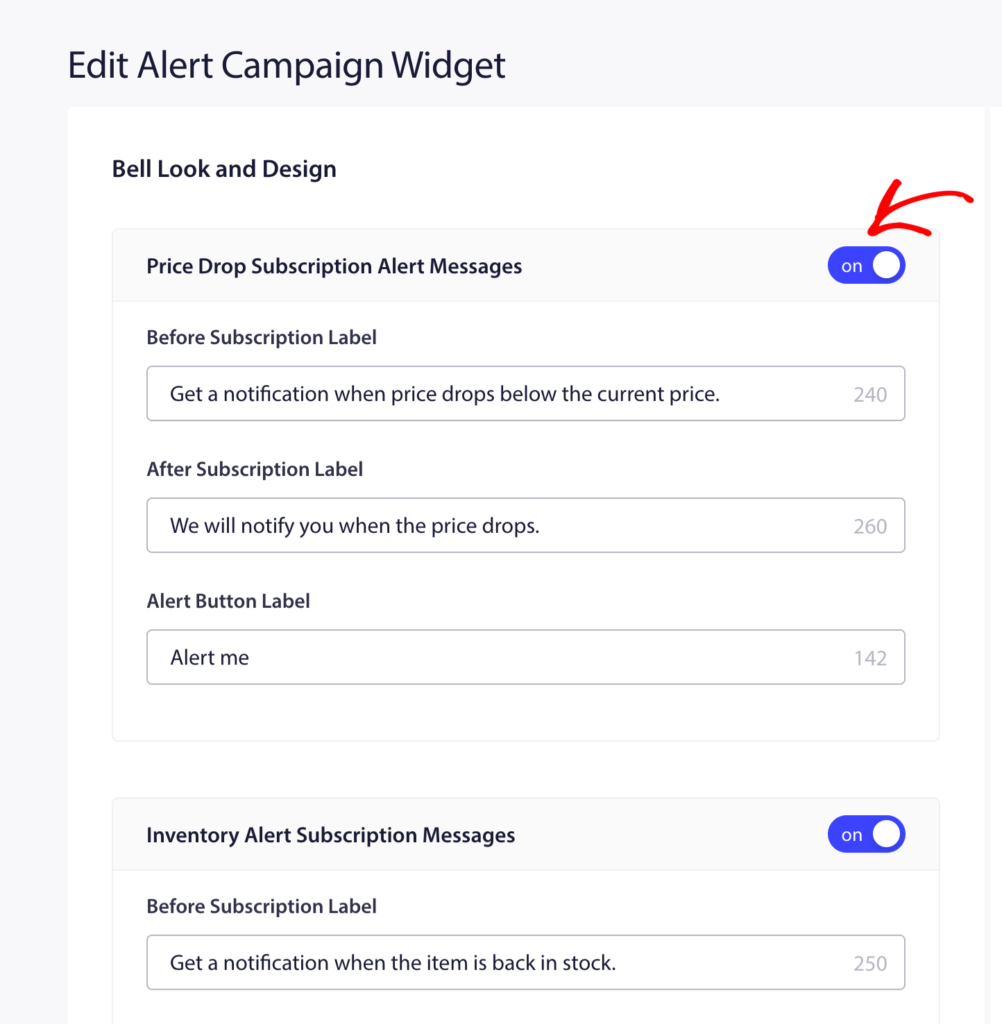
The Price Drop Alert campaign sends an automated push notification to subscribers who have opted in to price drop alerts for a specific product on your Shopify store. When you reduce a product’s price in Shopify, PushEngage detects the change … Continue reading

Guide to Default Campaigns for Your Shopify Store

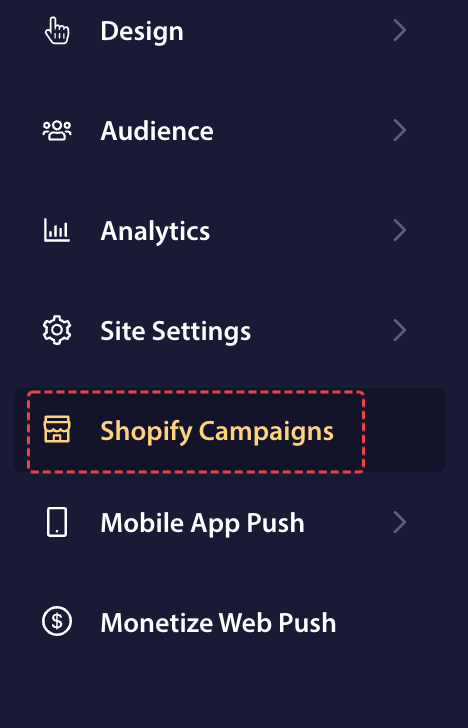
Default Campaigns are pre-built, one-time setup automations that PushEngage runs for your Shopify store automatically once enabled. There are three types: a welcome notification for new subscribers, a new product listing alert for your catalog, and a full suite of … Continue reading

How to Add Agents to your Chat Widgets

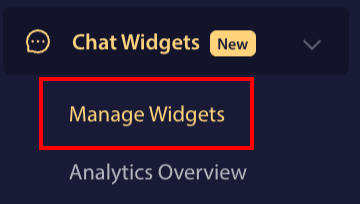
PushEngage chat widget that sends messages to Email, SMS, or WhatsApp without another inbox. You will meet the customers where they already are available. You need to ensure that the PushEngage Installation script is added to the website. If you … Continue reading