Travel Push Notifications Guide

Travel Push Notifications: Ultimate Guide for 2026

Travel push notifications are automated messages sent directly to travelers’ devices (desktop or mobile) to re-engage them throughout their booking journey and travel experience. Unlike email marketing, these notifications appear instantly on users’ screens—even when they’re not on your website—creating … Continue reading

PushEngage vs Omnisend

PushEngage vs Omnisend · Checked October 5, 2026 PushEngage vs Omnisend: keep the email, add the app. Omnisend runs email and SMS for online stores and includes web push on Chrome, Firefox, Opera, and Edge. Its own help center says … Continue reading

PushEngage vs Firebase Cloud Messaging

Firebase Cloud Messaging vs PushEngage · Updated September 2026 PushEngage vs Firebase Cloud Messaging: a delivery pipe, or the marketing layer on top? Firebase Cloud Messaging is free, reliable delivery for developers. PushEngage runs on the same APNs and FCM … Continue reading

PWA Push Notifications

PWA Push Notifications PWA push notifications for every home screen. Send push from your Progressive Web App to Android, desktop browsers, and Home Screen web apps on iPhone and iPad. PushEngage merges into the service worker you already have, so … Continue reading

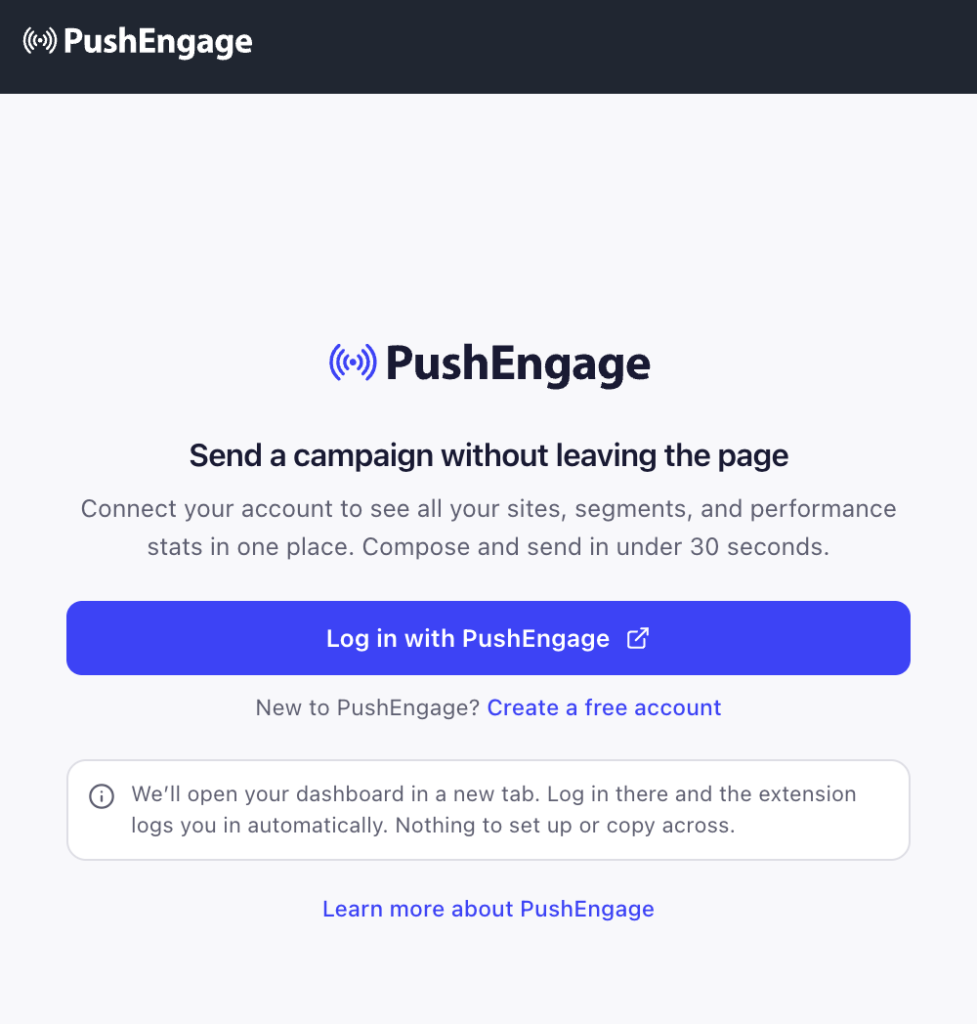
PushEngage login screen with logo, headline about sending campaigns, descriptive text, and a large blue 'Log in with PushEngage' button.

Using the PushEngage Chrome Browser Extension

The PushEngage browser extension lets you create push campaigns, manage segments, and check insights from any webpage, without opening your dashboard. It auto-fills a campaign from the page you are on, so you can turn something you are reading into … Continue reading

PushEngage New Campaign editor on a dark dashboard, showing Title, Message, Landing URL fields and a Write with AI button, with Save draft and Send now actions at the bottom

Using the PushEngage Firefox Browser Add-on

The PushEngage browser extension lets you create push campaigns, manage segments, and check insights from any webpage, without opening your dashboard. It auto-fills a campaign from the page you are on, so you can turn something you are reading into … Continue reading

Guide to Using the PushEngage MCP Server

The PushEngage MCP server lets you run your push notification stack from an AI chat window. You connect the server to an AI client such as Claude, approve access once in your browser, and then manage sites, subscribers, audiences, campaigns, … Continue reading