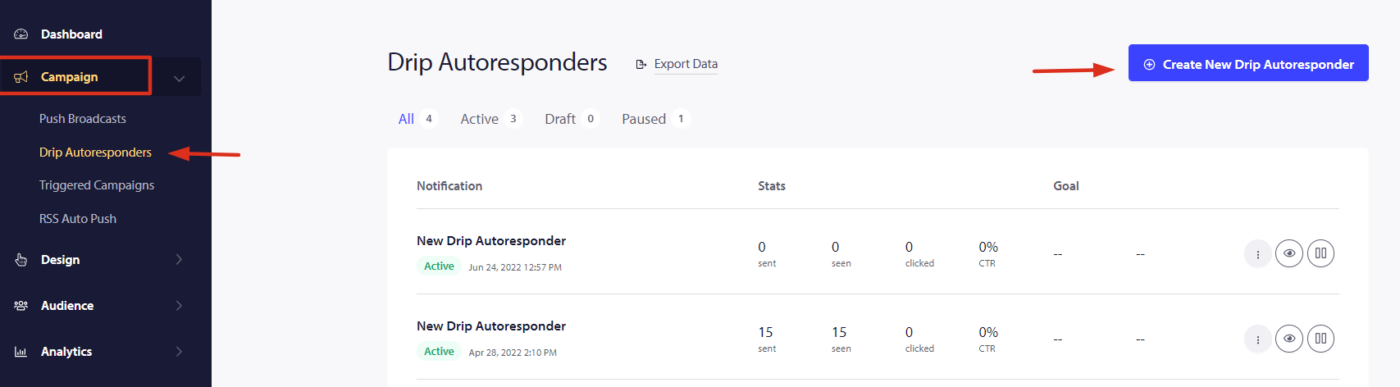
Creating Drip Autoresponders with PushEngage

Drip campaigns or Drip Autoresponders are a new concept in Web Push Notifications. We will try to make the task easier and describe specific steps to run these in PushEngage. You can enable a Web Push Notification Autoresponder campaign and … Continue reading
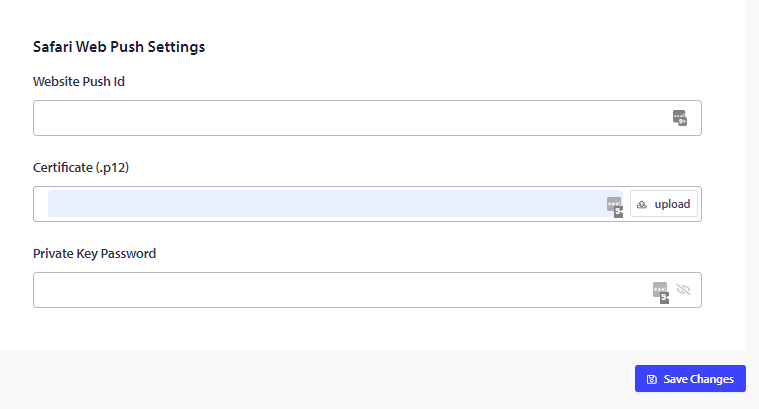
How To Collect Subscribers On The Safari Browser?

If you wish to enable web push notifications on safari and have your subscribers portable, then you need to create your own safari web push certificate and configure it in PushEngage. Here’s the step-wise breakdown that you can follow to create your … Continue reading

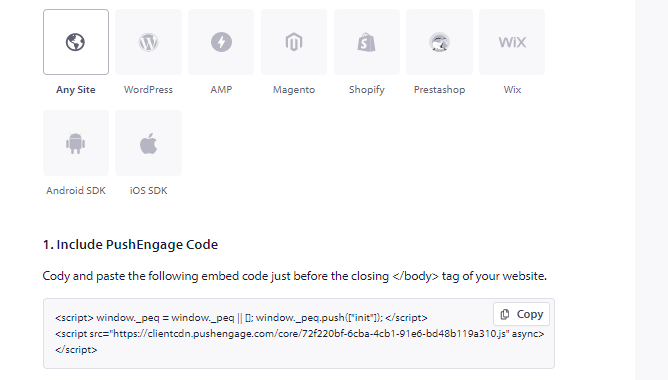
How to go live with PushEngage on Squarespace

Squarespace is the all-in-one solution for anyone looking to create a beautiful website. PushEngage supports websites based on the Squarespace Platform. If you want to send web push notifications from the Squarespace, then you can install PushEngage in less than ten minutes. Here’s … Continue reading

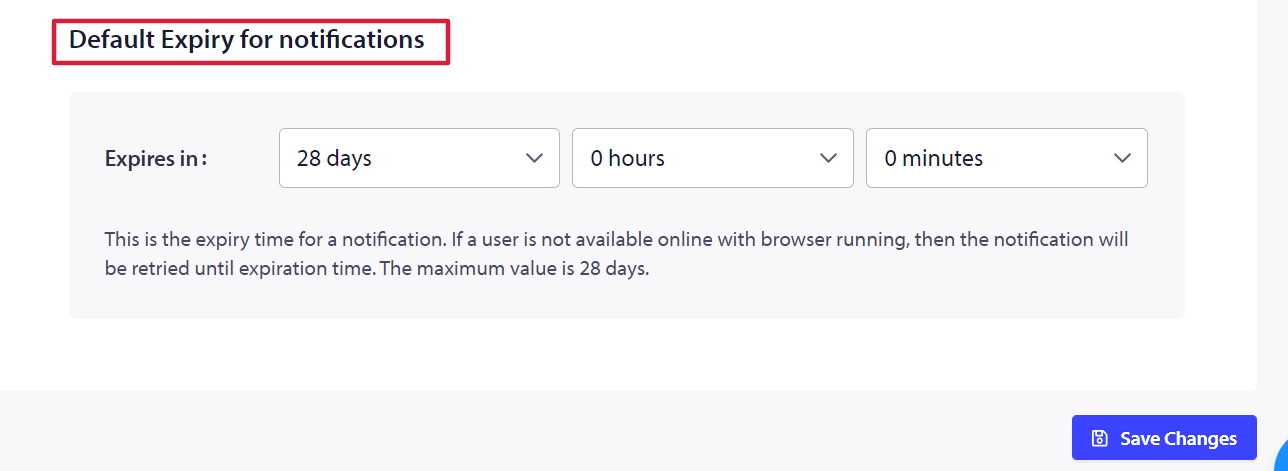
How to set a default expiry of a push campaign?

Notification duration is an important factor in seeing the notifications live. It helps in managing the frequency of the notifications and helps in keeping the latest notification live. By default, a notification has an expiry of 28 days, which means … Continue reading

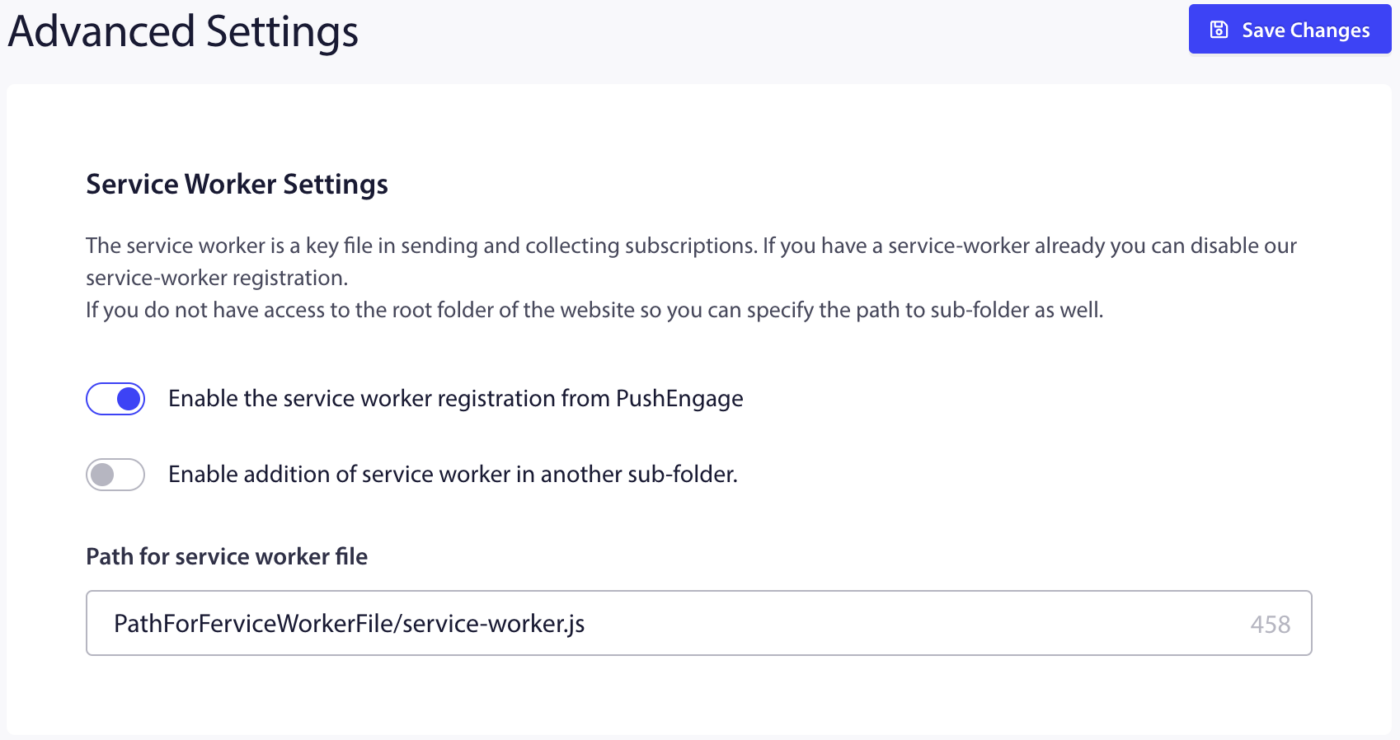
How to add service-worker to a separate folder?

The service worker is the key file to complete the subscription and ensures subscribers are collected on your domain. If you use the native opt-in, adding the service-worker.js file to the root or sub-directory is an important installation step. If … Continue reading