
サイトにWordPressメンテナンスモードプラグインが必要ですか?
わかります。WordPressでメンテナンスモードのランディングページを作成する際には、考慮すべきことがたくさんあります。
- 主なビジネスの作成で既にストレスを感じている場合、メンテナンスモードの作成は面倒な場合があります。
- メンテナンスモードを自分の有利に使う方法が常に明確であるとは限りません。
- 不十分なメンテナンスモードを作成すると、初めてのユーザーに非常に悪い体験を提供します。
しかし、それこそがプラグインがある理由ですよね?
唯一の問題は…
150種類もあるWordPressメンテナンスモードプラグインの中から、どれを選びますか?そして、キャッシュプラグインとの互換性の問題でテーマを壊さないものはどれでしょうか?
心配いりません。この記事では、市場で最高のプラグインをリストアップし、あなたのビジネスに最適なWordPressメンテナンスモードプラグインを見つけるお手伝いをします。
さあ、始めましょう。
WordPressメンテナンスモードプラグインとは?
WordPressメンテナンスモードプラグインは、ウェブサイト全体または非常に特定のページに一時的なページを作成できるシンプルなプラグインです。新製品、機能、または新しいウェブサイトのローンチを告知するために使用されます。そして、新しいコンテンツがリリースされると、プラグインは自動的にメンテナンスモードを削除し、新しいコンテンツを公開します。
これは、 SeedProdで構築されたWordPressメンテナンスモードページの例です。

WordPressメンテナンスモードプラグインを使用すると、このようなページをすばやく作成、カスタマイズ、展開できます。
しかし、そもそもなぜサイトにメンテナンスモードを作成したいのでしょうか?
サイトにメンテナンスモードを作成することのメリット:
- SEOをブーストします:サイトをローンチする前にドメイン権威を高めます
- 製品の周りに話題を作り出す:シンプルな「メンテナンス中」ページからローンチ前のキャンペーンを実行する
- メールリストを成長させます:プレセールキャンペーンを開始してリードや事前支払いを収集します
マーケティングの観点から見ると、メンテナンスモードは、製品やサービスのウェブサイトがまだ存在しない場合に、トラフィックとリードを生成するための非常に効果的な方法です。
プロフェッショナルなWordPressメンテナンスサービスを選択すべきか?
メンテナンスモードプラグインは、アップデート中にウェブサイトを一時的に非表示にするのに役立ちますが、プラグインだけでは長期的なウェブサイトのケアには十分でない場合があります。高トラフィックサイトやビジネスにとって重要なサイトを管理している場合、プラグインだけに頼ると、最適なパフォーマンスとセキュリティに必要な一貫性と監視が得られない可能性があります。
ここで、SeahawkのSeaCareのようなプロフェッショナルなWordPressメンテナンスサービスが登場します。

49ドルから始まるSeaCareは、プラグインとテーマのアップデート、WordPressコアのアップデート、定期的なクラウドバックアップ、セキュリティ監視、稼働状況の追跡などの基本をカバーしています。定期的なメンテナンスレポートも受け取ることができ、サイトの健全性とパフォーマンスに関する情報を常に把握できます。
信頼性の高い継続的なサポートを必要とするビジネスにとって、SeaCareは専門家による監視による安心感を提供します。これにより、ウェブサイトは安全に保たれ、最新の状態に更新され、成長に対応できるようになります。
したがって、必要なものに基づいて選択してください。
WordPressメンテナンスモードプラグインのベスト
これで、メンテナンスモードがなぜ素晴らしいのかを理解できたはずです。それでは、WordPressメンテナンスモードプラグインのトップピックを見ていきましょう。
#1。 SeedProd

SeedProd は最も人気のあるWordPressメンテナンスモードプラグインです。公平を期すために言うと、SeedProdはメンテナンスモードページを作成する以上のことができます。しかし、SeedProdができることすべてをチェックしたい場合は、私たちのレビューをチェックする必要があります。
今のところ、SeedProdを使用してメンテナンスモードを作成する理由に焦点を当てましょう。
SeedProdを使用すると、デザインやコーディングの経験がなくても、誰でもプロフェッショナルでコンバージョン率の高いランディングページを作成できます。クールな点は、500,000以上の無料ストック画像にアクセスできるドラッグアンドドロップのビジュアルページビルダーがあり、次のような要素をメンテナンスモード通知にすばやく追加できることです。
- カスタムテキスト
- ヘッダー
- 画像
- ビデオ
- オプトインフォーム
その他多数。プラグイン自体は軽量で、さまざまなマーケティングソフトウェアと統合されています。また、完全にモバイルフレンドリーでSEOフレンドリーでもあります。最も人気のある機能は次のとおりです。
- メンテナンスページ用のカウントダウンタイマー
- カスタムロゴを追加する機能
- MailChimp、AWeber、Dripなどの人気のあるメールマーケティングサービスとの強力な連携。
- 組み込みフォーム(プログレスバーや支払いゲートウェイ連携などの高度な機能付き)
- 組み込み自動返信機能
- プリロードされたGoogleフォント
- SEOフレンドリーなページテンプレートのワンクリックインポート
- メンテナンスモードのリファラルトラッキング
- ソーシャルフォローと共有
WooCommerceやEasy Digital DownloadsなどのeコマースプラットフォームをSeedProdと統合して、製品のランディングページを構築することもできます。
どのように機能するか見てみませんか?SeedProdでランディングページを作成する方法に関するこのステップバイステップガイドをご覧ください。
#2。Elementorメンテナンスモード
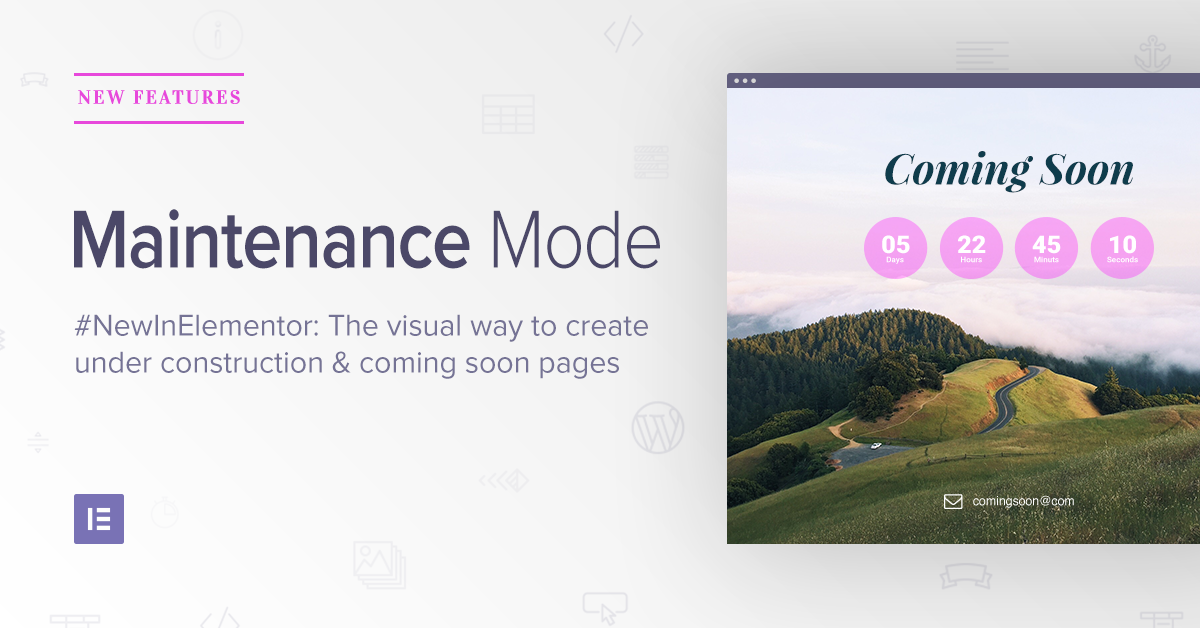
Elementor Maintenance Modeは、Elementorプラグインに含まれる機能です。Elementorは多くのウェブサイトで使用されている非常に高度なテーマビルダーです。Elementor Proを使用すると、サイトのメンテナンスモードを設定できるメンテナンスモードも利用できます。
メンテナンスモードにより、バックグラウンドでウェブサイトを更新できます。
Elementorのメンテナンスモードの使用を検討すべき理由は次のとおりです。
- メンテナンスモードは、検索エンジンにサイトをインデックスしないように自動的に通知します
- Elementorには、デザインモジュール、ページテンプレート、ウィジェットが付属しています
- メンテナンスモードにはタイマーも付属しており、その後メンテナンス通知は自動的に消えます。
欠点は、サイトがElementorで構築されている場合にのみこれらの機能を使用できることです。そうでない場合、このソリューションはまったく役に立ちません。しかし、Elementorを使用して構築されたサイトを実行している場合は、Elementor Proにアップグレードしてメンテナンスモードにアクセスする必要があります。
#3。Divi

Diviのテーマビルダープラグインは、世界で最も人気のあるWordPressテーマビルダープラグインの1つです。Diviの仕組みは、ゼロからウェブページを作成したり、プリビルドテンプレートを使用したりするための完全なビジュアルビルダーが提供されることです。Diviは、完全なテーマとしても、任意のテーマで使用できるスタンドアロンのテーマビルダープラグインとしても提供されます。
そして、Diviには何百もの既製のテンプレートがあります。もちろん、それにはメンテナンスモードも含まれます。DiviはWordPressテーマとプラグインの両方であり、汎用性の高いツールであることを意味します。最も人気のある機能は次のとおりです。
- 完全に機能するドラッグアンドドロップビジュアルビルダー
- 機能拡張を非常に簡単にするサードパーティ製アプリのマーケットプレイス
- プリビルドテンプレートのワンクリックインポート
#4。近日公開とメンテナンスモード
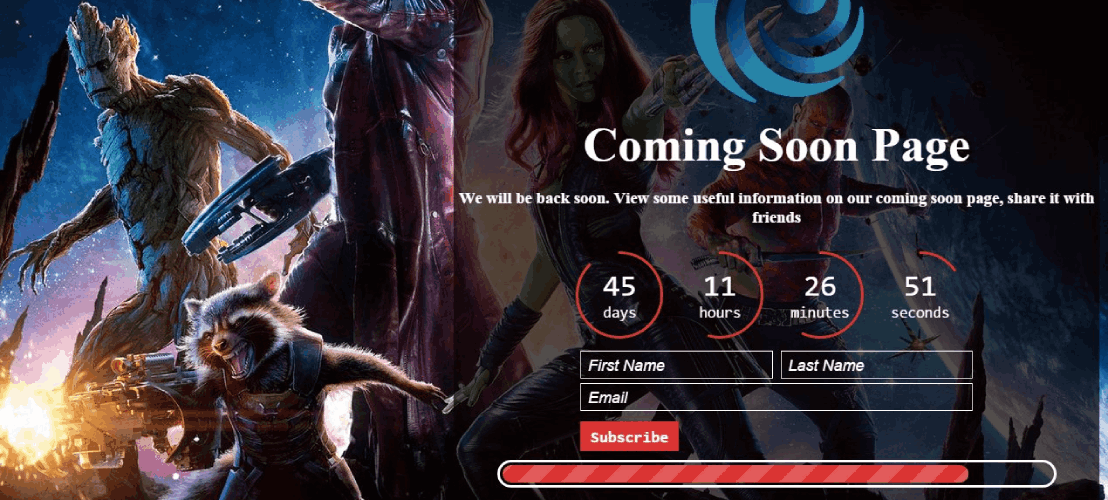
近日公開とメンテナンスモードを使用すると、背景画像またはビデオを使用して近日公開またはメンテナンスページを作成できます。全体として、このリストの他の競合他社と比較すると、はるかに…少ないようです。
そしてそれは完全に真実です。SeedProd、Elementor、DiviはWordPressメンテナンスモードを生成する機能を持っていますが、それが唯一の焦点ではありません。Coming Soon and Maintenance Modeは、1つのことだけを行うプラグインです。
しかし、それでも彼らが持っている最大のアップセルは、背景画像やビデオを使用して準備完了ページを作成する能力のようです。サイトに購読フォームを含めてメールIDを収集することもできます。しかし、それだけです。
費用対効果の点では、それほどエキサイティングではありません。しかし、キャッシュやコードの競合の問題はありません。したがって、簡単なプラグインを探していて、すぐに仕事を終えたい場合は、このプラグインが最適です。
#5。CMP – Coming Soon & Maintenance Plugin
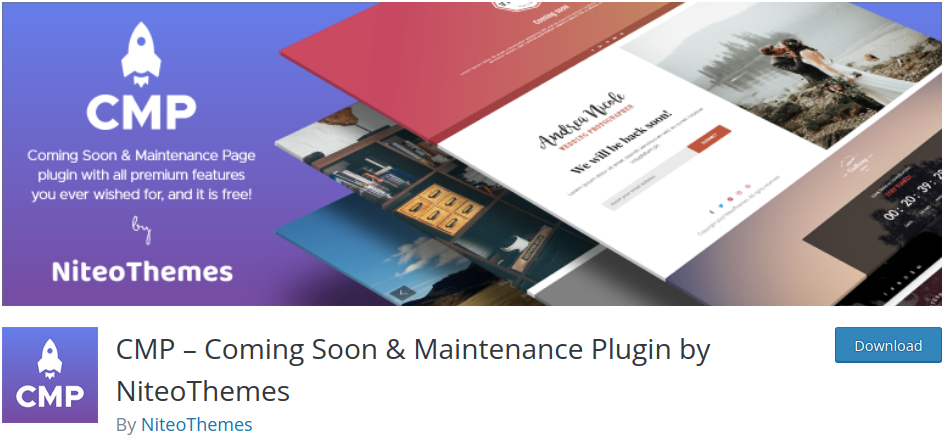
CMPは、高速でユーザーフレンドリーな、完全に無料のWordPressメンテナンスモードプラグインです。無料プラグインとしては、CMPは機能面で多くのものを提供しています。これには以下が含まれます:
- 任意のWordPressテーマとの互換性
- メンテナンスモードの100%レスポンシブデザイン
- サイトのカスタムブランディング
- メンテナンス中のページの背景画像と動画
- カスタムCSSスタイリングオプション
その他。予算があり、メンテナンスモードが必要なだけであれば、CMPをチェックする価値はあります。
#6。Minimal Coming Soon & Maintenance Mode
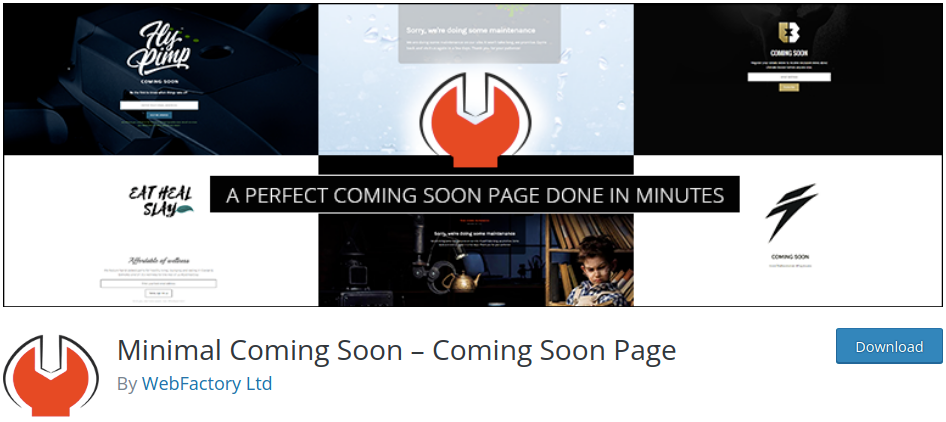
Minimal Coming Soonは、あなたが思う通りのことを行うWordPressプラグインです。つまり、ミニマルな準備完了ページを作成します!
主な機能は次のとおりです。
- カスタムドラッグアンドドロップページビルダー
- すべてのWordPressテーマとの互換性
- アニメーションおよびビデオ背景
- リードジェネレーションフォーム
- 自動応答および電子メールサービスとの連携
- メンテナンスモードが有効な間にウェブサイトを編集するための管理者アクセス
ライフタイムプレミアムプランがあることを考えると、これはエージェンシーにおすすめします。
Minimal Coming Soonを今すぐ始めましょう。
#7。WP Maintenance Mode
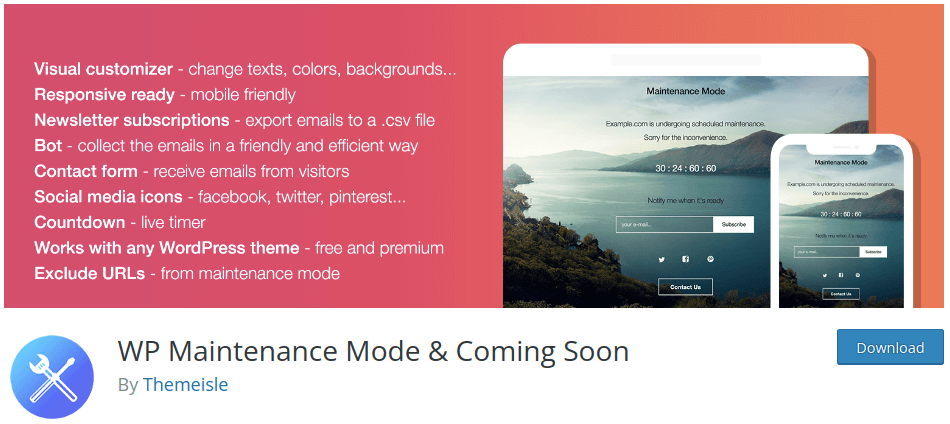
WP Maintenance Modeは非常にユニークなWordPressメンテナンスモードプラグインです。無料プラグインから多くの機能を入手できますが、WordPressダッシュボード内で他のプレミアム製品を宣伝するモデルを採用しています。
WP Maintenance Modeのよく知られた問題は、キャッシュプラグインとうまく連携しないことです。したがって、このプラグインをキャッシュプラグインと一緒に使用する場合、サイトで変更を加えるたびにキャッシュをクリアするか、キャッシュプラグインを一時的に無効にする必要があります。
しかし、良い点としては、次のような機能を楽しむことができます。
- カウントダウンタイマー
- ソーシャル共有オプション
- 購読者および連絡先フォーム
- デザインカスタマイズツール
- 高度な管理者アクセス機能
- メンテナンスモード用のメッセンジャーボット
- GDPRコンプライアンス設定
その他多数!
#8. 工事中

「Under Construction plugin」は、サイトで公開予定のページやメンテナンスモードをスケジュールできる数少ないWordPressメンテナンスモードプラグインの1つです。また、以下のような非常に優れた機能も利用できます。
- Googleアナリティクスとの簡単な連携
- 追加のスタイリングオプションのためのカスタムCSS
- メンテナンスモード用のソーシャル共有アイコン
- ホワイトリストに登録されたユーザーロールとユーザー
興味深いですよね?69ドルからの生涯ライセンスがあることをお伝えしましたか?
#9. シンプルメンテナンス
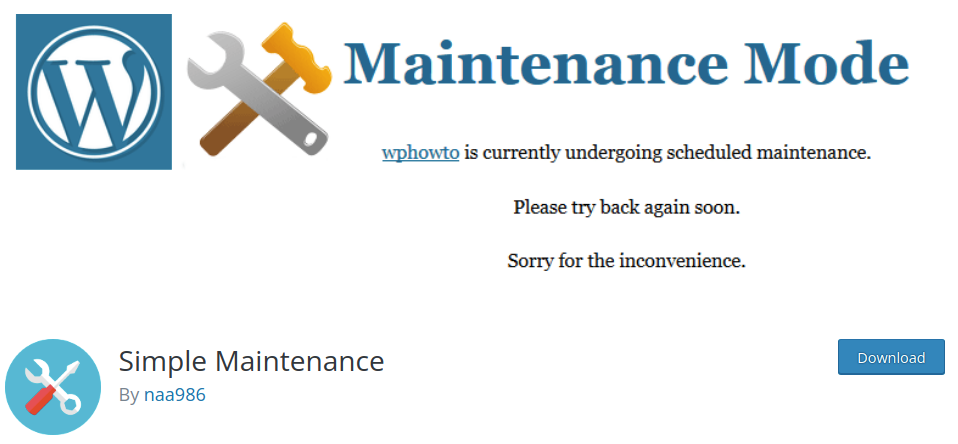
シンプルメンテナンスは、完全にレスポンシブなHTML5メンテナンスモードページを自動的に作成する軽量プラグインです。プラグインを有効にしてメンテナンスモードにするだけです。
主な機能の一部は次のとおりです。
- 非常にコアな機能に焦点を当てた、シンプルで使いやすいプラグイン
- メンテナンスモード用のレスポンシブデザイン
- 非常に高速に読み込まれる素晴らしいHTMLおよびCSSデザイン
#10. 近日公開ページ&メンテナンスモードPro
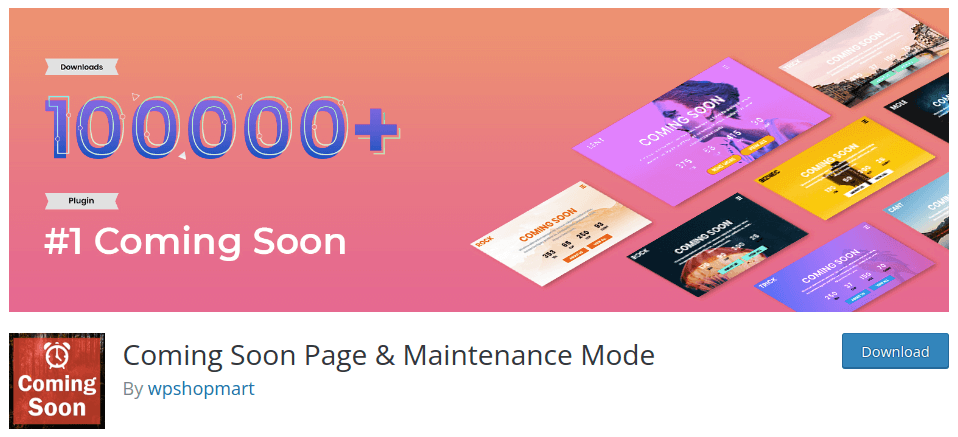
近日公開ページ&メンテナンスモードは、Bootstrap 3とHTML5で構築されたレスポンシブデザインを備えた機能豊富なプラグインです。非常に便利で、たくさんのクールな機能が利用できます。
もちろん、フルスクリーンスライドショーとマルチページコンテンツも利用できます。しかし、次のような素晴らしい機能にもアクセスできます。
- すべてのWordPressテーマと互換性があります
- 超高速レスポンシブデザイン
- 簡単なデザインオプション
- メンテナンスモード用のカウントダウンタイマー
#11. スリムメンテナンスモード
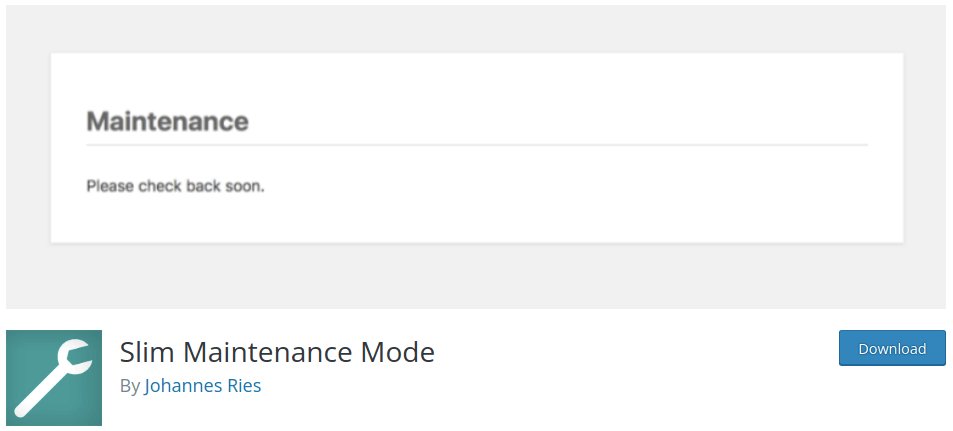
Slim Maintenance Modeは、表面上は基本的なメンテナンスモードプラグインのように見えます。しかし、多くの有料プラグインでは利用できない優れた機能が実際にはたくさんあります。プラグインを有効にしてWordPressメンテナンスモードを有効にし、完了したらプラグインを無効にします。
しかし、それ以上に、次のような機能があります。
- プラグインがアクティブなときにWordPressダッシュボードに表示されるアラートメッセージ
- あらゆるWordPressテーマとの完全な互換性
- Cachify、Super Cache、WP Rocket、WP Fastest Cache、W3 Total CacheなどのWordPressキャッシュプラグインのサポート
- サイトの503ステータスコードにより、検索エンジンがコンテンツをインデックスしないようにします
今すぐSlim Maintenance Modeを使い始めましょう!
どのWordPressメンテナンスモードプラグインがあなたに適していますか?
今回は以上です、皆さん!
間違いなく、これらのソリューションの中で最高のものはSeedProdです。価格に見合った、WordPressメンテナンスモードを作成するための優れた方法と、それ以上の機能がたくさん得られます。
プッシュ通知には多くの自動キャンペーンが含まれていることをご存知でしたか?サイトの公開が完了したら、顧客やウェブサイト訪問者にリーチするためのシンプルで費用対効果の高い方法が必要になります。
- Webプッシュ通知用のドリップキャンペーンと自動応答
- カート放棄プッシュ通知キャンペーンを使用する5つのメリット
- Webプッシュ通知を使用して購読者を購入者に転換する方法
- Web通知WordPressプラグインをサイトに追加する方法
また、プッシュ通知を使い始めたばかりの場合は、PushEngageの使用をお勧めします。PushEngageは世界No.1のプッシュ通知ソフトウェアです。したがって、キャンペーンは安全な手に委ねられます。


