eコマースサイトを構築するための最も使用されているプラットフォームの1つはShopifyです。Shopifyにサイトを設置したら、次にトラフィックを生成する必要があります。しかし、生成したトラフィックを収益化する必要があります。最善の方法は、トラフィックを再エンゲージすることです。調査によると、新しいトラフィックよりもリピートトラフィックから収益を生み出す方が安価です。顧客を再エンゲージする方法の1つは、Shopifyでプッシュ通知を有効にすることです。PushEngageアプリを使用して、Shopifyストアにトラフィックを誘導できます。
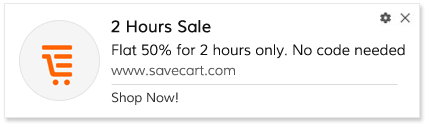
Webプッシュとは何かご存知ですか?それはブラウザに表示される小さなメッセージです。機能するには、ユーザーが最初にWebプッシュ通知を許可する必要があります。そうして初めて、ユーザーはあなたのウェブサイトからプッシュ通知を受信し始めます。
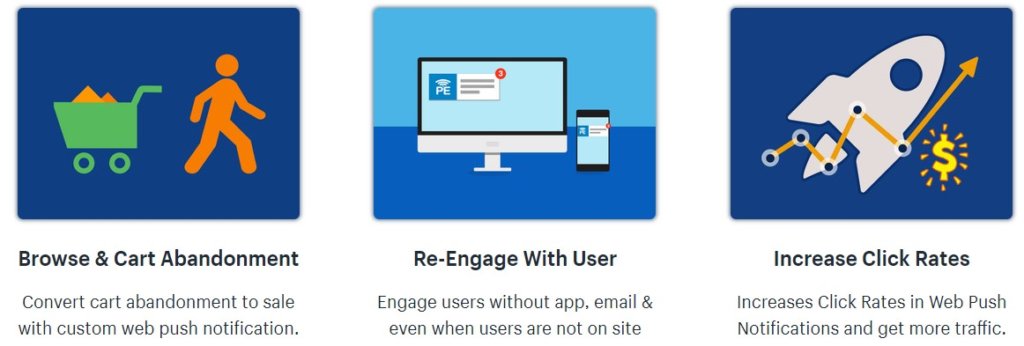
以下は、確認すべきプッシュ通知Shopifyアプリの主な機能です。
インストール
新しいツールを使用する際に最初に思い浮かぶことの1つは、インストールです。Shopifyストアへのプッシュ通知アプリのインストールは簡単です。ワンクリックでアプリがインストールされます。
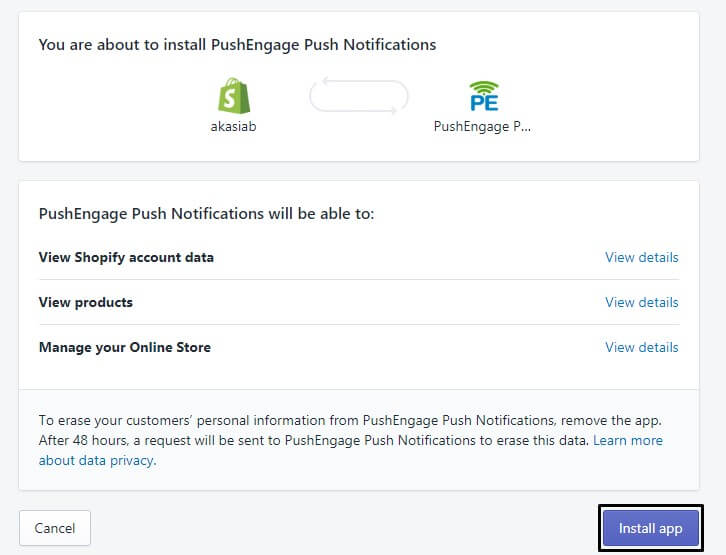
インストール後、ストアでプッシュサブスクリプションのオプトインが有効になり、訪問者は購読できます。購読者にプッシュ通知を送信し始めることができます。
プッシュ通知のデザイン。
プッシュ通知の作成は非常に簡単です。しかし、より効果的にするために、PushEngageはプッシュ通知作成に多くの機能を追加しました。
絵文字:プッシュ通知プラットフォームには、絵文字機能が統合されています。絵文字を検索して、プッシュ通知のコピーに追加できます。これにより、プレーンなコピーと比較して、タイトル/説明がより魅力的になります。
マルチアクション:PushEngageを使用すると、1つの通知で1つだけでなく2つのコールトゥアクションを使用できます。eコマースウェブサイトとして、性別固有の製品があることを理解しています。そのため、アパレルセールを実行している場合は、単一のプッシュ通知で男性と女性の両方をターゲットにすることができます。2つの異なるCTA画像を追加することもできます。
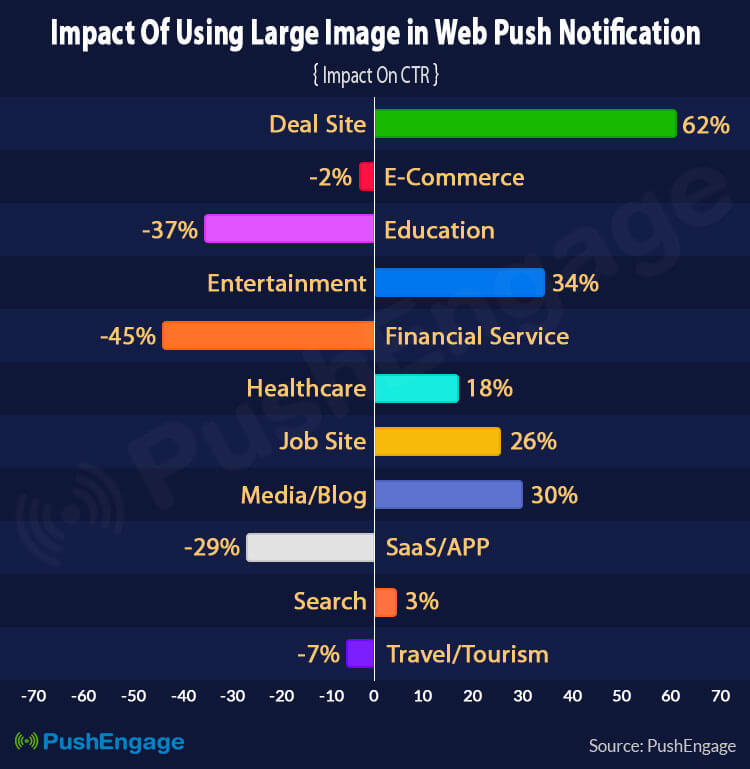
大きな画像:PushEngage Shopifyアプリを使用すると、プッシュ通知に大きな画像を使用できます。各プッシュ通知にはすでにロゴ画像があります。それに加えて、大きな画像を追加できます。画像はテキストよりも多くを語ります。調査によると、大きな画像付きのプッシュ通知は、画像なしの通知と比較して最大65%高い結果をもたらす可能性があります。
プッシュ通知キャンペーン
プッシュ通知プラットフォームの最も重要なことの1つはキャンペーンです。プッシュ通知Shopifyアプリでは、すべてのキャンペーンが組み込まれています。すべてのeコマースウェブサイトに必要なすべての重要なキャンペーンがアプリ自体に組み込まれています。ワンクリックでキャンペーンを有効にできます。これらのキャンペーンには、事前に入力されたテンプレートがあります。テンプレートを追加または編集できます。
- カート放棄: プッシュ通知を使用してカート放棄ユーザーをターゲティングするのは非常に簡単です。キャンペーンを有効にすると、カート放棄ユーザーに一連のプッシュ通知が自動的に送信されます。
- 閲覧放棄: サイトを閲覧した後に離脱したユーザーをターゲティングすることもできます。閲覧放棄ユーザーに自動的に送信される一連のプッシュ通知の事前入力済みテンプレートがあります。
- ドリップ: もう1つの重要な自動キャンペーンはドリップです。これにより、独自のキャンペーンをデザインできます。Shopifyストア向けのプッシュ通知プレイブックで最も効果的なキャンペーンの1つは、オンボーディングキャンペーンです。新しいユーザーが購読するたびにトリガーされる一連のプッシュ通知を作成します。
セグメンテーション
すべてのユーザーは異なり、それに応じてターゲットを設定する必要があります。プッシュ通知を使用すると、URLに基づいて購読者をセグメント化できます。たとえば、購読者がギフトセクションに来て購読した場合、その購読者はギフトセグメントに購読されます。このようにして、製品またはカテゴリに基づいて複数のセグメントを作成できます。
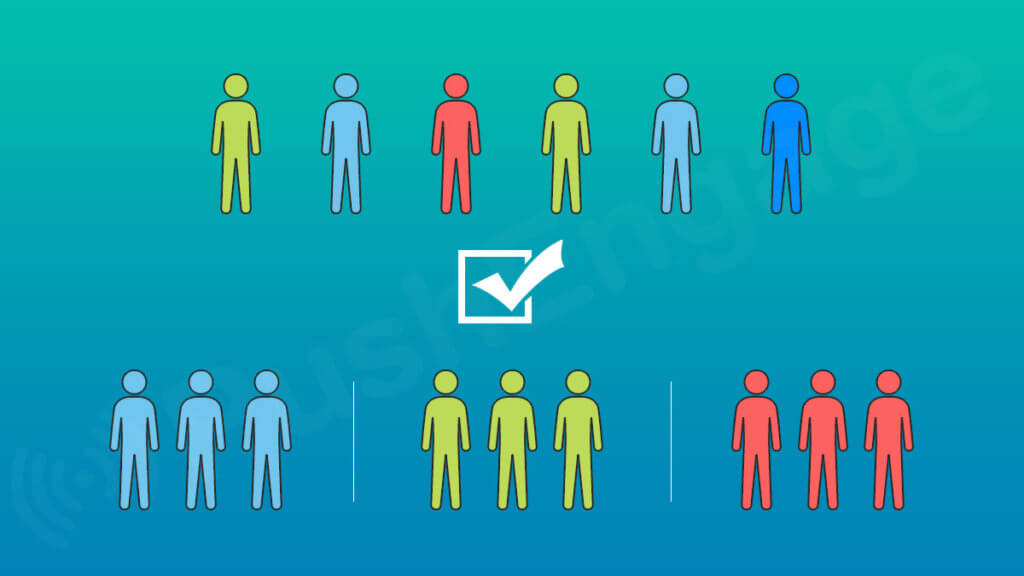
これらのセグメントは、ドリップキャンペーンでも使用できます。たとえば、ギフトセグメントがあり、ギフトドリップキャンペーンを作成したとします。ギフト製品やアイテムに関連する一連のプッシュ通知を追加します。このセグメントに入った新しい購読者は、定期的にターゲットを絞ったプッシュ通知の受信を開始します。これにより、ブランドを構築し、エンゲージメントを高めることができます。
スケジュール設定
Shopifyユーザー向けのプッシュ通知アプリのもう1つの人気機能は、スケジュール設定です。Eコマースビジネスとして、新年セール、イースターセール、クリスマスセール、ディワリセール、ブラックフライデーセールなど、多くのセールイベントを実行します。これらのセールイベントにはすべて事前定義された日付があります。
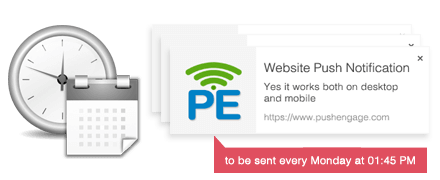
プッシュ通知を使用して、スケジュール設定機能を使用して事前にセールキャンペーンを作成できます。この機能を使用すると、すべてのプッシュ通知を作成し、後で配信するようにスケジュールできます。これにより、これらの重要な日付にプッシュ通知を送信し損なうことはありません。さらに、プッシュ通知ダッシュボードに常にアクセスする必要はありません。他のアクティビティに集中でき、セールキャンペーンを自動モードで実行できます。
AB通知
作成したプッシュ通知のコピーが機能するかどうかはわかりません。それを知る最善の方法は、ABテストを使用することです。これにより、少数の購読者に対してプッシュ通知をテストできます。パフォーマンスに基づいて、購読者が好むプッシュ通知の種類を決定できます。
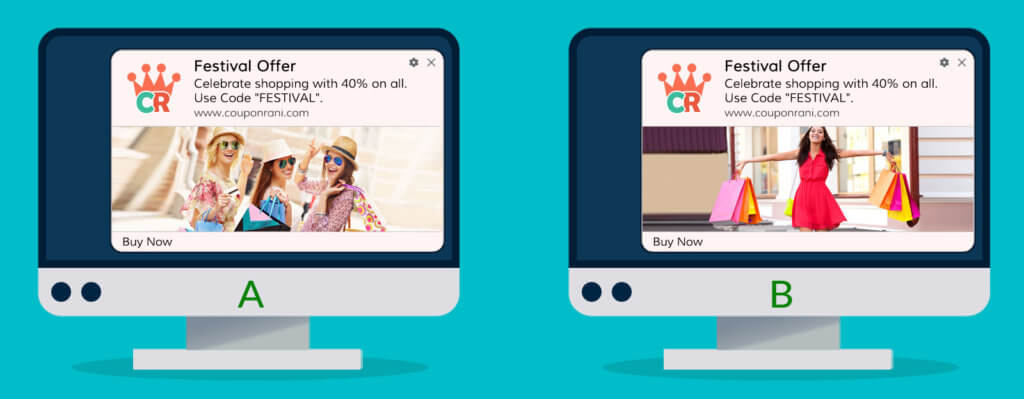
ABテストを使用すると、プッシュ通知の複数の属性をテストできます。タイトル、画像、説明などをテストできます。
顧客のタイムゾーン
Eコマースウェブサイトとして、複数の地域から購読者がいる場合があります。インドの現在時刻が午後1時30分の場合、ニューヨークでは午前4時頃になります。ジオに基づいてプッシュ通知を送信すると、他のジオの購読者にとって最適な時間ではない可能性があります。
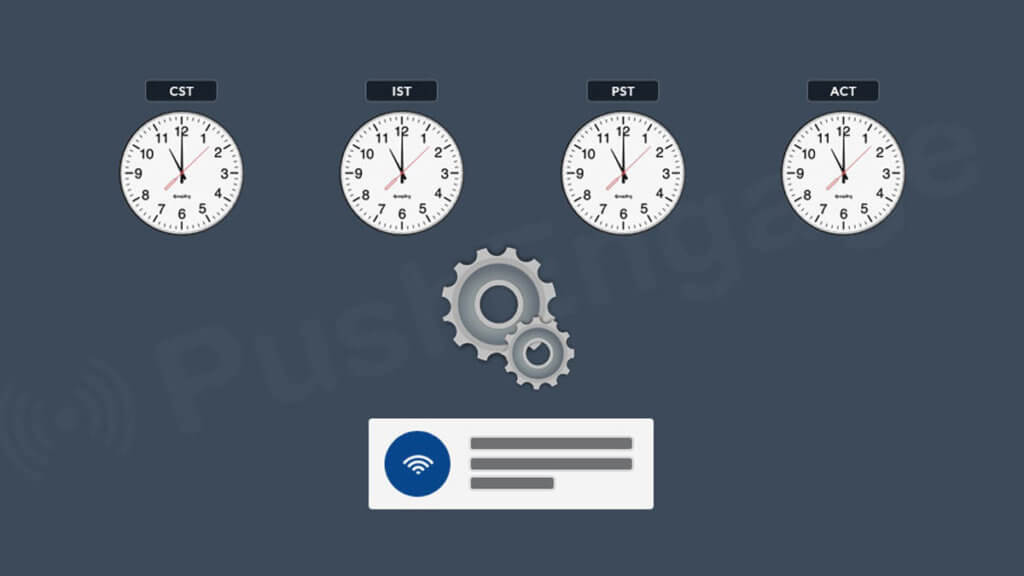
この問題は、顧客タイムゾーン機能を使用することで簡単に解決できます。顧客のタイムゾーンに基づいてプッシュ通知が配信されます。これにより、各購読者はアクティブなときに通知を受け取ることができます。たとえば、午後4時にプッシュ通知を送信すると、その地域の時刻で午後4時に配信されます。
Shopifyはウェブサイトを作成するための優れたツールです。短時間でeコマースストアを作成するためのアプリの膨大なコレクションがあります。Shopifyで利用可能なプッシュ通知アプリを使用すると、顧客を即座に効果的に再エンゲージできます。すべての機能は、あらゆるウェブサイトのニーズを念頭に置いて作成されています。だからこそ、Shopifyストアにはウェブプッシュが必須なのです。アプリの使用を開始して、その影響を確認してください。どのように表示されるかわからない場合は、ウェブプッシュ通知のデモをご覧ください。無料トライアルを開始してください。


