
هل تحتاج إلى إضافة لوضع الصيانة لووردبريس لموقعك؟
نحن نتفهم. هناك الكثير مما يجب مراعاته عند إنشاء صفحة هبوط لوضع الصيانة على ووردبريس:
- قد يكون تصميم وضع الصيانة أمرًا مزعجًا عندما تكون بالفعل متوترًا بشأن إنشاء عملك الأساسي
- ليس من الواضح دائمًا كيفية استخدام وضع الصيانة لصالحك
- إنشاء وضع صيانة ضعيف يوفر تجربة سيئة جدًا للمستخدمين لأول مرة
ولكن هذا هو بالضبط سبب وجود الإضافات، أليس كذلك؟
المشكلة الوحيدة هي...
أي من إضافات وضع الصيانة لووردبريس البالغ عددها 150 إضافة تختار؟ وأيها لن يفسد القالب الخاص بك بسبب مشاكل التوافق مع إضافة التخزين المؤقت؟
لا تقلق. في هذه المقالة، قمنا بإدراج أفضل الإضافات في السوق وسنساعدك في العثور على إضافة وضع الصيانة لووردبريس المناسبة لعملك.
دعنا نتعمق.
ما هي إضافة وضع الصيانة لووردبريس؟
إضافة وضع الصيانة لووردبريس هي إضافة بسيطة تتيح لك إنشاء صفحة مؤقتة عبر موقعك بالكامل أو على صفحات محددة جدًا. وهي مخصصة للإعلان عن إطلاق منتج جديد أو ميزة جديدة أو موقعك الجديد. وعندما يتم إصدار المحتوى الجديد، تقوم الإضافة تلقائيًا بإزالة وضع الصيانة ونشر المحتوى الجديد.
إليك مثال لصفحة وضع صيانة لووردبريس تم إنشاؤها باستخدام SeedProd:

تسمح لك إضافات وضع الصيانة لووردبريس بإنشاء وتخصيص ونشر صفحات مثل هذه بسرعة.
ولكن لماذا قد ترغب في إنشاء وضع صيانة لموقعك في المقام الأول؟
إنشاء وضع صيانة لموقعك:
- يعزز تحسين محركات البحث (SEO) لديك: حسّن سلطة نطاقك قبل إطلاق موقعك
- يخلق ضجة حول منتجك: قم بتشغيل حملة ما قبل الإطلاق من صفحة بسيطة "قيد الصيانة"
- ينمي قائمة بريدك الإلكتروني: ابدأ حملة ما قبل البيع لجمع العملاء المحتملين وحتى المدفوعات المسبقة
من وجهة نظر تسويقية، يعد وضع الصيانة طريقة فعالة للغاية لتوليد حركة المرور والعملاء المحتملين عندما لا يكون لديك حتى موقع ويب للمنتج أو الخدمة.
هل يجب عليك اختيار خدمات صيانة ووردبريس احترافية؟
بينما تعد إضافات وضع الصيانة طريقة رائعة لإخفاء موقعك مؤقتًا أثناء التحديثات، إلا أن الإضافات وحدها قد لا تكون كافية للعناية بالموقع على المدى الطويل. إذا كنت تدير موقعًا ذا حركة مرور عالية أو موقعًا حيويًا لعملك، فإن الاعتماد فقط على الإضافات قد لا يوفر الاتساق والإشراف اللازمين للأداء والأمان الأمثل.
هنا تأتي خدمات صيانة ووردبريس الاحترافية، مثل SeaCare من Seahawk.

تبدأ من 49 دولارًا، وتغطي SeaCare الأساسيات مثل تحديثات الإضافات والقوالب، وتحديثات نواة ووردبريس، والنسخ الاحتياطي السحابي الروتيني، ومراقبة الأمان، وتتبع وقت التشغيل. ستتلقى أيضًا تقرير صيانة منتظم، مما يبقيك على اطلاع بصحة موقعك وأدائه.
بالنسبة للشركات التي تحتاج إلى دعم موثوق ومستمر، توفر SeaCare راحة البال التي تأتي مع الإشراف الخبير - مما يحافظ على أمان موقعك وتحديثه وجاهزيته للنمو.
لذا، اتخذ قراراتك بناءً على ما تحتاجه.
أفضل إضافة لوضع الصيانة لووردبريس
حتى الآن، أنت تفهم بالفعل لماذا يعد وضع الصيانة أمرًا رائعًا. لذا، دعنا نتعمق في أفضل اختياراتنا لإضافات وضع الصيانة لووردبريس.
#1. سيدبرود
SeedProd هو المكون الإضافي الأكثر شيوعًا لوضع الصيانة في ووردبريس. لكي نكون منصفين، يمكن لـ SeedProd القيام بأكثر بكثير من مجرد إنشاء صفحات وضع الصيانة. ولكن إذا كنت ترغب في الاطلاع على كل ما يمكن لـ SeedProd القيام به، فيجب عليك الاطلاع على مراجعتنا.
في الوقت الحالي، دعنا نركز على سبب رغبتك في إنشاء وضع صيانة باستخدام SeedProd.
يتيح SeedProd لأي شخص إنشاء صفحات هبوط احترافية وعالية التحويل دون الحاجة إلى أي خبرة في التصميم أو الترميز. الشيء الرائع هو أنك تحصل على مُنشئ صفحات مرئي بالسحب والإفلات مع الوصول إلى أكثر من 500,000 صورة مخزون مجانية حيث يمكنك بسرعة إضافة عناصر إلى إشعار وضع الصيانة الخاص بك مثل:
- نص مخصص
- عناوين
- صور
- مقاطع الفيديو
- نماذج الاشتراك
وأكثر من ذلك بكثير. المكون الإضافي نفسه خفيف الوزن ويتكامل مع مجموعة من برامج التسويق المختلفة. كما أنه متوافق تمامًا مع الجوّال وصديق لمحركات البحث. تشمل الميزات الأكثر شيوعًا:
- مؤقتات العد التنازلي لصفحة الصيانة الخاصة بك
- القدرة على إضافة شعارات مخصصة
- تكاملات قوية مع خدمات التسويق عبر البريد الإلكتروني الشهيرة مثل MailChimp و AWeber و Drip.
- نماذج مدمجة (مع ميزات متقدمة مثل أشرطة التقدم وتكاملات بوابات الدفع)
- مرسل رد آلي مدمج عبر البريد الإلكتروني
- خطوط Google محملة مسبقًا
- قوالب صفحات محسّنة لمحركات البحث بنقرة واحدة
- تتبع الإحالة لوضع الصيانة
- متابعة ومشاركة اجتماعية
يمكنك أيضًا دمج منصات التجارة الإلكترونية مثل WooCommerce و Easy Digital Downloads مع SeedProd لـ إنشاء صفحات هبوط للمنتجات.
هل تريد أن ترى كيف يعمل؟ تحقق من هذا الدليل خطوة بخطوة حول كيفية إنشاء صفحة هبوط باستخدام SeedProd.
#2. وضع الصيانة لـ Elementor
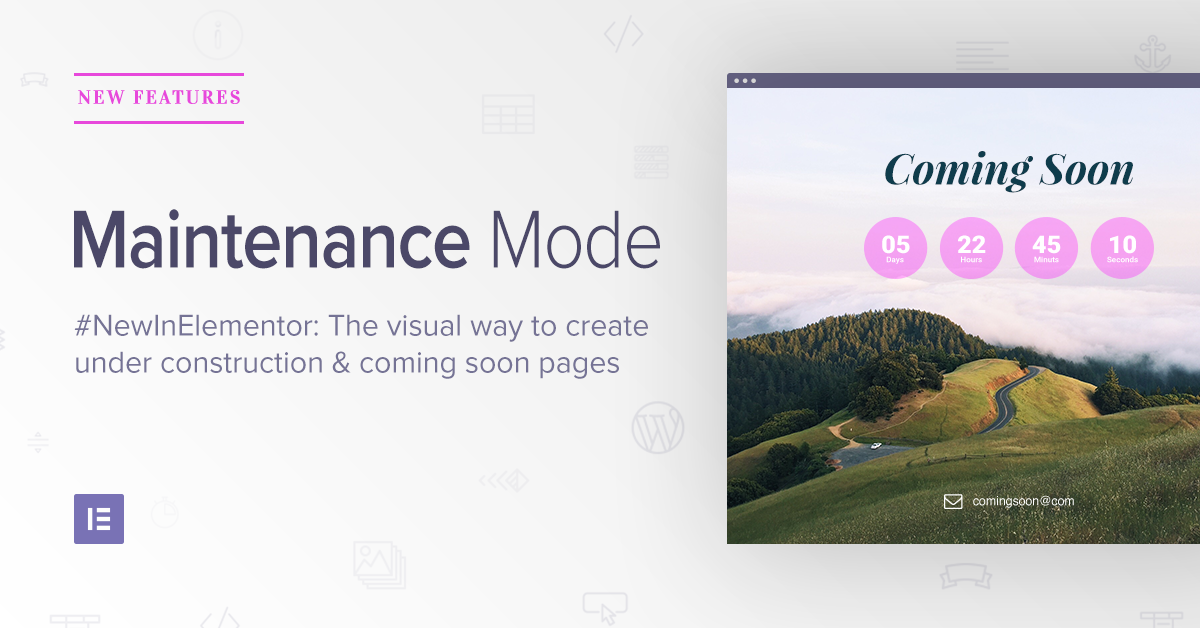
وضع الصيانة في Elementor هي ميزة مضمنة في المكون الإضافي Elementor. Elementor هو مُنشئ قوالب متقدم جدًا تستخدمه الكثير من مواقع الويب. مع Elementor Pro، تحصل أيضًا على وضع صيانة يتيح لك إعداد وضع صيانة لموقعك.
يتيح لك وضع الصيانة تحديث موقع الويب الخاص بك في الخلفية.
إليك سبب وجوب التفكير في استخدام وضع الصيانة في Elementor:
- يخبر وضع "الصيانة" محركات البحث تلقائيًا بعدم فهرسة موقعك
- يأتي Elementor مع وحدات تصميم وقوالب صفحات وعناصر واجهة مستخدم
- يأتي وضع الصيانة أيضًا مع مؤقت سيختفي بعده إشعار الصيانة تلقائيًا
العيب هو أنه يمكنك فقط استخدام هذه الميزات إذا تم بناء موقعك في Elementor. إذا لم يكن الأمر كذلك، فلن يكون هذا الحل مفيدًا لك على الإطلاق. ولكن إذا كنت تدير موقعًا تم بناؤه باستخدام Elementor، فيجب عليك الترقية إلى Elementor Pro للوصول إلى وضع الصيانة.
#3. ديفي

مكون Divi لبناء القوالب هو أحد أشهر مكونات بناء القوالب لـ WordPress في العالم. الطريقة التي يعمل بها Divi هي أنك تحصل على أداة بناء مرئية كاملة لإنشاء صفحات الويب من الصفر أو باستخدام قالب مُعد مسبقًا. يأتي Divi كموضوع كامل بالإضافة إلى مكون بناء قوالب مستقل يمكنك استخدامه مع أي موضوع.
وهناك المئات من القوالب المعدة مسبقًا في Divi. بالطبع، يشمل ذلك وضع الصيانة أيضًا. Divi هو كل من سمة ووردبريس ومكون إضافي، مما يعني أنه أداة متعددة الاستخدامات. تشمل الميزات الأكثر شيوعًا:
- أداة بناء مرئية تعمل بالسحب والإفلات بالكامل
- سوق للتطبيقات الخارجية يجعل من السهل للغاية توسيع الوظائف
- استيراد بنقرة واحدة للقوالب المعدة مسبقًا
#4. وضع "قريبًا" والصيانة

وضع "قريبًا" والصيانة يتيح لك إنشاء صفحة "قريبًا" أو صفحة صيانة مع صورة خلفية أو فيديو. بشكل عام، عند مقارنته بالمنافسين الآخرين في هذه القائمة، يبدو أنه أقل بكثير... أقل.
وهذا صحيح تمامًا. بينما تمتلك SeedProd و Elementor و Divi القدرة على إنشاء وضع صيانة لووردبريس، إلا أن هذا ليس تركيزهم الوحيد. Coming Soon and Maintenance Mode هو مكون إضافي يقوم بشيء واحد فقط.
ولكن حتى في ذلك الحين، فإن أكبر عملية بيع إضافية لديهم هي قدرتهم على إنشاء صفحات "قريباً" مع صورة خلفية أو فيديو. يمكنك أيضًا تضمين نموذج اشتراك على موقعك لجمع معرفات البريد الإلكتروني. ولكن هذا كل شيء.
من حيث القيمة مقابل المال، فإنه ليس مثيرًا للغاية. ولكن لا توجد مشاكل مع التخزين المؤقت أو تعارض التعليمات البرمجية. لذا، إذا كنت تبحث عن مكون إضافي بسيط ينجز المهمة بسرعة، فهذا المكون الإضافي هو خيارك الأفضل.
#5. CMP – إضافة قريباً وصيانة
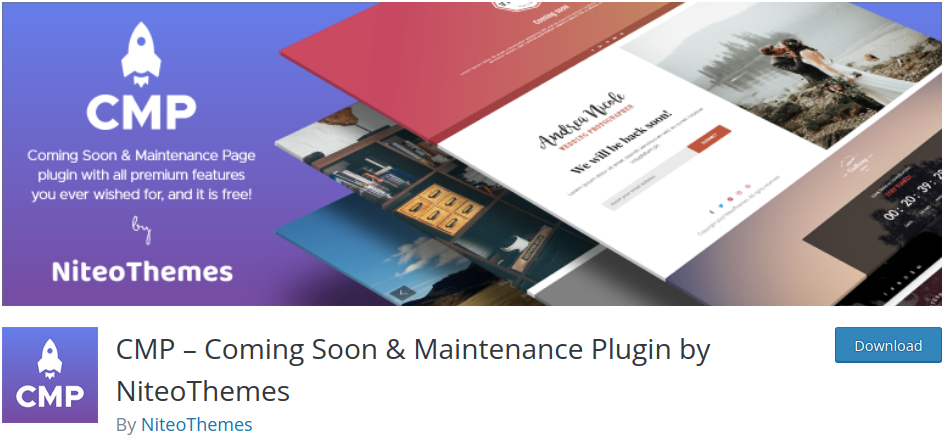
CMP هي إضافة ووردبريس مجانية بالكامل لوضع الصيانة، وهي سريعة وسهلة الاستخدام. بالنسبة لإضافة مجانية، تقدم CMP الكثير من الميزات. وهذا يشمل:
- التوافق مع أي سمة ووردبريس
- تصميمات متجاوبة بنسبة 100٪ لوضع الصيانة
- علامة تجارية مخصصة لموقعك
- صور وخلفيات فيديو لصفحة قيد الصيانة
- خيارات تنسيق CSS مخصصة
والمزيد. إذا كانت ميزانيتك محدودة وتحتاج فقط إلى وضع صيانة، فيجب عليك بالتأكيد التحقق من CMP.
#6. وضع الحد الأدنى لصفحة "قريباً" والصيانة
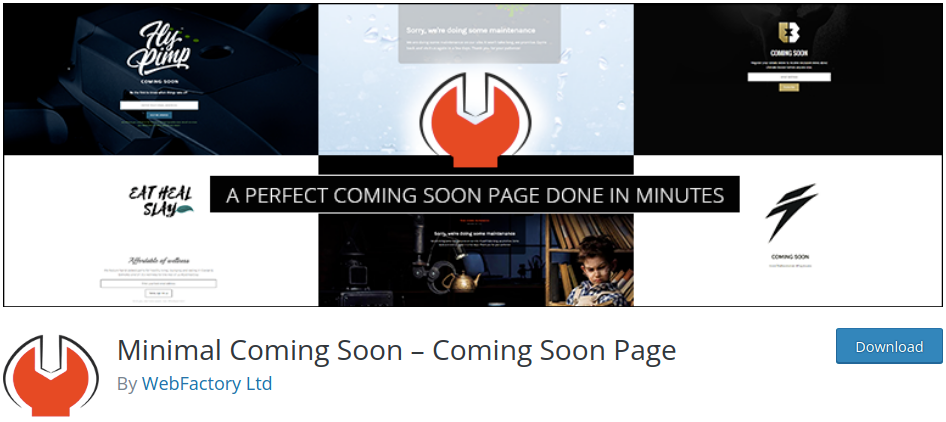
Minimal Coming Soon هي إضافة ووردبريس تقوم بما تفكر فيه بالضبط: إنشاء صفحات "قريباً" بسيطة!
تشمل الميزات الرئيسية:
- منشئ صفحات مخصص بالسحب والإفلات
- التوافق مع جميع سمات ووردبريس
- خلفيات متحركة وفيديو
- نماذج توليد العملاء المحتملين
- تكامل مع برامج الرد الآلي وخدمات البريد الإلكتروني
- وصول المسؤول لتحرير موقع الويب أثناء تفعيل وضع الصيانة
نوصي بهذا لوكالة نظرًا لأن لديهم خطة مميزة مدى الحياة.
ابدأ مع Minimal Coming Soon الآن.
#7. وضع صيانة ووردبريس
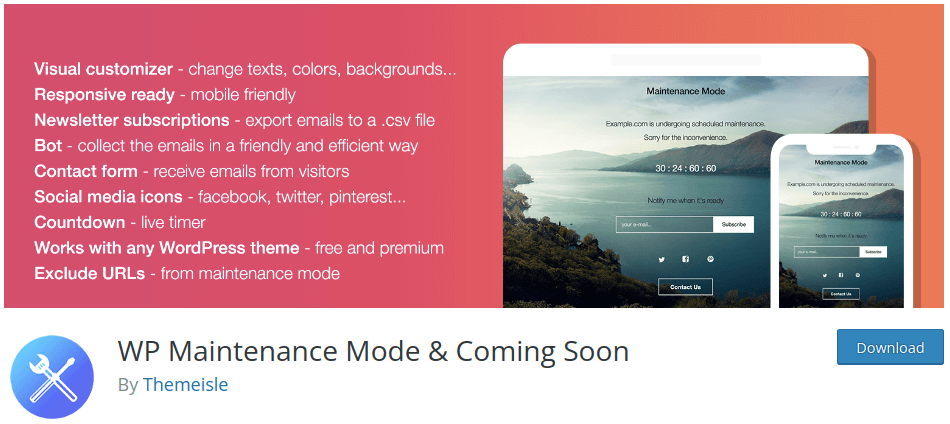
وضع الصيانة الخاص بـ WP هو إضافة فريدة جدًا لوضع الصيانة في ووردبريس. تحصل على الكثير من الميزات من إضافة مجانية، ولكن لديهم نموذج يقومون من خلاله بالترويج لمنتجاتهم المميزة الأخرى داخل لوحة تحكم ووردبريس.
إحدى المشكلات المعروفة في WP Maintenance Mode هي أنها لا تعمل بشكل جيد مع إضافات التخزين المؤقت. لذلك، إذا كنت تستخدم هذه الإضافة مع إضافات التخزين المؤقت، فسيتعين عليك مسح ذاكرة التخزين المؤقت في كل مرة تجري فيها تغييرًا على موقعك أو تعطيل إضافة التخزين المؤقت مؤقتًا.
ولكن على الجانب المشرق، يمكنك الاستمتاع بميزات مثل:
- مؤقتات العد التنازلي
- خيارات المشاركة الاجتماعية
- نماذج المشتركين وجهات الاتصال
- أدوات تخصيص التصميم
- ميزات وصول متقدمة للمسؤول
- بوت مراسلة لوضع الصيانة الخاص بك
- إعدادات الامتثال للائحة العامة لحماية البيانات (GDPR)
والمزيد!
ابدأ الآن مع وضع صيانة ووردبريس!
#8. تحت الإنشاء

تعد إضافة وضع "قيد الإنشاء" واحدة من الإضافات القليلة لوضع الصيانة في ووردبريس التي تتيح لك جدولة الصفحات القادمة وأوضاع الصيانة على موقعك. تحصل أيضًا على بعض الميزات الرائعة مثل:
- تكامل سهل مع تحليلات جوجل
- CSS مخصص لخيارات تصميم إضافية
- أيقونات المشاركة الاجتماعية لوضع الصيانة الخاص بك
- أدوار المستخدمين والمستخدمين المسموح لهم
يبدو مثيرًا للاهتمام، أليس كذلك؟ هل ذكرنا أن هناك ترخيصًا مدى الحياة يبدأ من 69 دولارًا؟
#9. صيانة بسيطة
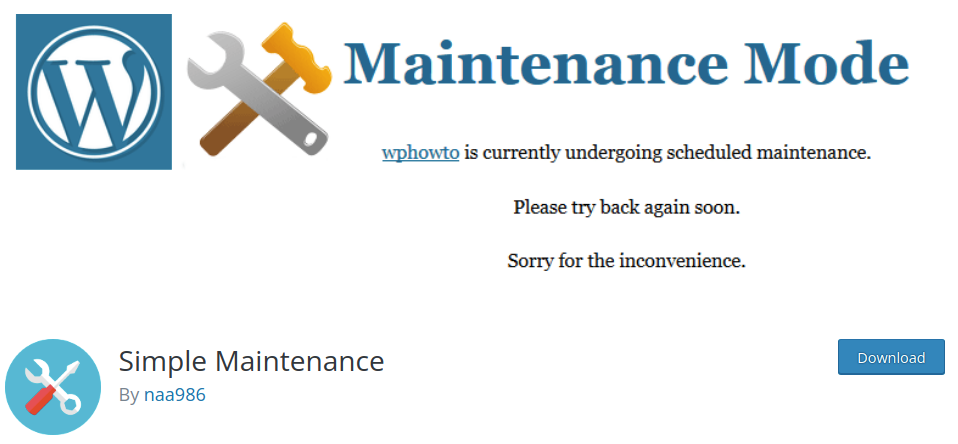
إن الصيانة البسيطة هو مكون إضافي خفيف الوزن يقوم تلقائيًا بإنشاء صفحة وضع صيانة متجاوبة بالكامل بتقنية HTML5. وكل ما عليك فعله هو تنشيط المكون الإضافي ووضع الصيانة.
تشمل بعض الميزات الرئيسية:
- مكون إضافي بسيط وسهل الاستخدام مع تركيز أساسي للغاية
- تصميمات متجاوبة لوضع الصيانة
- تصميمات HTML و CSS رائعة يتم تحميلها بسرعة فائقة
ابدأ مع الصيانة البسيطة اليوم!
#10. صفحة قريباً ووضع الصيانة الاحترافي
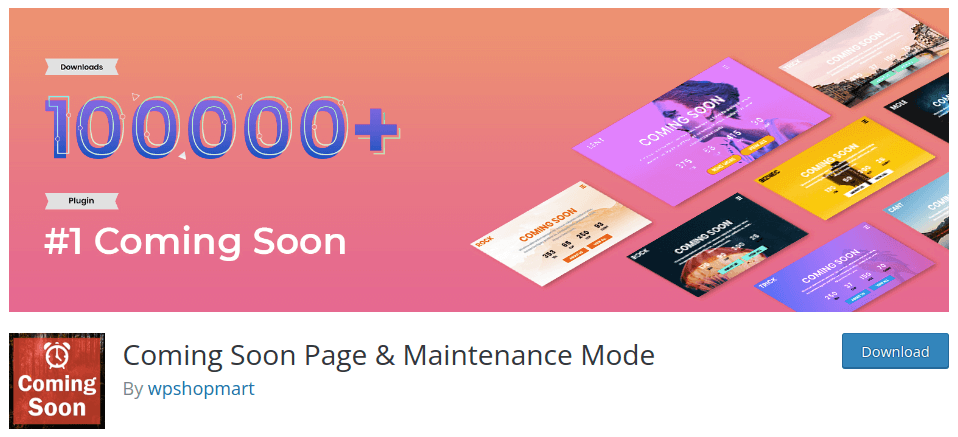
إن صفحة قريباً ووضع الصيانة هو مكون إضافي غني بالميزات يأتي مع تصميمات متجاوبة مبنية على Bootstrap 3 و HTML5. إنه مريح للغاية وتحصل على الكثير من الميزات الرائعة.
بالطبع، تحصل على عرض شرائح بملء الشاشة ومحتوى متعدد الصفحات. ولكنك تحصل أيضًا على وصول إلى ميزات ملحمية مثل:
- متوافق مع جميع سمات ووردبريس
- تصميمات متجاوبة فائقة السرعة
- خيارات تصميم سهلة
- مؤقتات العد التنازلي لوضع الصيانة الخاص بك
ابدأ الآن مع صفحة قريباً ووضع الصيانة الاحترافي!
#11. وضع الصيانة النحيف
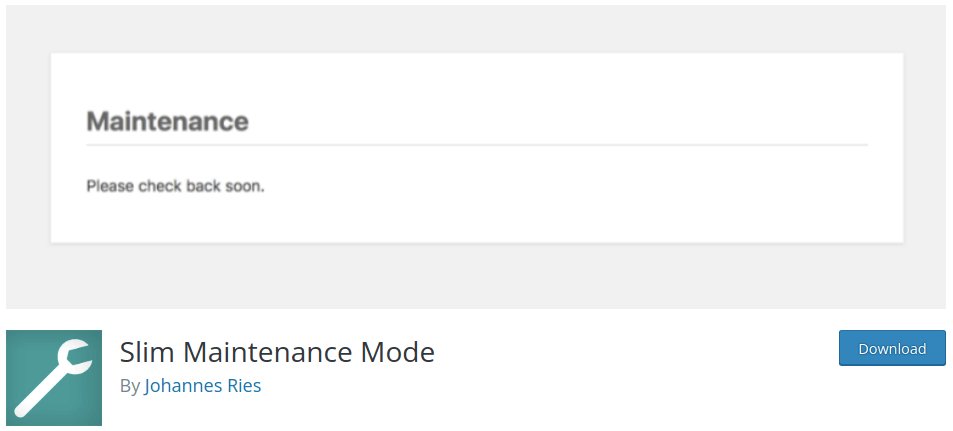
وضع الصيانة النحيف يبدو كإضافة صيانة أساسية على السطح. ولكن هناك في الواقع مجموعة من الميزات الرائعة التي لا تحصل عليها مع العديد من الإضافات المدفوعة الأخرى. قم بتنشيط الإضافة لتمكين وضع الصيانة في ووردبريس وقم بتعطيل الإضافة بمجرد الانتهاء.
ولكن أكثر من ذلك، تحصل على:
- رسالة تنبيه في لوحة تحكم ووردبريس الخاصة بك عند تنشيط المكون الإضافي
- توافق كامل مع أي سمة ووردبريس
- دعم مكونات ووردبريس الإضافية للتخزين المؤقت مثل Cachify و Super Cache و WP Rocket و WP Fastest Cache و W3 Total Cache
- رمز حالة 503 لموقعك حتى لا تفهرس محركات البحث المحتوى الخاص بك
ابدأ مع وضع الصيانة المخفف اليوم!
أي إضافة لوضع الصيانة في ووردبريس مناسبة لك؟
هذا كل شيء لهذا اليوم أيها الأصدقاء!
بدون شك، أفضل هذه الحلول هو . بالنسبة للسعر، تحصل على طريقة رائعة لإنشاء وضع صيانة في ووردبريس وأكثر من ذلك بكثير.
هل تعلم أن الإشعارات الفورية تأتي مع العديد من الحملات الآلية؟ بمجرد إطلاق موقعك أخيرًا، ستحتاج إلى طريقة بسيطة وفعالة من حيث التكلفة للوصول إلى عملائك وزوار موقعك.
- حملات التنقيط والاستجابات التلقائية لإشعارات الدفع عبر الويب
- 5 فوائد لاستخدام حملة إشعارات دفع للعربات المتروكة
- كيفية تحويل المشتركين إلى مشترين باستخدام إشعارات الدفع عبر الويب
- كيفية إضافة إضافة إشعارات الويب لـ WordPress إلى موقعك
وإذا كنت قد بدأت للتو في استخدام إشعارات الدفع، فنحن نوصي باستخدام PushEngage. PushEngage هو برنامج إشعارات الدفع رقم 1 في العالم. لذا، ستكون حملاتك في أيدٍ أمينة.


