PushEngageのWordPressプラグインを使用すると、手動でプッシュキャンペーンを作成する手間なしにキャンペーンを送信できます。そのため、編集者が公開ボタンを押すとすぐに自動プッシュの送信を有効にできます。
以下のガイドでこれを有効にする方法を理解しましょう。
WordPressダッシュボードからPushEngageプラグインを選択し、設定 > 自動プッシュ設定に移動します。
トグルボタンをアクティブにして、新しい投稿を公開するたびにサブスクライバーにプッシュ通知を自動的に送信し、キャンペーンにしたい通知画像のタイプを選択します。
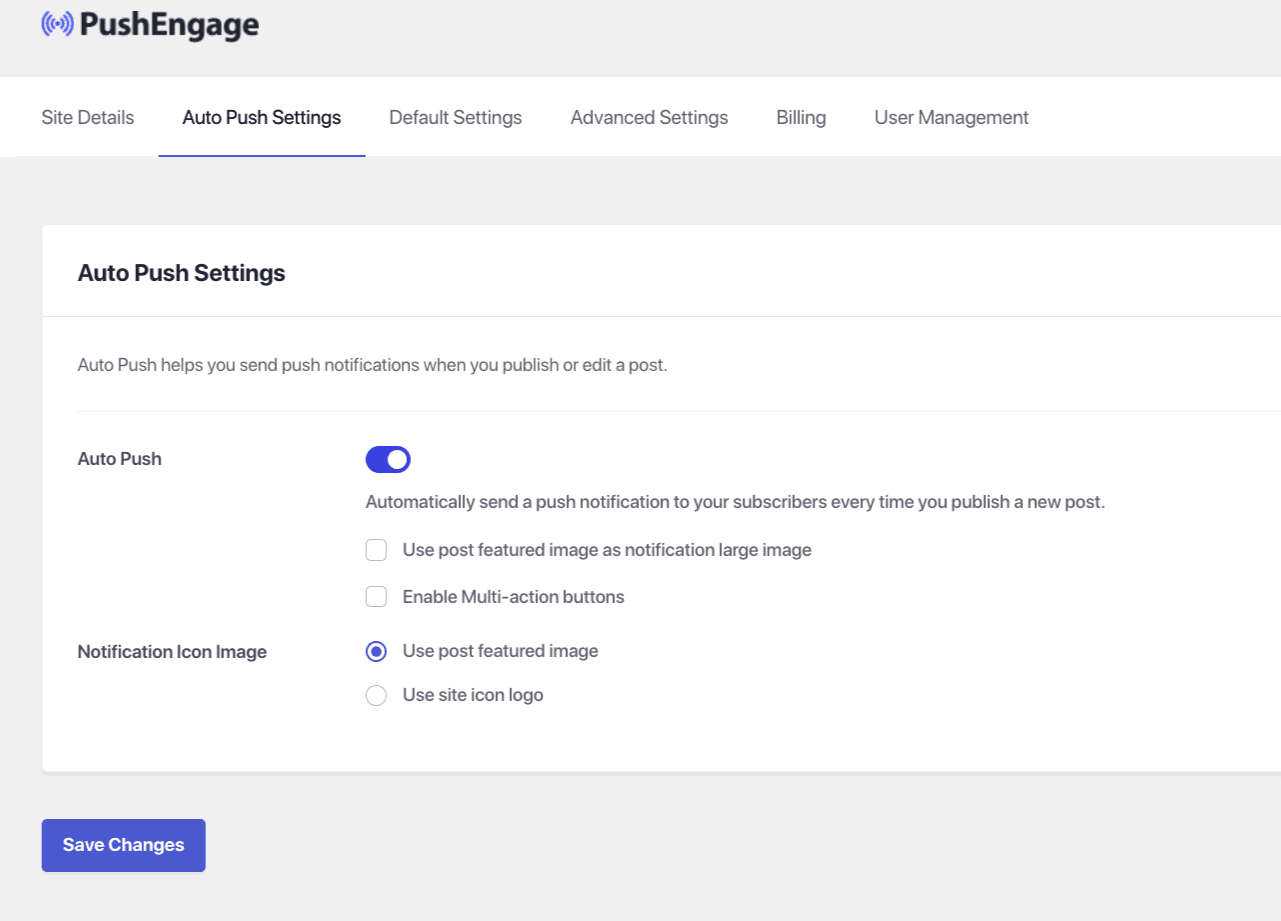
これが完了したら、 変更を保存を選択します。
万が一問題が発生した場合は、こちらをクリックしてお問い合わせください。サポートチームがお手伝いします。