登録日に基づいて通知を送信する方法

Targeted marketing gives a higher ROI than bombarding the same message to the entire subscriber list. Segmentation is a boon to do just that. When the right set of Audience gets a relatable notification, it is bound to show a higher Click & View rate when compared to notifications sent to all. When relevant push broadcasts are given to the correct audience, they are likelier to be clicked on and viewed than the generic broadcast to everyone.

To send push broadcasts based on the subscription date, you can navigate to Campaign > Push Broadcasts > Create New Push Broadcast. Enter the notification title, message, URL, and image.

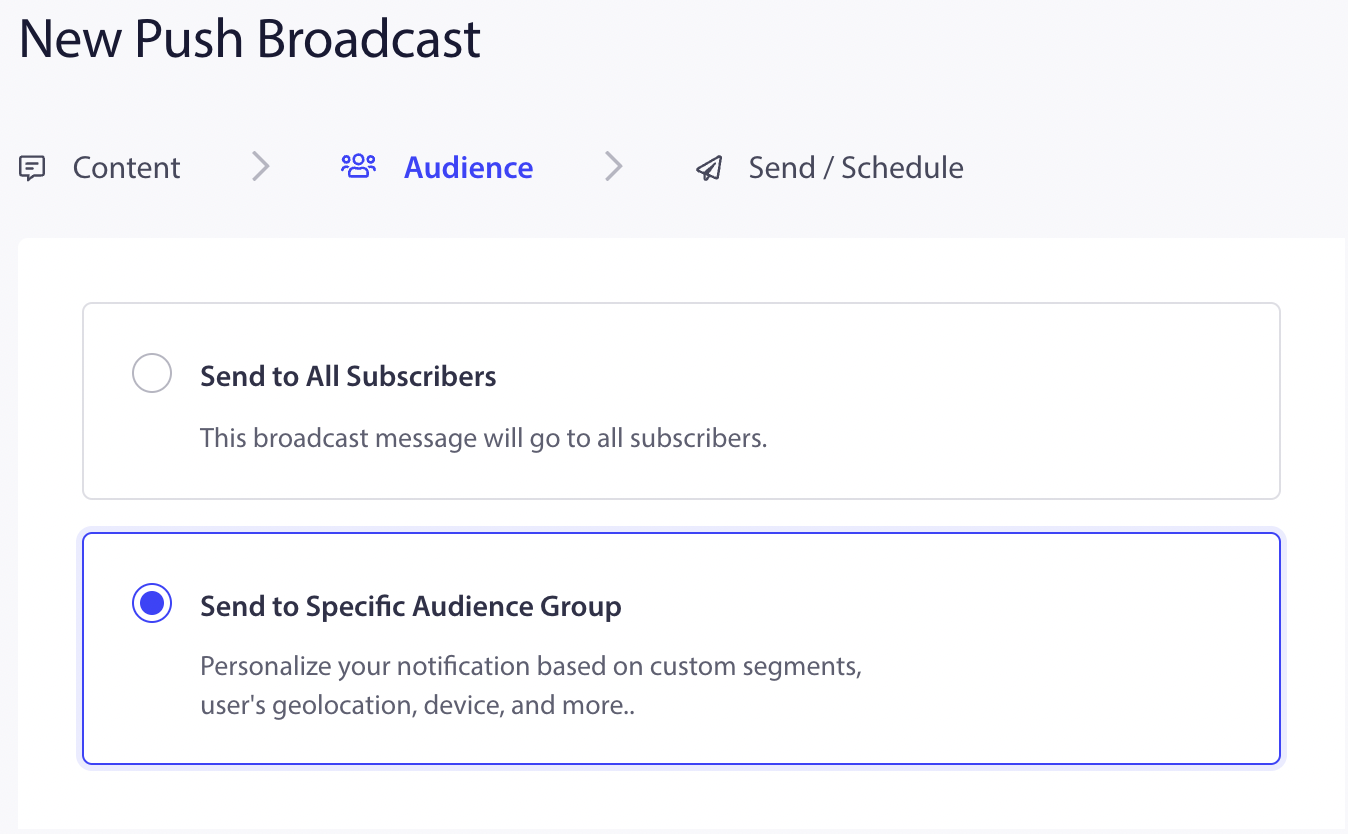
Then select the Audience tab and select the option, “Send To Specific Audience Group.”

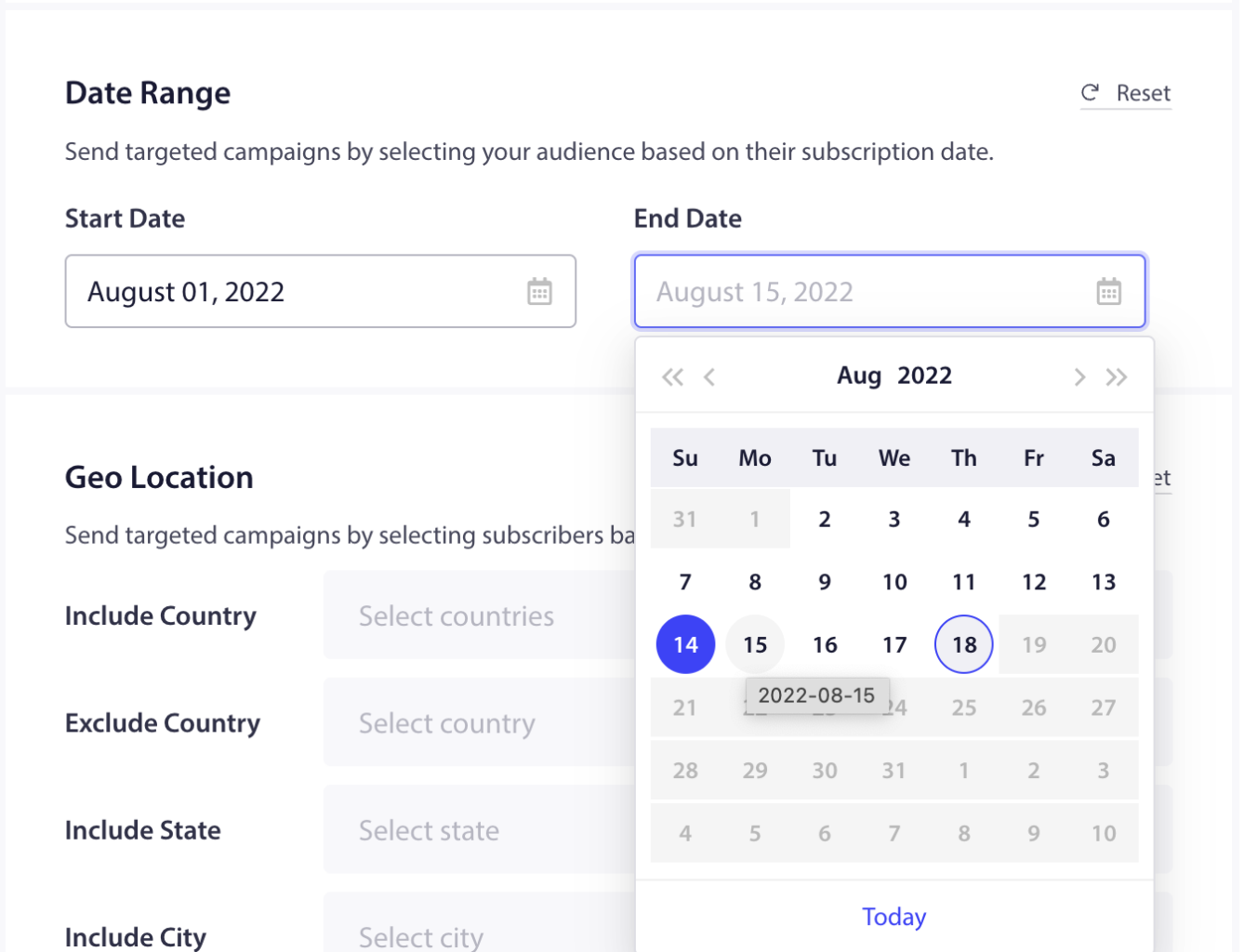
Under Date Range, select the range. Subscribers who subscribed to the notification within the date range you have selected will get the notification.

You can choose to target people subscribed to over a period. This can be used to target during sale season or give them special discounts.

問題が発生した場合は、こちらをクリックしてお問い合わせください。サポートチームがお手伝いします。

最終更新日:2026年3月9日

ウェブサイトを離れた後も訪問者をエンゲージし、維持する

見逃せないプッシュ通知で、すべてのウェブ訪問の価値を高めましょう。

  • 永久無料プラン
  • 簡単なセットアップ
  • 5つ星サポート