Their inbox is a graveyard.
Their WhatsApp is
open.
Order confirmations, shipping updates, and delivery notices on the app your international customers check hourly, fired automatically from your store’s real order events.

“We are able to reach our customer base in almost an instant. Email would have been too slow to put together in an emergency.” John Smith · CEO
75,000+ businesses Set up in minutes, no engineering ticket 14-day money-back guarantee

Trusted by 75,000+ businesses in 150+ countries








Why it works
Post-purchase trust, delivered where they look.
The order update is the most-wanted message in commerce. Put it on the channel with read receipts.
Automated from order events
Confirmed, shipped, out for delivery, delivered: your store’s status changes fire the right template without anyone touching a dashboard.
Templates that pass review
Pre-approved order-update formats with variables for order number, products, and delivery windows. No resubmission loops.
Support load goes down
Customers who see the status stop asking for it. WISMO tickets shrink and the support team gets its day back.
How it works
From order status to read receipt.
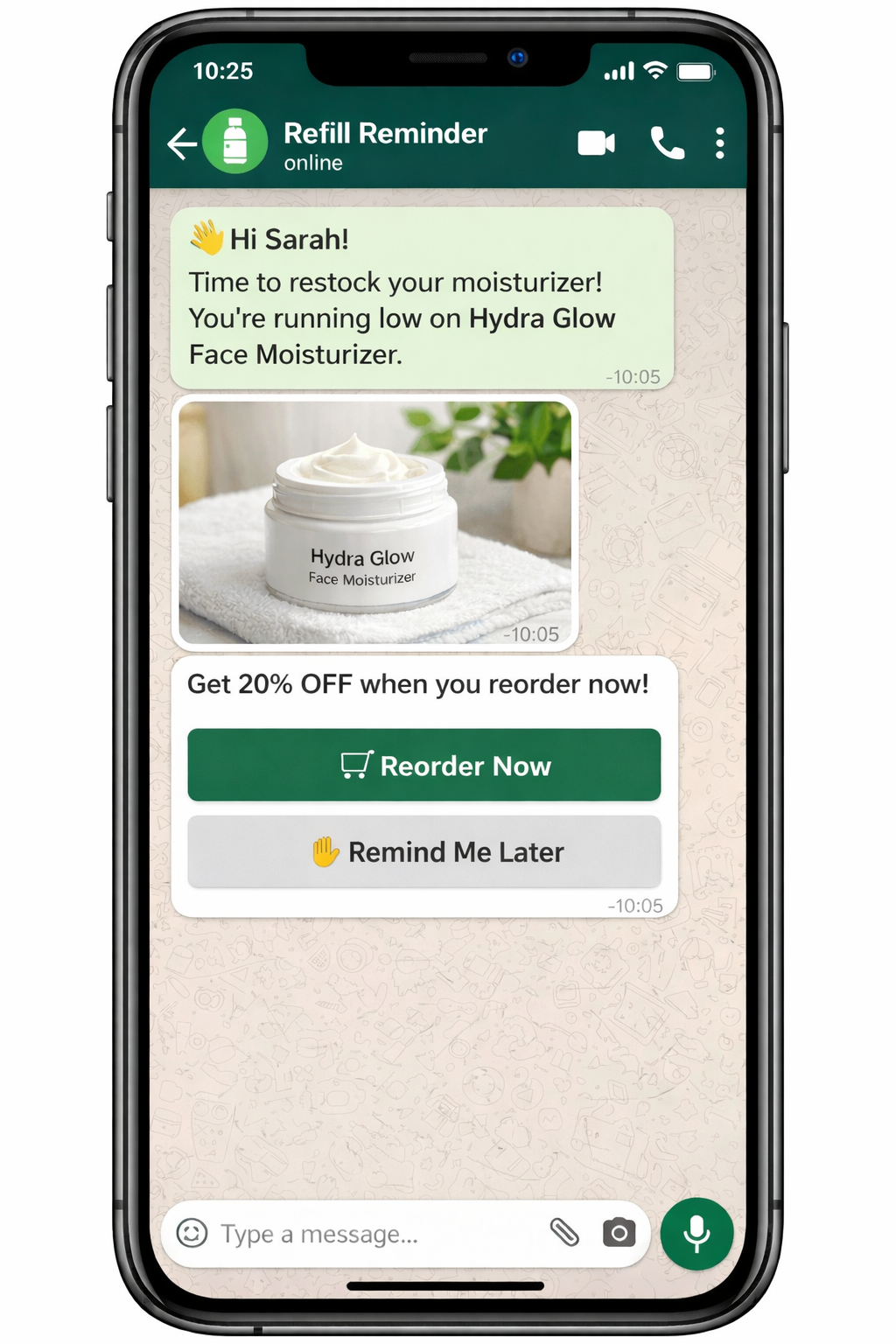
Wired to your store
WooCommerce and Shopify integrations map order statuses to templates once; every future order gets its updates automatically.
- Native WooCommerce and Shopify event mapping
- Custom platforms via the documented API
- No Meta Cloud API project on your roadmap

Pair with push for full coverage
Push covers the browser and lock screen; WhatsApp covers the chat app. One event stream serves both channels from one dashboard.
- One integration, two channels
- Push transactional alerts included
- Shared reporting across channels
What’s included
Exactly what you’re buying, on one dashboard.
Order updates land where international customers actually look, read in minutes, not hours, while the same order events drive push for everyone else.
Automated order and shipping updates
Order placed, shipped, out for delivery, delivered, and refunded fire as WhatsApp messages the moment the store event changes. No manual send.
How order updates workTransactional template category
Order notifications use the transactional template category, which Meta approves faster than marketing. Customers see them even if they have not opted into promotions.
About transactional templatesTwo-way replies
Customers who have a question reply from the notification. Your team answers in WhatsApp without any additional inbox to manage.
See two-way messagingWhatsApp cart recovery
Pair order updates with cart recovery sequences. Both run from the same WhatsApp Automation setup in PushEngage.
See cart recoveryWoo and Shopify order events
WooCommerce and Shopify order status changes wire directly to WhatsApp update templates with no custom middleware.
See eCommerce integrationsAttribution alongside push
WhatsApp order-update performance sits next to push campaign numbers in the same dashboard.
See goal trackingBridge: Order updates on web push too
Customers outside WhatsApp markets still get push order notifications. Both channels share the same store event triggers.
See transactional pushIntegrations
Connects to the stores you already run. Meta Cloud API, productized.
WhatsApp Automation runs from the same PushEngage plugin that handles push campaigns. No BSP contract, no separate account, no second vendor to manage.

WooCommerce
The PushEngage WooCommerce plugin connects WhatsApp Automation directly to your store events. Order updates, cart recovery sequences, and reorder reminders all run from the same WordPress admin.
WhatsApp for WooCommerce
Shopify & Shopify Plus
WhatsApp recovery campaigns run alongside Shopify push notifications from the same PushEngage app, with shared attribution back to the same dashboard.
Shopify Plus appMeta Cloud API, productized
Send and receive WhatsApp messages via Meta Cloud API with no BSP contract. PushEngage handles the API layer so your team never negotiates directly with Meta.
WhatsApp Automation setupREST API & webhooks
Trigger WhatsApp campaigns from any custom event pipeline or order management system via the documented REST API.
API documentationThe numbers
Certainty your customers can feel.
“We are able to reach our customer base in almost an instant. Email would have been too slow to put together in an emergency, and social media organic posts only reach a fraction of the following.”
John Smith
CEO
FAQ
Questions, answered.
Why WhatsApp instead of email for order updates?
Not instead — as well. Email remains the receipt of record; WhatsApp is where international customers actually see the update in real time, with read receipts to prove it.
Do customers need to opt in?
Yes, per WhatsApp’s rules, and the checkout opt-in flow handles it. Opted-in customers get updates; nobody else hears from you.
What about template approval?
Order-update templates ship pre-approved with the right variable slots. Custom variants go through the built-in submission flow.
What does it cost?
WhatsApp messaging prices with your PushEngage plan. Paid plans carry a 14-day money-back guarantee.
Put order updates where eyes already are.
Set up in minutes. If PushEngage isn’t the best fit within 14 days, we refund 100%. No questions asked.
Free plan available Set up in minutes Pay only for active subscribers