なぜプッシュ通知がクリスマスに最適なチャネルなのか
Every eCommerce channel works harder in Q4 — but not all of them work fast enough. Here’s why web push belongs at the center of your holiday stack. Speed. A push notification reaches subscribers in seconds. Flash sale going live at noon? Shipping cutoff in 6 hours? Push is the only owned channel that can run a countdown in real time. Attention. Push notifications show up on the screen subscribers are already looking at — phone, desktop, or tablet. You’re not competing for inbox position or social feed real estate. You’re arriving mid-session, mid-decision, mid-impulse. Ownership. Unlike paid social, you don’t pay per impression or lose reach to algorithm changes. Your subscriber list is yours. The channel doesn’t disappear when a platform pivots its policy. Conversion. Push notifications deliver 400% higher open rates than email and a 7.17% higher conversion rate on comparable campaigns. During the holiday season, when purchase intent is already elevated, those numbers compound. For publishers, the logic is the same: Christmas gift guides, year-in-review content, and Boxing Day deal roundups drive repeat visits. A well-timed push brings readers back when the content matters most, on a channel you control.クリスマスのキャンペーンカレンダー:6つのステージ、1つのシーズン
The holiday window isn’t one event — it’s a sequence. Each stage has a different customer mindset and a different job for your push campaign to do. Plan these in advance, and you’ll run the whole season from a single workflow with scheduled sends.ステージ1:早期予約シーズン(12月1日~10日)
Shoppers in this window are planners. They want to avoid the last-minute scramble, and they respond to exclusivity and first-mover framing. Your job: Capture subscriber attention early with gift guides, exclusive early access, and seasonal welcome messaging. This is also when you introduce your holiday opt-in prompt to any new site visitors — the list you grow now converts in the next four weeks. Pair with: Occasion-based segmentation for push campaigns to tag subscribers who engage with holiday content from day one.ステージ2:ピークギフト購入期間(12月11日~18日)
This is the bulk of your volume. Shoppers are actively buying. They’re comparing options, abandoning carts, browsing gift categories, and checking shipping dates. Your campaigns in this window do the most work. Your job: Run gift guide campaigns, fire cart and browse abandonment sequences, deploy price-drop and back-in-stock alerts on popular SKUs. Frequency goes up — but so does subscriber tolerance, because they’re in buying mode. For inspiration on what top stores run during this stretch, see examples of eCommerce stores using push notifications well.ステージ3:クリスマスまでのカウントダウン(12月19日~22日)
Urgency takes over. Every message should communicate time-to-Christmas in some form. Subscribers who haven’t converted yet need a deadline-driven nudge. Your job: Countdown notifications (“3 days left”), last-chance gift guide reminders, and priority shipping upsells. Keep copy tight and deadline-forward.ステージ4:配送締め切りアラート(12月19日~23日)
Shipping cutoffs are the single most action-driving moment in the Christmas window. A subscriber who has been browsing for three weeks will finally convert when they realize they’re about to miss guaranteed delivery. Your job: Send explicit cutoff alerts — the day before and the morning of each carrier deadline. Segment by location where possible (US East vs. West Coast cutoffs differ; international subscribers need different dates entirely).ステージ5:ボクシングデーとクリスマス後のセール(12月26日~1月1日)
The sale isn’t over when Christmas is. Boxing Day and post-Christmas clearance drive strong revenue from:- ギフトカードを換金するギフト受取人
- ギフト期間中に控えていた自己購入者
- 季節在庫をクリアする掘り出し物ハンター
ステージ6:新年の引き継ぎ(1月1日~7日)
Transition the tone from festive to forward-looking. New Year’s is a natural reset — new goals, new routines, new purchases. Your New Year push notification campaigns can carry the momentum directly from Christmas. Your job: Run a “New Year, New Goals” campaign anchored to your category. Don’t let the list go cold between Dec 26 and Jan 3.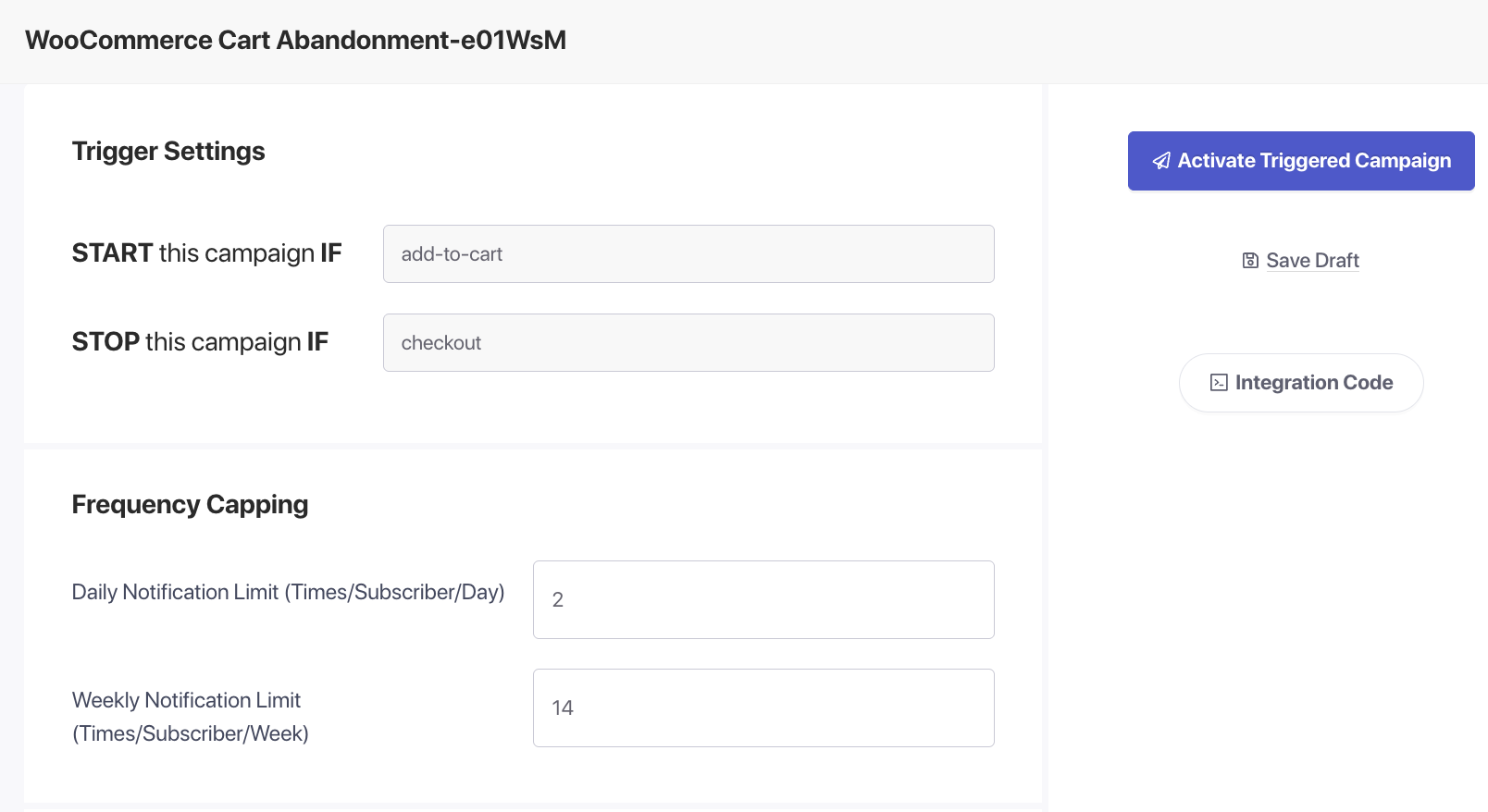
ホリデーセグメンテーション:適切なバイヤーに適切なメッセージを送信する
Blanket broadcast campaigns underperform during Christmas because the holiday audience isn’t monolithic. Segment before you send.ギフト購入者 vs. 自己購入者
Gift-buyers want ideas, reassurance, and speed. They respond to “perfect gift for…” framing, bestseller lists, and guaranteed delivery copy. Self-buyers, shopping the sale for themselves, respond to price and exclusivity. Tag subscribers based on their browsing behavior: product page visits in gift categories, clicks on “gift guide” content, or wish-list additions all signal gift-buyer intent. Self-buyer signals include repeat visits to sale pages and click-throughs on discount campaigns.地域別配送締切日
Your shipping cutoff dates aren’t the same for a subscriber in New York as one in rural Alaska or the UK. Segment by geography and send cutoff alerts that match the actual carrier deadline for that location. A Christmas and holiday offers landing page helps convert these urgency-driven clicks.イベント別セグメント
Build a “holiday buyers” audience group from the moment the season opens. Anyone who clicks a holiday-themed notification, visits a gift guide page, or triggers a cart abandonment on a holiday-category SKU goes into this segment. You’ll build a high-intent holiday list you can re-engage for Boxing Day and next year’s early-bird campaign. For the full segmentation playbook, see occasion-based segmentation for push campaigns.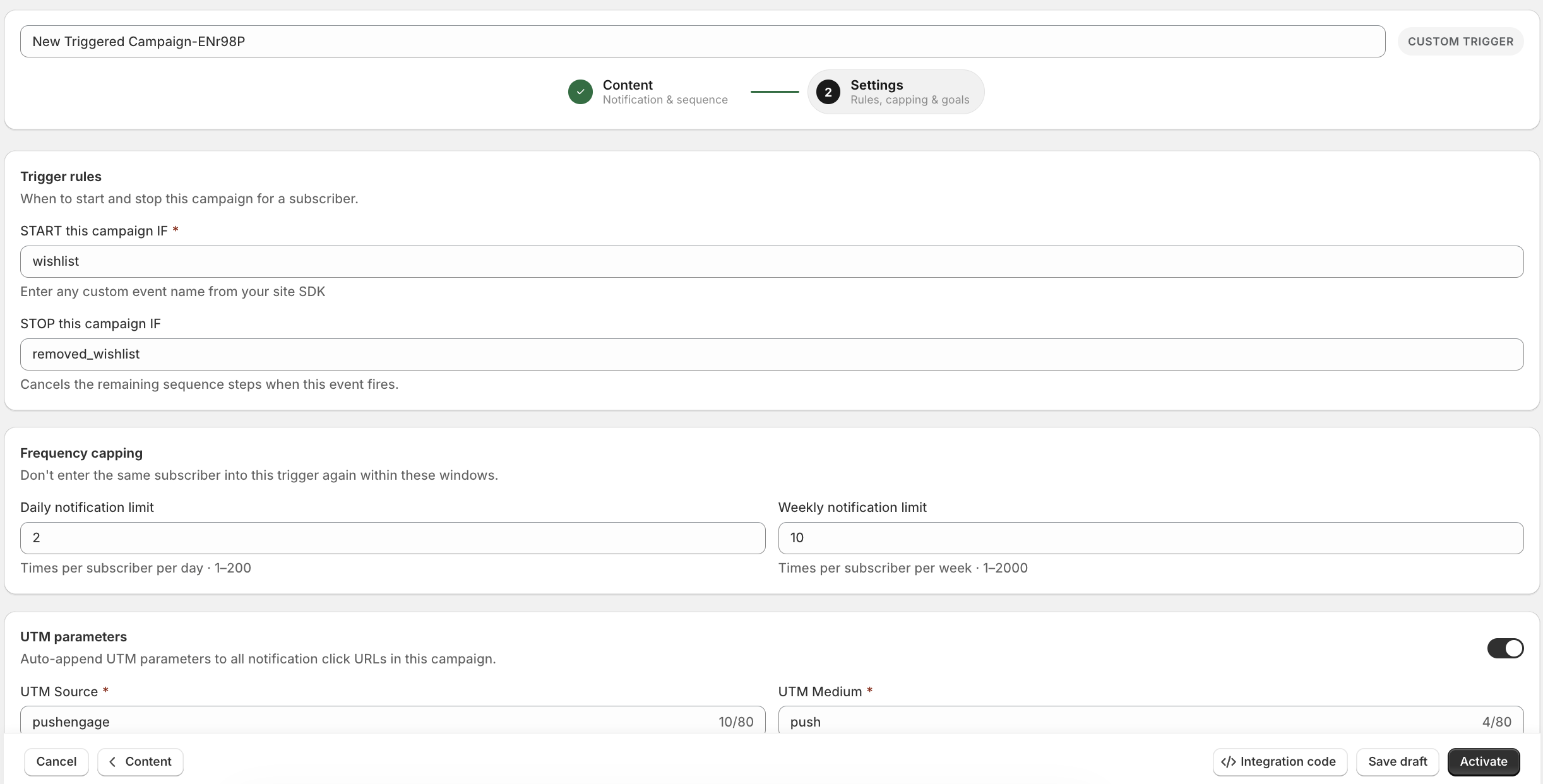
クリスマスのプッシュ通知コピー例15選
These are ready to use. Each includes a title (the bold headline in the notification) and a message body. Copy them, adapt the product names, and schedule.セール告知
1. Holiday Sale Launch Title: Our Biggest Christmas Sale Starts Now Body: Up to 40% off storewide. Deals refresh daily — don’t wait. 2. Exclusive Subscriber Deal Title: Early Access: Holiday Deals Just for You Body: You’re first. Shop our Christmas sale 24 hours before it goes public. 3. Flash Sale Title: 4-Hour Flash Sale — 50% Off Ends at Midnight Body: Our best Christmas deals yet. Click before they’re gone.ギフトガイド
4. Gift Guide for Him Title: Still Shopping for Him? We’ve Got You Body: Our top 10 picks for the guy who’s impossible to shop for. 5. Bestsellers Gift Guide Title: The Gifts Everyone Actually Wants This Christmas Body: Real bestsellers, not guesswork. See what’s flying off our shelves. 6. Last-Minute Gift Ideas Title: Christmas is 3 Days Away. Here’s What to Get Body: Fast-shipping gifts for every budget. No panic required.放棄されたカート回収
7. Cart Abandonment — Festive Angle Title: Your Christmas Cart is Waiting Body: You left something behind. It might sell out before Christmas. Grab it now. 8. Cart Abandonment with Urgency Title: Last Chance to Get This Before Christmas Body: Shipping cutoff is Friday. Your cart is saved — complete your order now.発送締め切りアラート
9. Shipping Deadline — First Warning Title: Order by Tomorrow for Christmas Delivery Body: Standard shipping cutoff is Dec 21. After that, it’s express only. 10. Shipping Cutoff — Final Hours Title: Today is the Last Day for Christmas Delivery Body: Order in the next 6 hours to guarantee arrival by Dec 25.再入荷と値下げ
11. Back in Stock — Holiday Context Title: It’s Back! And Just in Time for Christmas Body: That item you wanted is back in stock. This one won’t last. 12. Price Drop Alert Title: Price Just Dropped on Your Wish-List Item Body: Great news — it got cheaper. This is your sign to get it.感謝と購入後
13. Post-Purchase Thank-You Title: Your Order is Confirmed — Happy Holidays! Body: Thanks for shopping with us. Your gift is on its way. Track your order here. 14. Boxing Day Announcement Title: Boxing Day Sale is LIVE — Up to 60% Off Body: The holiday deals keep coming. Shop our biggest clearance event of the year.新年の架け橋
15. New Year Teaser from Christmas Buyers Title: You Made It Through Christmas. Now Treat Yourself Body: Our New Year sale starts Jan 1. First access goes to our subscribers. For more creative push notification approaches across seasons and channels, see creative push notifications.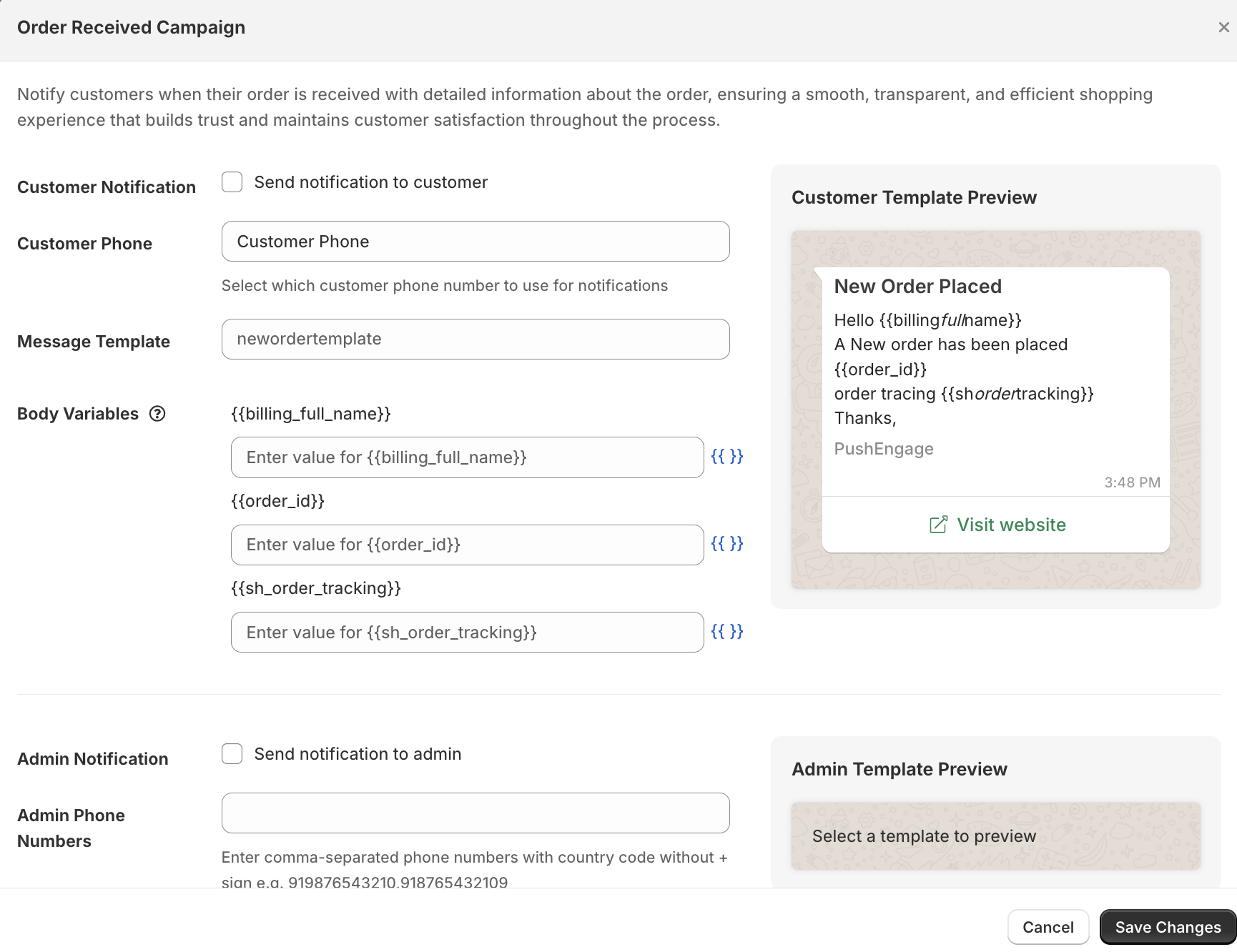
ホリデーシーズンのプッシュ通知ベストプラクティス
Great copy is half the job. The other half is execution — knowing when to send, how often, and how to avoid burning your list during the season’s peak engagement window.購入意欲のピークに合わせて送信タイミングを調整する
For eCommerce, the highest-converting windows during the holiday season are weekday lunchtimes (12–2 PM local time) and weekday evenings (7–9 PM local time). Avoid early mornings — holiday subscribers are not making buying decisions at 6 AM. PushEngage’s timezone-aware delivery sends each notification at the right local time per subscriber, so a single campaign can hit morning in Sydney and evening in New York without a second send.送信頻度の上限を設定する
The holiday season tempts you to send more. Resist the impulse. A subscriber who opts out in December is lost for the entire next year. A frequency cap of 1–2 push notifications per day per subscriber preserves the relationship and keeps your unsubscribe rate manageable. For most stores, the sweet spot during peak season is 1 notification/day on the busiest days (Dec 19–24) and 3–4 per week in the earlier stages.おやすみ時間を使用する
Midnight notifications get dismissed, not clicked. Configure quiet hours in PushEngage to suppress sends between 10 PM and 7 AM local time. Your click rates will go up because your sends are landing in active windows.コピーは短く、行動指向にする
Push notification real estate is limited. The title is your headline — make it do the work. The body should deliver one benefit and one implicit or explicit action. If you can’t read the whole notification in under 3 seconds, cut it.季節の準備を逃さない
The holiday window builds on your year-round list health. If you’re new to push campaigns, start with the Black Friday push notification playbook — the BFCM period is the on-ramp to Christmas, and the list-building and segmentation work you do in November directly powers your December campaigns.