De fleste besøgende, der forlader dit website, kommer aldrig tilbage. Exit-intent chat giver dig en sidste chance for at engagere dem, før de forsvinder – uanset om de forlader en indkøbskurv, forlader en prisside eller tøver med en produkt sammenligning.
Med PushEngages chat-widget kan du vise en besked præcis når den besøgende er ved at forlade siden, og tilbyde hjælp, beroligelse eller incitamenter, der genvinder konverteringer.
Denne guide gennemgår, hvorfor exit intent virker – og hvordan du opsætter det i PushEngage på under et minut.
Send multichannel-beskeder i dag!
Push- og WhatsApp-beskeder er super effektive, billige marketingværktøjer, der hjælper dig med at øge din gentagne trafik, engagement og salg automatisk.
- Hvad er Exit Intent?
- Hvorfor Exit-Intent Chat Virker
- Sådan Håndterer PushEngage Exit Intent
- Sådan Aktiverer Du Exit-Intent Chat i PushEngage (Trin for Trin)
- Hvor Skal Exit-Intent Chat Bruges (Sider med Høj Indvirkning)
- Valgfrie Forbedringer (Høj ROI)
- Bedste Praksis for Exit-Intent Chat
- Hvad du skal gøre efter opsætning af chat-widgets
Hvad er Exit Intent?
Exit intent registrerer, hvornår en besøgende sandsynligvis vil forlade dit site ved at spore adfærd såsom:
- Bevægelse af musen mod browserens lukke- eller tilbage-knap
- Hurtig opadgående markørbevægelse
- Skift af faner
- Forsøg på at lukke fanen
Når det registreres, udløser PushEngage din chat-widget øjeblikkeligt – og fanger engagementet på det perfekte tidspunkt.
Hvorfor Exit-Intent Chat Virker
Exit-intent chat er en af de triggere med størst indvirkning, du kan bruge, fordi den griber ind, når en besøgende er:
- Forvirret
- Tøvende
- Pris-tjekker
- Leder efter alternativer
- Planlægger at forlade deres checkout
En velplaceret exit-intent-besked kan:
- Reducere forladte indkøbskurve
- Genvinde mistede leads
- Besvare tvivl i sidste øjeblik
- Tilbyde hjælp i tøvende øjeblikke
- Præsentere incitamenter kun for brugere, der er ved at forlade siden
Det er det digitale ækvivalent til at sige: “Før du går – kan jeg hjælpe med noget?” lige når de er på vej ud af døren.
Sådan Håndterer PushEngage Exit Intent
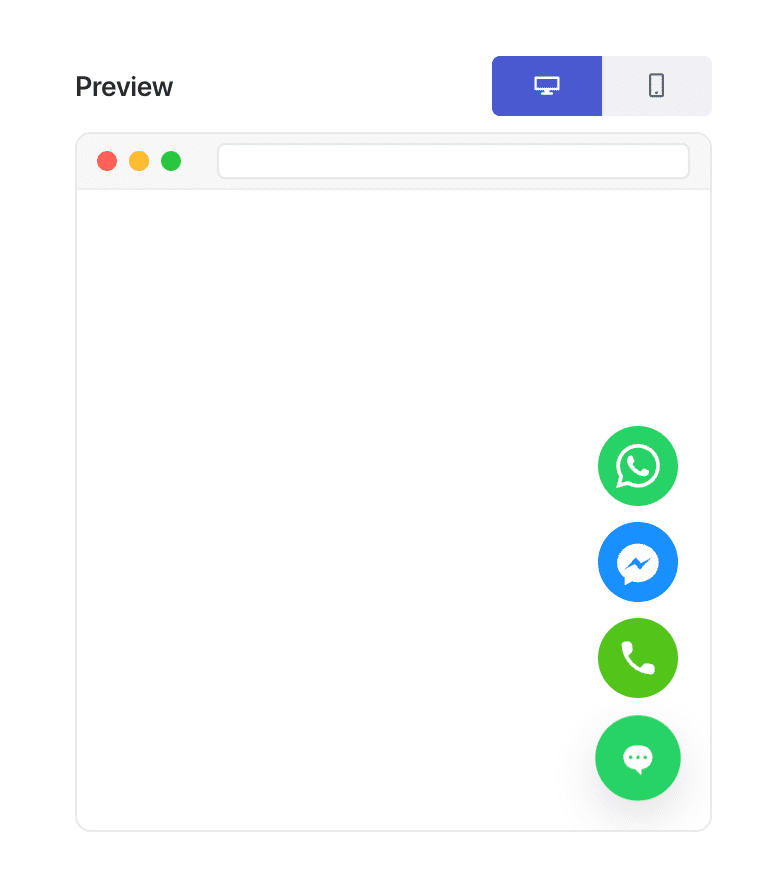
PushEngage inkluderer adfærdsmæssige triggere inde i chat-widget-byggeren. En af disse triggere er Vis ved exit-intent.
Når den er aktiveret, forbliver widgetten skjult, indtil den besøgende udviser adfærd, der signalerer, at de er ved at forlade siden.
Et par bemærkninger:
- Exit-intent fungerer bedst på desktop på grund af markørbaserede signaler.
- På mobil bruger PushEngage fallback-triggere, der tilnærmer exit-adfærd.
Du behøver ingen brugerdefinerede scripts eller plugins – PushEngage håndterer al registrering automatisk.
Sådan Aktiverer Du Exit-Intent Chat i PushEngage (Trin for Trin)
Trin 1: Opret eller Rediger Din Chat-Widget
I dit WordPress-dashboard:
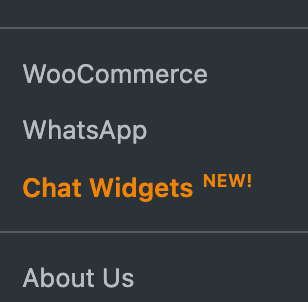
Gå til PushEngage » Chat Widgets.
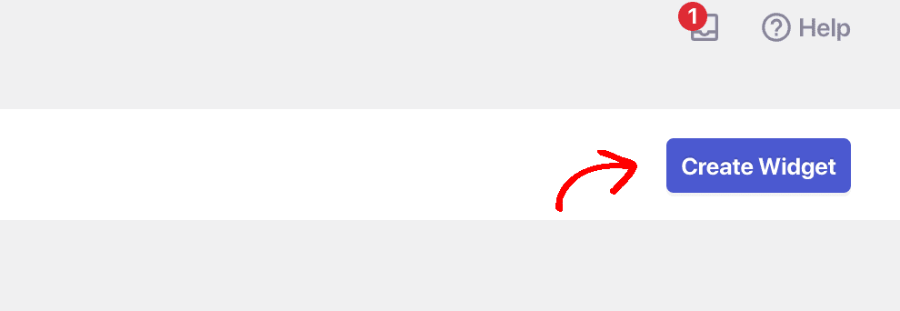
Vælg Opret widget eller vælg en eksisterende for at redigere.
Trin 2: Udløs ved Exit Intent
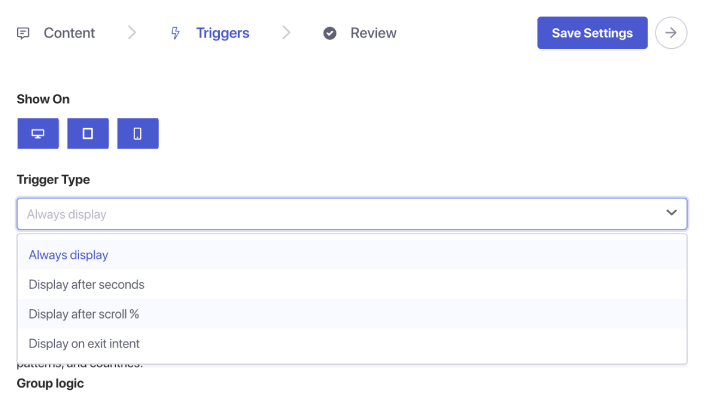
Når du er færdig med at vælge kanaler og opsætte din agentplanlægning, skal du gå til fanen Triggere. Under Trigger Type skal du vælge Vis ved exit-intent.
Trin 5: Gem og Udgiv Din Widget
Klik på Gem widget. Sørg for, at widgetten er aktiv og målrettet de rigtige sider. Din exit-intent-chat er nu live.
Hvor Skal Exit-Intent Chat Bruges (Sider med Høj Indvirkning)
Exit-intent fungerer bedst på sider, hvor den besøgende træffer en beslutning:
1. Prisside
De sammenligner omkostninger og værdi – ofte sekunder fra at hoppe væk.
2. Checkout-side
De kan have tvivl om forsendelse, tillid eller betaling.
3. Produktsider
Perfekt øjeblik til at besvare spørgsmål før køb.
4. Blogindlæg
Fantastisk til at fange leads, før de forlader siden efter at have læst.
5. Demo-/konsultationssider
Nyttigt til at genengagere potentielle kunder, der er interesserede, men tøvende.
Kombiner med sidemålretning for kun at vise exit-intent-chat, hvor det betyder mest.
Valgfrie Forbedringer (Høj ROI)
1. Tilføj en rabat eller et tilbud
Kun vist til dem, der forlader siden → intet margin-tab for besøgende med høj hensigt.
2. Send exit-intent-chats til salgsagenter
Genvind tabte muligheder øjeblikkeligt.
3. Kombiner med målretning mod tilbagevendende besøgende
Fang gentagne tøven.
4. Skræddersy beskeden efter side
Produktside: “Spørgsmål om denne vare?”
Prisside: “Brug for hjælp til at vælge den rigtige plan?”
Kasse: “Vil du have hjælp til at fuldføre din ordre?”
Bedste Praksis for Exit-Intent Chat
Hold det subtilt
Exit-intent handler om assistance, ikke desperation.
Undgå aggressive rabatter overalt
Brug sparsomt for at undgå at træne besøgende til at forlade med vilje.
Hold beskeder korte
Besøgende er allerede ved at forlade — hold din anmodning minimal.
Kombiner ikke med tidlige side-triggere
Exit-intent-chat bør kun vises i det sidste øjeblik.
Test det på desktop og mobil
Mobil kræver fallback-logik — sørg for, at oplevelsen stadig føles naturlig.
Hvad du skal gøre efter opsætning af chat-widgets
Exit-intent-chat er en af de enkleste måder at vinde forladende besøgende tilbage på — og PushEngage gør det utroligt nemt at implementere.
På under et minut kan du:
- Registrere, hvornår brugere er ved at forlade
- Vise en hjælpsom besked på det perfekte tidspunkt
- Genvind salg, generer kundeemner og reducer afgang
Lille ændring, stor effekt.
Når tidsplanerne er indstillet, kan dit team arbejde mere effektivt – og dine kunder får den oplevelse, de forventer.
Hvis du endnu ikke har opsat agentprofiler og -planer i PushEngage, er det nu, du skal gøre det.
Ikke overbevist? Se disse fantastiske ressourcer om multichannel marketingkampagner:
- Sådan øger du hotelsalg i lavsæsonen
- Sådan laver du multichannel-marketing for hoteller i 2026
- Sådan konverterer du abonnenter til købere ved hjælp af web push-notifikationer
- Sådan giver du abonnenter besked om nye WordPress-indlæg
- Sådan sender du lager-tilbage-notifikationer for at få mere salg
- Sådan renses push-notifikationsabonnentlister (nemt)
- Sådan sendes RSS push-notifikationer automatisk
- Sådan bruges push-notifikationer til at promovere en nyhedsside
- Sådan bruges cross-selling push-notifikationer til at fordoble dit salg
- Sådan bruges browse abandonment push-notifikationer (4 trin)


