
Behöver du ett WordPress-plugin för underhållsläge för din webbplats?
Vi förstår. Det finns mycket att tänka på när man skapar en landningssida för underhållsläge i WordPress:
- Att designa ett underhållsläge kan vara en plåga när du redan är stressad över att skapa din kärnverksamhet
- Det är inte alltid helt klart hur man använder ett underhållsläge till sin fördel
- Att skapa ett dåligt underhållsläge ger en mycket dålig upplevelse för förstagångsanvändare
Men det är väl därför vi har plugins, eller hur?
Det enda problemet är...
Vilket av de 150 WordPress-plugins för underhållsläge väljer du? Och vilka kommer inte att bryta ditt tema på grund av kompatibilitetsproblem med ett cache-plugin?
Ingen fara. I den här artikeln har vi listat de bästa plugins på marknaden och vi kommer att hjälpa dig att hitta WordPress-plugin för underhållsläge för din verksamhet.
Låt oss dyka in.
Vad är ett WordPress-plugin för underhållsläge?
Ett WordPress-plugin för underhållsläge är ett enkelt plugin som låter dig skapa en tillfällig sida över hela din webbplats eller på mycket specifika sidor. Det är tänkt att teasera lanseringen av en ny produkt, funktion eller din nya webbplats. Och när det nya innehållet släpps, tar pluginet automatiskt bort underhållsläget och publicerar det nya innehållet.
Här är ett exempel på en WordPress-sida för underhållsläge byggd med SeedProd:

WordPress-plugins för underhållsläge låter dig snabbt skapa, anpassa och driftsätta sidor som denna.
Men varför skulle du vilja skapa ett underhållsläge för din webbplats från första början?
Att skapa ett underhållsläge för din webbplats:
- Ökar din SEO: Förbättra din domänauktoritet innan du ens lanserar din webbplats
- Skapar en hype kring din produkt: Kör en förhandsreklamkampanj från en enkel sida "under underhåll"
- Växer din e-postlista: Starta en förförsäljningskampanj för att samla in leads och till och med förskottsbetalningar
Ur ett marknadsföringsperspektiv är underhållsläge ett mycket effektivt sätt att generera trafik och leads när du inte ens har en produkt- eller tjänstewebbplats på plats.
Bör du välja professionella WordPress-underhållstjänster?
Medan plugins för underhållsläge är ett bra sätt att tillfälligt dölja din webbplats under uppdateringar, räcker ibland inte plugins ensamma för långsiktig webbplatsvård. Om du hanterar en webbplats med hög trafik eller en som är kritisk för din verksamhet, kanske du inte får den konsekvens och översikt som behövs för optimal prestanda och säkerhet genom att enbart förlita dig på plugins.
Det är här professionella WordPress-underhållstjänster, som Seahawks SeaCare, kommer in.

Från 49 USD täcker SeaCare viktiga tjänster som uppdateringar av plugins och teman, kärnuppdateringar av WordPress, rutinmässiga molnsäkerhetskopieringar, säkerhetsövervakning och spårning av drifttid. Du får också en regelbunden underhållsrapport som håller dig informerad om din webbplats hälsa och prestanda.
För företag som behöver pålitligt, löpande stöd erbjuder SeaCare den sinnesro som kommer med expertöversikt – håller din webbplats säker, uppdaterad och redo för tillväxt.
Så, gör dina val baserat på vad du behöver.
Bästa WordPress-plugin för underhållsläge
Nu förstår du redan varför ett underhållsläge är bra. Så, låt oss dyka rakt in i våra toppval för WordPress-plugins för underhållsläge.
#1. SeedProd

SeedProd är det mest populära pluginet för underhållsläge i WordPress. För att vara rättvis kan SeedProd göra MYCKET mer än att bara skapa sidor för underhållsläge. Men om du vill se allt som SeedProd kan göra, bör du kolla in vår recension.
För nu, låt oss fokusera på varför du bör skapa ett underhållsläge med SeedProd.
SeedProd tillåter vem som helst att skapa professionella och högkonverterande landningssidor utan att behöva någon design- eller kodningserfarenhet. Det coola är att du får en visuell sidbyggare med dra-och-släpp-funktion och tillgång till över 500 000 gratis stockbilder där du snabbt kan lägga till element i ditt meddelande om underhållsläge som:
- Anpassad text
- Rubriker
- Bilder
- Videor
- Optin-formulär
Och mycket mer. Pluginet i sig är lättviktigt och integreras med en mängd olika marknadsföringsprogram. Det är också helt mobil- och SEO-vänligt. De mest populära funktionerna inkluderar:
- Nedräkningstimer för din underhållssida
- Möjlighet att lägga till anpassade logotyper
- Kraftfulla integrationer med populära e-postmarknadsföringstjänster som MailChimp, AWeber och Drip.
- Inbyggda formulär (med avancerade funktioner som förloppsindikatorer och integrationer med betalningsgateways)
- Inbyggd e-postautosvarare
- Förinlästa Google-typsnitt
- Import av SEO-vänliga sidmallar med ett klick
- Remissspårning för underhållsläget
- Sociala följningar och delningar
Du kan också integrera e-handelsplattformar som WooCommerce och Easy Digital Downloads med SeedProd för att bygga landningssidor för produkter.
Vill du se hur det fungerar? Kolla in den här steg-för-steg-guiden om hur man bygger en landningssida med SeedProd.
#2. Elementor Underhållsläge
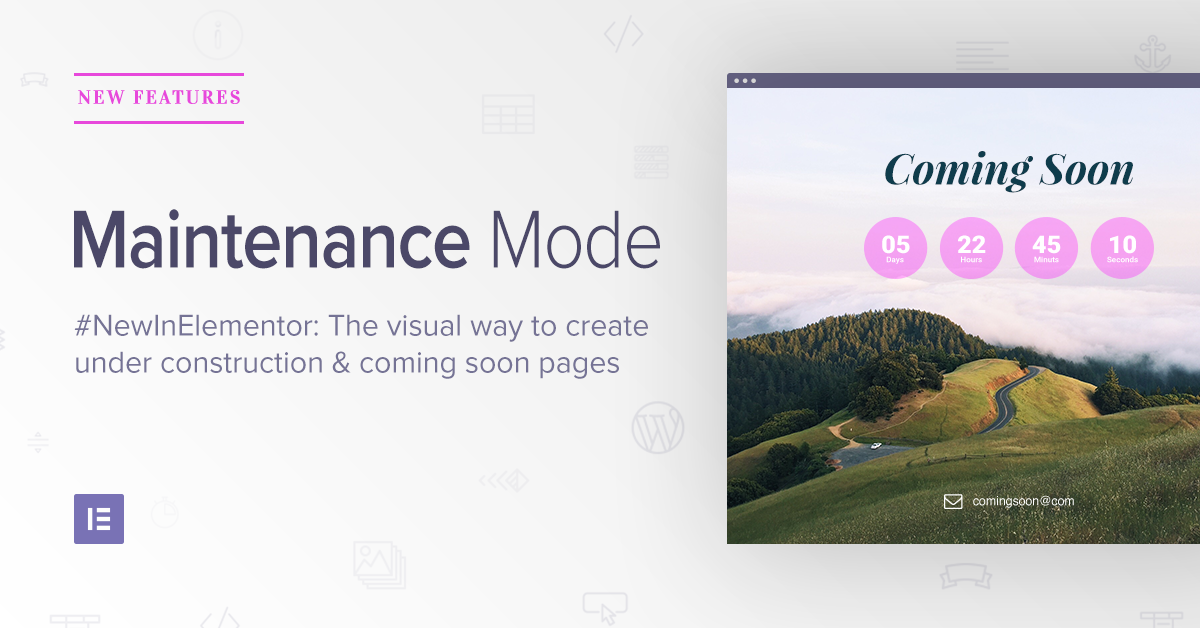
Elementor Maintenance Mode är en funktion som ingår i Elementor-pluginet. Elementor är en ganska avancerad temabyggare som massor av webbplatser använder. Med Elementor Pro får du också ett underhållsläge som låter dig ställa in ett underhållsläge för din webbplats.
Underhållsläget låter dig uppdatera din webbplats i bakgrunden.
Här är varför du bör överväga att använda Elementors underhållsläge:
- Underhållsläget talar automatiskt om för sökmotorer att inte indexera din webbplats
- Elementor levereras med designmoduler, sidmallar och widgets
- Underhållsläget kommer också med en timer efter vilken underhållsmeddelandet automatiskt försvinner
Nackdelen är att du bara kan använda dessa funktioner om din webbplats byggdes i Elementor. Om inte, då kommer denna lösning inte att vara användbar för dig alls. Men om du driver en webbplats byggd med Elementor, bör du uppgradera till Elementor Pro för att få tillgång till underhållsläget.
Kom igång med Elementor Pro idag!
#3. Divi

Divis Temabyggarplugin är ett av de mest populära WordPress-temabyggarpluginen i världen. Sättet som Divi fungerar på är att du får en komplett visuell byggare för att bygga webbsidor från grunden eller med hjälp av en förbyggd mall. Divi levereras som ett komplett tema såväl som ett fristående temabyggarplugin som du kan använda med vilket tema som helst.
Och det finns hundratals förbyggda mallar i Divi. Naturligtvis inkluderar det även underhållsläge. Divi är både ett WordPress-tema och ett plugin, vilket innebär att det är ett mångsidigt verktyg. De mest populära funktionerna inkluderar:
- En fullt fungerande visuell dra-och-släpp-byggare
- En marknadsplats med tredjepartsappar som gör det superenkelt att utöka funktionaliteten
- Import med ett klick för förbyggda mallar
#4. "Snart här" och Underhållsläge

Coming Soon and Maintenance Mode låter dig skapa en "kommer snart"- eller underhållssida med en bakgrundsbild eller video. Sammantaget, när du jämför den med de andra utmanarna på den här listan, verkar den vara mycket... MINDRE.
Och det är helt sant. Medan SeedProd, Elementor och Divi har kapacitet att generera ett WordPress-underhållsläge, är det inte deras enda fokus. Coming Soon and Maintenance Mode är ett plugin som bara gör en sak.
Men även då verkar deras största försäljningsargument vara deras förmåga att skapa "kommer snart"-sidor med en bakgrundsbild eller video. Du kan också inkludera ett prenumerationsformulär på din webbplats för att samla e-postadresser. Men det är ungefär allt.
När det gäller prisvärdhet är det inte så spännande. Men det finns inga problem med cachning eller kodkonflikter. Så, om du letar efter ett enkelt plugin som får jobbet gjort snabbt, är detta plugin ditt bästa val.
#5. CMP – Plugin för "Coming Soon" och underhåll
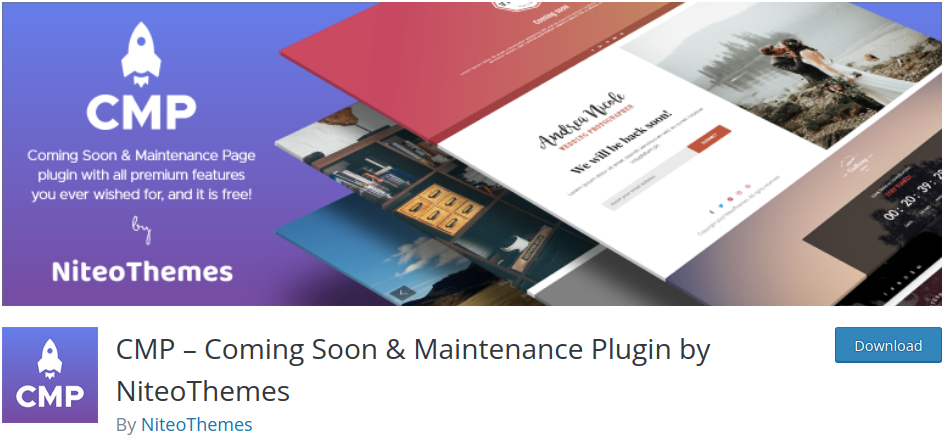
CMP är ett helt GRATIS WordPress underhållslägesplugin som är både snabbt och användarvänligt. För ett gratis plugin har CMP mycket att erbjuda när det gäller funktioner. Detta inkluderar:
- Kompatibilitet med alla WordPress-teman
- 100% responsiva designer för underhållsläget
- Anpassad varumärkesprofil för din webbplats
- Bakgrundsbilder och videor för sidan under underhåll
- Alternativ för anpassad CSS-styling
Och mer. Om du har en budget och bara behöver ett underhållsläge, bör du definitivt kolla in CMP.
#6. Minimal "Coming Soon" & underhållsläge
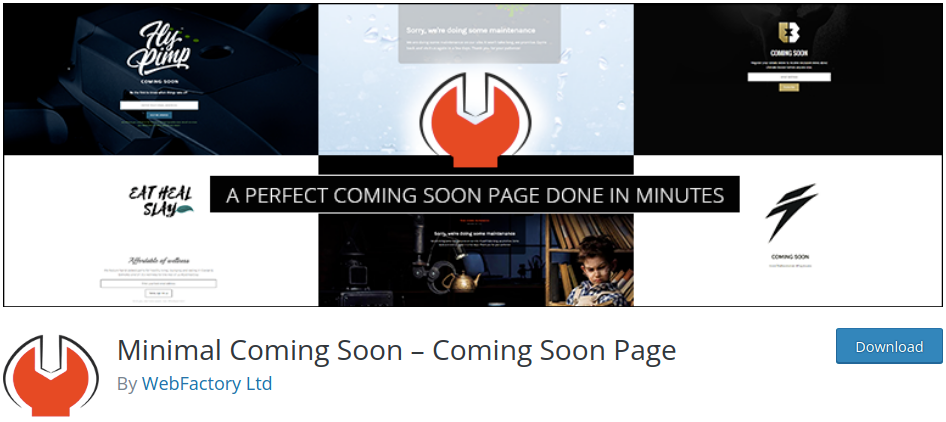
Minimal Coming Soon är ett WordPress-plugin som gör exakt vad du tror: Skapa minimala "kommer snart"-sidor!
Viktiga funktioner inkluderar:
- En anpassad dra-och-släpp-sidbyggare
- Kompatibilitet med alla WordPress-teman
- Animerade och videobakgrunder
- Leadgenereringsformulär
- Integrationer för autoresponders och e-posttjänster
- Adminåtkomst för att redigera webbplatsen medan underhållsläget är aktivt
Vi skulle rekommendera detta för en byrå, med tanke på att de har en livstids premiumplan.
Kom igång med Minimal Coming Soon nu.
#7. WP Maintenance Mode
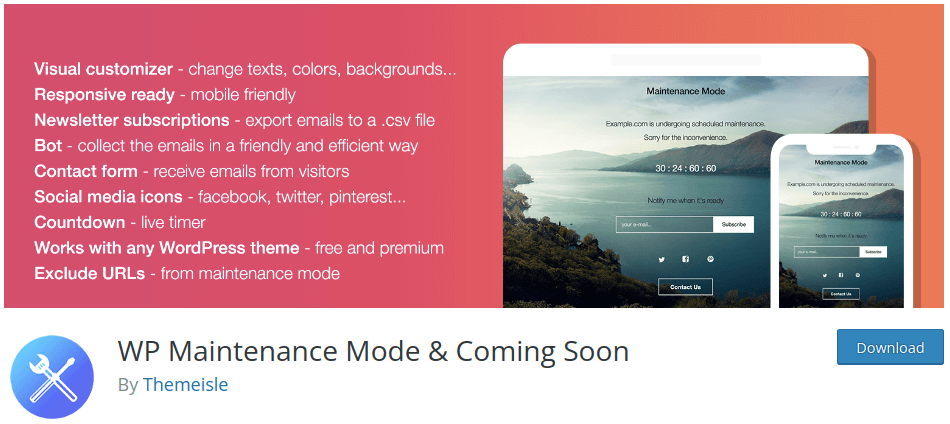
WP Maintenance Mode är ett ganska unikt plugin för WordPress underhållsläge. Du får massor av funktioner från ett gratis plugin, men de har en modell där de marknadsför sina andra premiumprodukter inom WordPress-instrumentpanelen.
Ett välkänt problem med WP Maintenance Mode är att det inte fungerar bra med cache-plugins. Så, om du använder detta plugin tillsammans med cache-plugins, måste du antingen rensa din cache varje gång du gör en ändring på din webbplats eller inaktivera cache-pluginet tillfälligt.
Men på den positiva sidan kan du njuta av funktioner som:
- Nedräkningstimer
- Alternativ för social delning
- Prenumerant- och kontaktformulär
- Verktyg för designanpassning
- Avancerade administratörsåtkomstfunktioner
- En meddelandebot för ditt underhållsläge
- GDPR-efterlevnadsinställningar
Och mer!
Kom igång med WP Maintenance Mode direkt!
#8. Under uppbyggnad
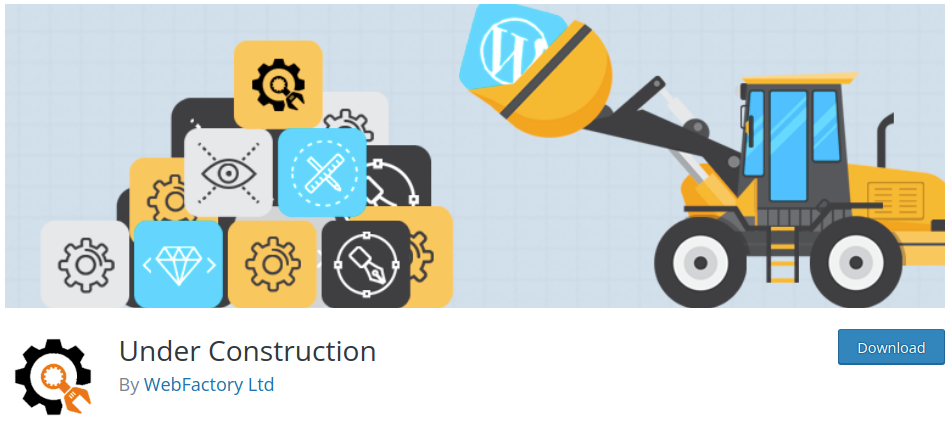
Pluginet Under Construction är ett av få plugins för WordPress underhållsläge som låter dig schemalägga kommande sidor och underhållslägen på din webbplats. Du får också ganska coola funktioner som:
- Enkel integration med Google Analytics
- Anpassad CSS för extra stylingalternativ
- Ikoner för social delning för ditt underhållsläge
- Vitlistade användarroller och användare
Låter intressant, eller hur? Nämnde vi att det finns en livstidslicens från $69?
Kom igång med Under Construction nu!
#9. Enkelt underhåll
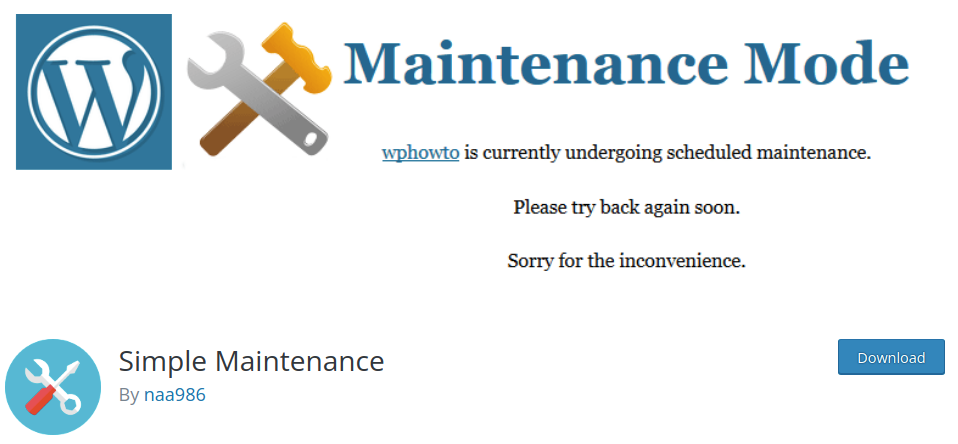
Simple Maintenance är ett lättviktigt plugin som automatiskt skapar en helt responsiv HTML5-sida för underhållsläge. Och allt du behöver göra är att aktivera pluginet och underhållsläget.
Några nyckelfunktioner inkluderar:
- Ett enkelt och lättanvänt plugin med ett mycket centralt fokus
- Responsiva designer för underhållsläge
- Fantastiska HTML- och CSS-designer som laddas supersnabbt
Kom igång med Simple Maintenance idag!
#10. "Coming Soon"-sida & underhållsläge Pro
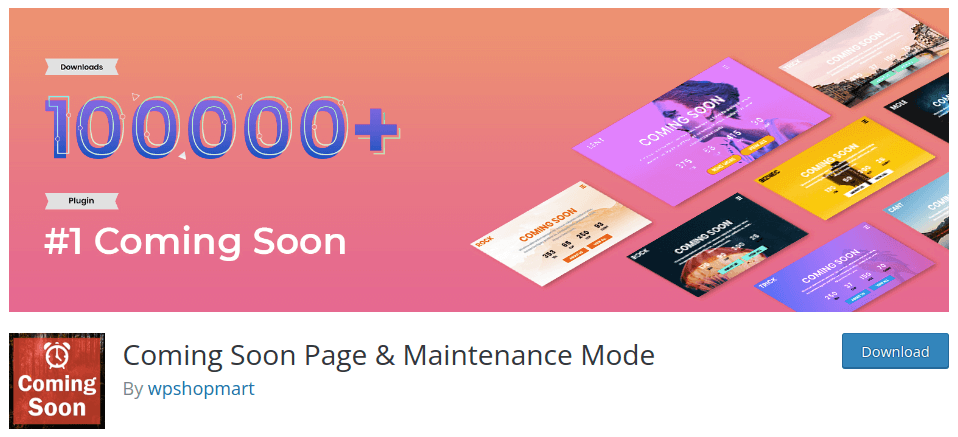
Coming Soon Page & Maintenance Mode är ett funktionsrikt plugin som levereras med responsiva designer byggda på Bootstrap 3 och HTML5. Det är superbekvämt och du får massor av coola funktioner.
Naturligtvis får du ett helskärmsslideshow och innehåll för flera sidor. Men du får också tillgång till episka funktioner som:
- Kompatibel med alla WordPress-teman
- Supersnabba responsiva designer
- Enkla designalternativ
- Nedräkningstimer för ditt underhållsläge
Kom igång med Coming Soon Page & Maintenance Mode nu!
#11. Slimt underhållsläge
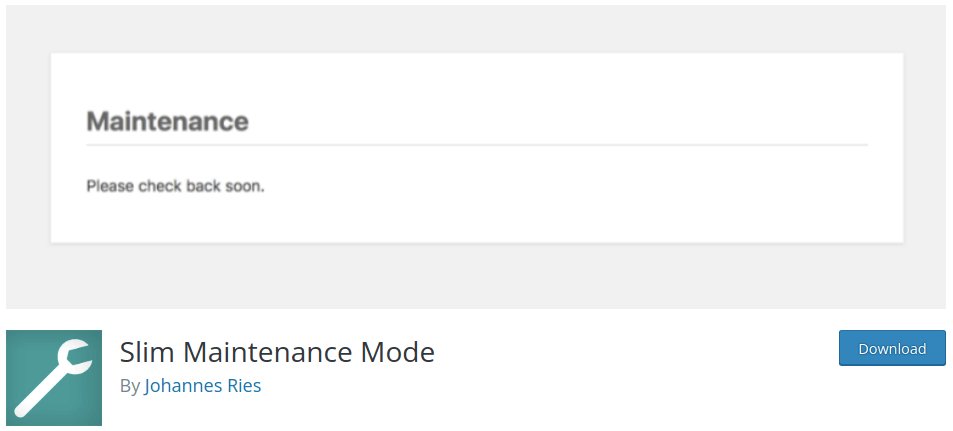
Slim Maintenance Mode verkar vara ett grundläggande plugin för underhållsläge på ytan. Men det finns faktiskt en hel del bra funktioner som du inte får med många andra betalda plugins. Aktivera pluginet för att aktivera ett WordPress underhållsläge och avaktivera pluginet när du är klar.
Men mer än så får du:
- Ett meddelande på din WordPress-instrumentpanel när pluginet är aktivt
- Fullständig kompatibilitet med alla WordPress-teman
- Stöd för WordPress-cache-plugins som Cachify, Super Cache, WP Rocket, WP Fastest Cache och W3 Total Cache
- En 503-statuskod för din webbplats så att sökmotorer inte indexerar ditt innehåll
Kom igång med Slim Maintenance Mode idag!
Vilket WordPress-plugin för underhållsläge passar dig?
Det var allt för den här gången, gott folk!
Utan tvekan är den bästa av dessa lösningar SeedProd. För priset får du ett bra sätt att skapa ett WordPress underhållsläge och mycket mer.
Visste du att push-notiser kommer med många automatiserade kampanjer? När du äntligen lanserar din webbplats behöver du ett enkelt och kostnadseffektivt sätt att nå dina kunder och webbplatsbesökare.
- Drip-kampanjer och autosvar för webb push-notiser
- 5 fördelar med att använda push-notiskampanjer för övergivna varukorgar
- Hur man konverterar prenumeranter till köpare med hjälp av webb push-notiser
- Hur man lägger till ett WordPress-plugin för webbnotiser på din webbplats
Och om du precis har börjat med push-notiser rekommenderar vi att använda PushEngage. PushEngage är den främsta push-notisprogramvaran i världen. Så dina kampanjer kommer att vara i trygga händer.


