De flesta besökare som lämnar din webbplats kommer aldrig tillbaka. Chatt med avsikt att lämna ger dig en sista chans att engagera dem innan de försvinner – oavsett om de överger en kundvagn, studsar från en prissida eller tvekar vid en produktjämförelse.
Med PushEngages chattwidget kan du visa ett meddelande precis när besökaren är på väg att lämna, och erbjuda hjälp, trygghet eller incitament som återhämtar konverteringar.
Den här guiden guidar dig genom varför avsikt att lämna fungerar – och hur du ställer in det i PushEngage på mindre än en minut.
Skicka meddelanden via flera kanaler idag!
Push- och WhatsApp-meddelanden är supereffektiva, billiga marknadsföringsverktyg som hjälper dig att öka din återkommande trafik, engagemang och försäljning automatiskt.
- Vad är avsikt att lämna?
- Varför chatt med avsikt att lämna fungerar
- Hur PushEngage hanterar avsikt att lämna
- Hur du aktiverar chatt med avsikt att lämna i PushEngage (steg-för-steg)
- Var du ska använda chatt med avsikt att lämna (sidor med hög påverkan)
- Valfria förbättringar (hög ROI)
- Bästa praxis för chatt med avsikt att lämna
- Vad du ska göra efter att ha konfigurerat chatt-widgets
Vad är avsikt att lämna?
Avsikt att lämna upptäcker när en besökare sannolikt kommer att lämna din webbplats genom att spåra beteenden som:
- Flytta musen mot webbläsarens stängningsknapp eller bakåtknapp
- Snabb uppåtgående markörrörelse
- Byta flikar
- Försöka stänga fliken
När det upptäcks utlöser PushEngage din chattwidget omedelbart – och fångar engagemang i det perfekta ögonblicket.
Varför chatt med avsikt att lämna fungerar
Chatt med avsikt att lämna är en av de utlösare med högst påverkan du kan använda eftersom den ingriper när en besökare är:
- Förvirrad
- Tveksam
- Prisjämförande
- Letar efter alternativ
- Planerar att överge sin utcheckning
Ett välriktat meddelande om avsikt att lämna kan:
- Minska övergivna kundvagnar
- Återhämta förlorade potentiella kunder
- Besvara sista-minuten-tvivel
- Erbjuda hjälp i ögonblicket av tvekan
- Presentera incitament endast för användare som lämnar
Det är den digitala motsvarigheten till att säga: ”Innan du går – kan jag hjälpa till med något?” precis när de är på väg ut genom dörren.
Hur PushEngage hanterar avsikt att lämna
PushEngage inkluderar beteendebaserade utlösare i byggaren för chattwidgetar. En av dessa utlösare är Visa vid avsikt att lämna.
När widgeten är aktiverad förblir den dold tills besökaren uppvisar beteende som signalerar att de är på väg att lämna.
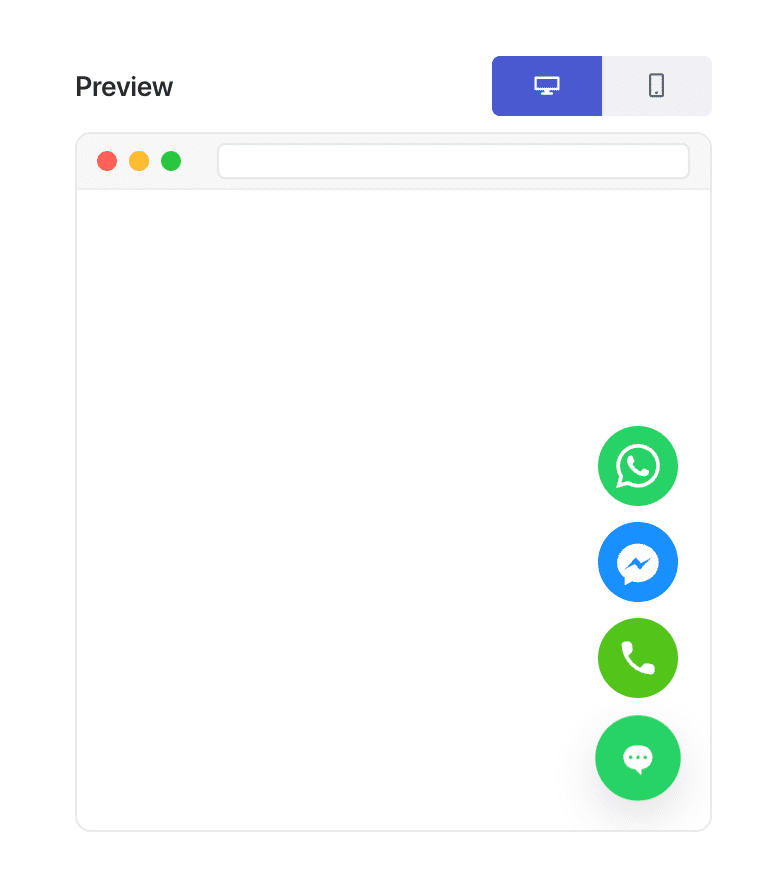
Några anmärkningar:
- Avsikt att lämna fungerar bäst på datorer på grund av muspekaren-baserade signaler.
- På mobilen använder PushEngage reservutlösare som approximerar beteendet att lämna.
Du behöver inga anpassade skript eller plugins – PushEngage hanterar all detektering automatiskt.
Hur du aktiverar chatt med avsikt att lämna i PushEngage (steg-för-steg)
Steg 1: Skapa eller redigera din chattwidget
I din WordPress-instrumentpanel:
Gå till PushEngage » Chattwidgetar.
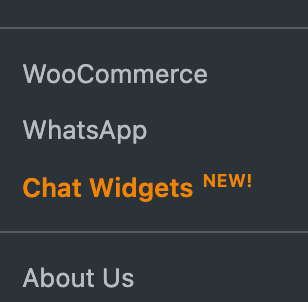
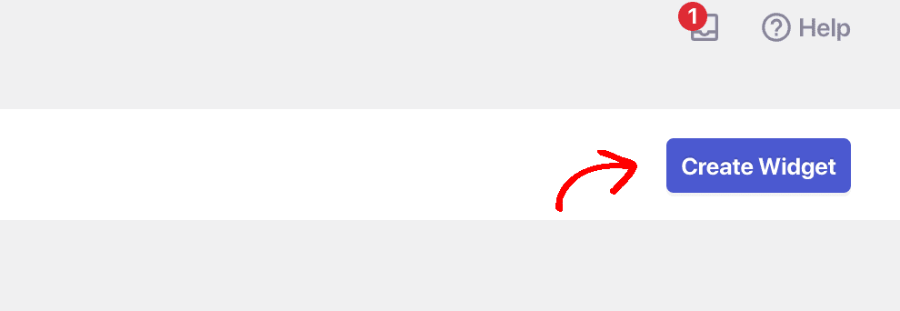
Välj Skapa widget eller välj en befintlig för att redigera.
Steg 2: Utlös vid avsikt att lämna
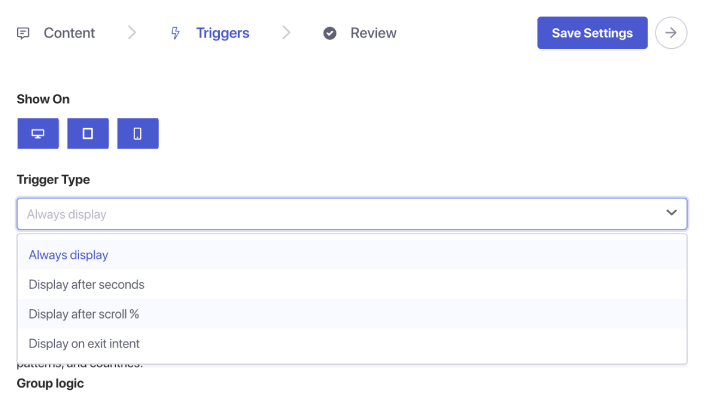
När du är klar med att välja kanaler och ställa in din agentplanering, gå till fliken Utlösare. Under Utlösartyp, välj Visa vid avsikt att lämna.
Steg 5: Spara och publicera din widget
Klicka på Spara widget. Se till att widgeten är aktiv och riktad mot rätt sidor. Din chatt för avsikt att lämna är nu live.
Var du ska använda chatt med avsikt att lämna (sidor med hög påverkan)
Avsikt att lämna fungerar bäst på sidor där besökaren fattar ett beslut:
1. Prissida
De jämför kostnad och värde – ofta sekunder från att studsa bort.
2. Kassasida
De kan ha tvivel om frakt, förtroende eller betalning.
3. Produktsidor
Perfekt ögonblick att besvara frågor före köp.
4. Blogginlägg
Bra för att fånga potentiella kunder innan de lämnar efter att ha läst.
5. Demostrations-/konsultationssidor
Användbart för att återengagera potentiella kunder som är intresserade men tveksamma.
Kombinera med sidinriktning för att visa chatt för avsikt att lämna endast där det är viktigast.
Valfria förbättringar (hög ROI)
1. Lägg till rabatt eller erbjudande
Visas endast för de som överger → ingen marginalförlust för besökare med hög avsikt.
2. Skicka chattar med avsikt att lämna till säljare
Återvinn förlorade möjligheter omedelbart.
3. Kombinera med riktning mot återkommande besökare
Fånga upp upprepade tveksamheter.
4. Skräddarsy meddelandet efter sida
Produktsida: "Frågor om den här produkten?"
Prissida: "Behöver du hjälp att välja rätt plan?"
Kassa: "Vill du ha hjälp att slutföra din beställning?"
Bästa praxis för chatt med avsikt att lämna
Håll det subtilt
Avsikt att lämna handlar om hjälp, inte desperation.
Undvik aggressiva rabatter överallt
Använd sparsamt för att undvika att träna besökare att överge avsiktligt.
Håll meddelanden korta
Besökare är redan på väg att lämna — håll din begäran minimal.
Kombinera inte med tidiga sidutlösare
Chatt med avsikt att lämna bör endast visas i sista stund.
Testa det på dator och mobil
Mobil kräver reservlogik — se till att upplevelsen fortfarande känns naturlig.
Vad du ska göra efter att ha konfigurerat chatt-widgets
Chatt med avsikt att lämna är ett av de enklaste sätten att vinna tillbaka besökare som överger — och PushEngage gör det otroligt enkelt att implementera.
På under en minut kan du:
- Upptäcka när användare är på väg att lämna
- Visa ett hjälpsamt meddelande vid rätt tillfälle
- Återvinna försäljning, generera leads och minska övergivande
Liten förändring, stor effekt.
När schemana väl är inställda kan ditt team arbeta mer effektivt – och dina kunder får den upplevelse de förväntar sig.
Om du inte redan har ställt in agentprofiler och scheman i PushEngage, är det dags nu.
Inte övertygad? Ta en titt på dessa fantastiska resurser om marknadsföringskampanjer i flera kanaler:
- Hur man ökar hotellförsäljningen under lågsäsong
- Hur man gör omnikanalmarknadsföring för hotell 2026
- Hur man konverterar prenumeranter till köpare med hjälp av webb push-notiser
- Hur man meddelar prenumeranter om nya WordPress-inlägg
- Hur du skickar notiser om lageråtergång för att få fler försäljningar
- Hur man rensar listor över prenumeranter på push-meddelanden (enkelt)
- Hur man automatiskt skickar RSS push-meddelanden
- Hur man använder push-meddelanden för att marknadsföra en nyhetssida
- Hur man använder korsförsäljnings-push-meddelanden för att dubbla din försäljning
- Hur du använder push-notiser för övergivna webbläsare (4 steg)


