Remarque : Il n'y a pas de documentation héritée disponible pour cet élément, vous voyez donc la documentation actuelle.
Dans votre compte PushEngage, vous pouvez mettre à jour les détails du site tels que le nom du site, l'URL et le logo du site à tout moment.
Ce guide vous expliquera le processus de mise à jour/modification des détails du site directement depuis votre tableau de bord.
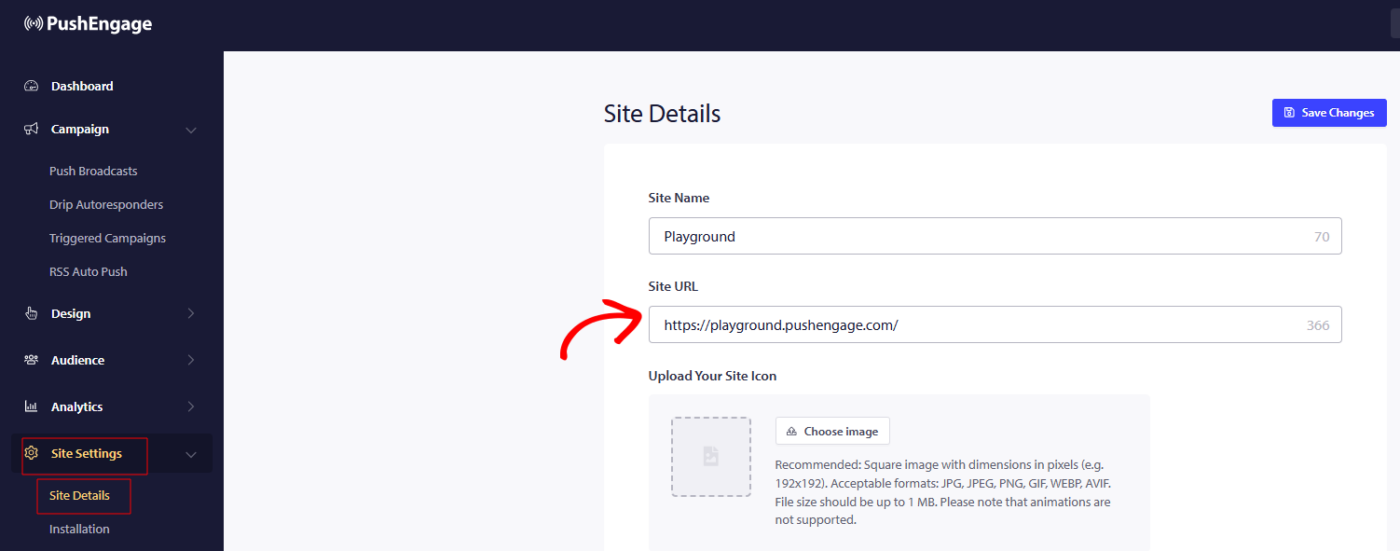
Vous pouvez naviguer vers Paramètres du site » Détails du site et mettre à jour les détails que vous souhaitez modifier.
Les dimensions du logo du site sont également mentionnées, il est donc attendu que vous utilisiez le même rapport et la même taille afin que le logo ne soit pas rogné dans l'image d'abonnement ou de notification.
T
G
Une fois que vous avez effectué les modifications, n'oubliez pas de cliquer sur Enregistrer les modifications pour appliquer les mises à jour.
Si vous rencontrez des problèmes, veuillez nous contacter en cliquant ici. Notre équipe de support pourra vous aider.


