Hver app-installation starter en nedtælling. De fleste brugere, der bliver stille, gør det inden for de første par dage — ikke fordi appen svigtede dem, men fordi intet trak dem tilbage, før din app gled ud af deres mentale startskærm. Den første uge afgør, om en installation bliver til en kunde eller et sovende ikon, og app onboarding push-notifikationer er det mest effektive værktøj, du har inden for dette vindue.
Denne guide bygger serien trin for trin: de milepæle, der skal kortlægges, sekvensen fra installation til første køb besked for besked, exit-reglerne, der forhindrer den i at blive spam, og de tal, der fortæller dig, at den virker.
Dvaleklippen, og hvorfor onboarding ejer den
Genaktiveringskampagner får opmærksomheden, men de kæmper op ad bakke: når en genaktivering udløses, har brugeren allerede besluttet, at din app ikke er en del af deres rutine. Onboarding-pushes arbejder med tyngdekraften i stedet. Brugeren har lige installeret, intentionen er på sit højeste niveau, og hver besked lander, mens beslutningen "er denne app værd at beholde?" stadig er åben. Et procentpoint forbedring her er værd flere point indsats for genaktivering senere.
Kortlæg milepæle, før du skriver en eneste besked
En kalenderbaseret dryp ("dag 1, dag 3, dag 7") behandler alle brugere ens, uanset hvad de har gjort. En milepælsbaseret serie er smartere: hver besked målretter det næste ufuldstændige trin i brugerens rejse og springer brugere over, der allerede har taget det. For en handelsapp ser stigen normalt sådan ud:
- Installation → push-tilladelse givet
- Tilladelse → konto oprettet
- Konto → første produkt gennemsøgt eller gemt
- Gennemsøgning → første vare lagt i kurv
- Kurv → første køb — milepælen, der forudsiger alt derefter
Instrumenter hver milepæl som en brugerdefineret begivenhed med iOS SDK's trackEvent kald — én linje pr. milepæl. Disse begivenheder bliver både udløserne og exit-betingelserne for hver besked nedenfor.
PushEngage.trackEvent(name: "onboarding_first_save",
                      properties: ["category": "outerwear"],
                      profileId: currentUserId,
                      provider: nil, eventType: nil) { _, _ in }
Serien: installation til første køb
Før besked én: opnå tilladelsen
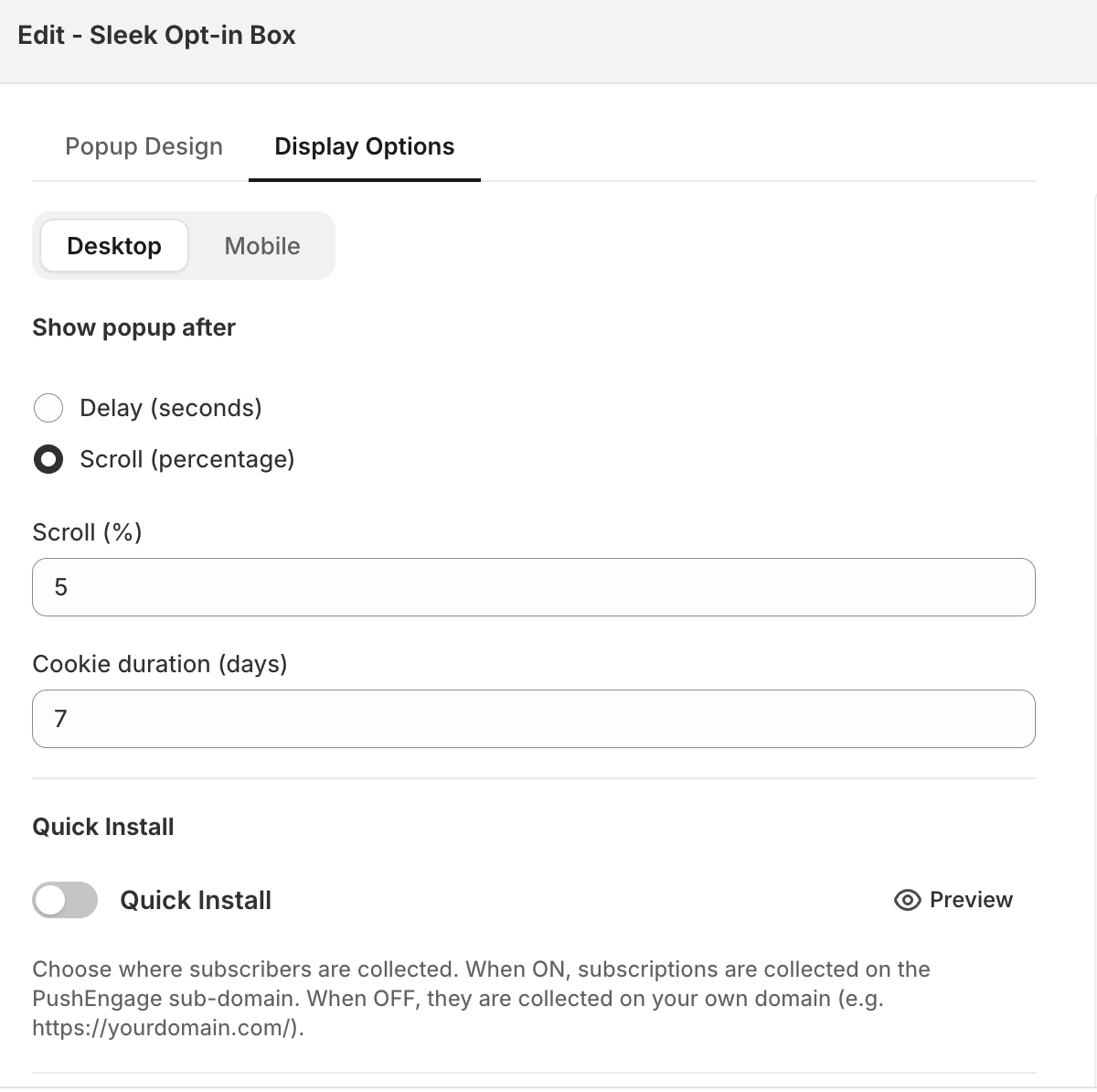
Intet af dette udløses uden notifikationstilladelse, og iOS giver dig ét native forsøg på det. Spørg på et værdiøjeblik med en blød anmodningsskærm først — hele mønsteret er i vores iOS tilladelses-priming guide. Gjord rigtigt, er tilladelsesgivningen i sig selv den første onboarding-milepæl.
Besked 1 — et par timer efter installation: velkomsten
Ikke "velkommen til vores app" — en dør tilbage ind. Lever én konkret værdi: det lovede velkomsttilbud, funktionen der motiverede installationen, eller varen de kiggede på i deres første session. Principperne for velkomstnotifikationer fra web push gælder direkte: specifik, varm og nyttig slår ceremoniel.

Besked 2 — dag 1-2: det næste skridt-skub
Fyrer kun for brugere, der sidder fast under en milepæl: konto ikke oprettet, intet gennemset. Peg på den enkelte næste handling, dybt linket til den nøjagtige skærm, hvor den sker. Brugere, der allerede har taget skridtet, ser aldrig denne besked — det er milepælsforgreningen, der gør sit arbejde.
Besked 3 — dag 3–4: opdagelse
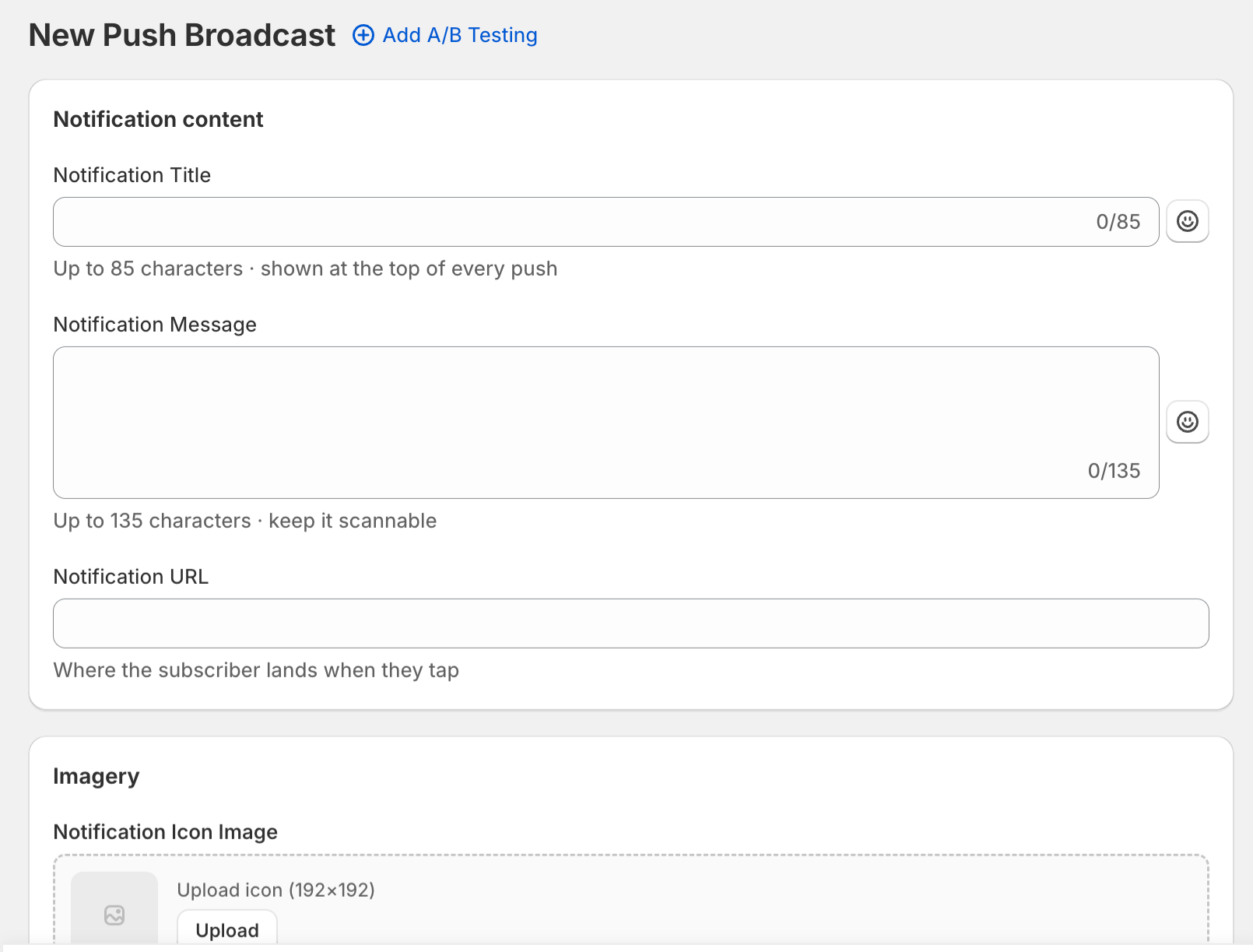
Brugeren har rodet rundt, men har ikke forpligtet sig. Vis dem den ting, de endnu ikke har fundet: en kategori, de kunne lide baseret på deres browsing-hændelsesegenskaber, en funktion, der gør appen mere klæbrig (gemte størrelser, prisalarmer), eller ægte socialt bevis. Dette er beskeden, der mest drager fordel af de hændelsesegenskaber, du har knyttet i trackEvent — „nye varer inden for overtøj“ slår „tjek hvad der er nyt.“
Besked 4 — dag 6–7: den første-købs-lukning
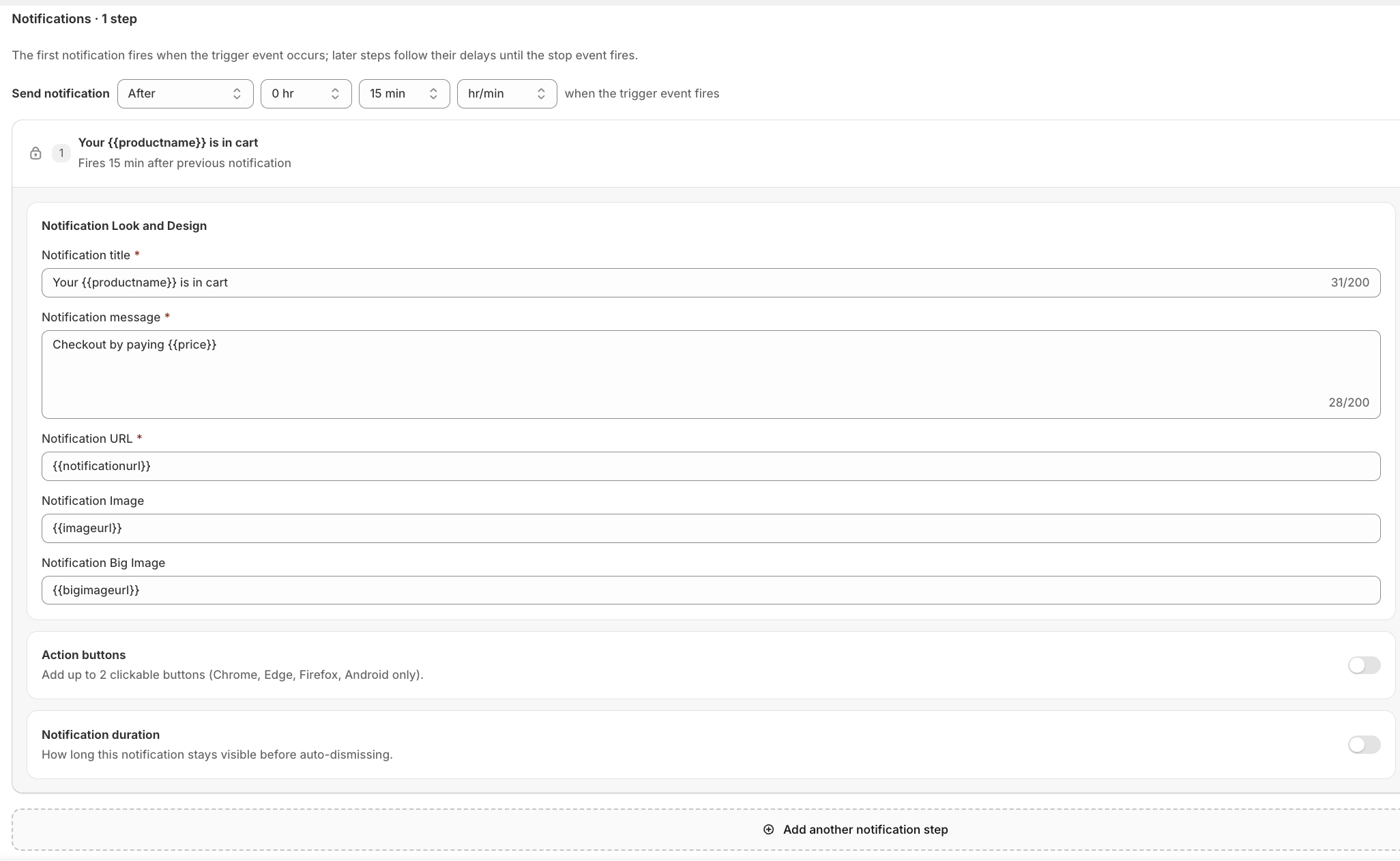
For brugere, der har lagt i kurv, men ikke har købt, har kurv-afvisningssekvensen dem allerede — send ikke dobbelt. Denne besked er til browserne: en tidsbegrænset første-ordens incitament, hvis din margin understøtter en, eller din stærkeste værdiramme, hvis den ikke gør. Uanset hvad, slutter dag 7 onboarding-serien. Hvad der end sker næste gang, tilhører dine almindelige livscyklus-kampagner.
Reglerne, der holder den velkommen
- Afslut ved milepæl, ikke efter tidsplan. En bruger, der køber på dag 2, afslutter hele serien øjeblikkeligt.
- Én besked pr. dag, maksimalt. Hvis kurv-sekvensen er aktiv, giver onboarding-serien sig.
- Respekter stille timer og tidszoner. En velkomst kl. 3 om morgenen er en afinstallationsgenerator.
- Hver besked dybt linker til den handling, den beder om. Aldrig hjemmeskærmen.
Mål aktivering, ikke åbninger
Serien har præcis én succesmetrik: hvilken procentdel af nye installationer når første køb (eller din apps ækvivalente aktiveringsmilepæl) inden for 14 dage, sammenlignet med baseline før serien. Åbningsrater diagnosticerer tekst; aktiveringsløft retfærdiggør programmet. Tilknyt målesporing, så hver beskeds bidrag til afsluttede første køb automatisk tilskrives, og gennemgå tragten månedligt — beskeden med det svageste milepæls-gennemførelsesløft er den, der skal omskrives.
Byg den én gang, drag fordel af hver installation
En onboarding-serie er den sjældne kampagne, du bygger én gang, og hver fremtidig bruger flyder igennem. Instrumenter milepælene, konfigurer den udløste sekvens i dashboardet, og lad forgreningen håndtere resten. For den bredere strategi, som dette passer ind i, se app push marketing-guiden — og når du er klar til at bygge, får du opsætningsguiden plus en eftermiddag dig live.


