Inboxless chat

为什么无收件箱聊天是客户对话的未来

Most chat widgets shove your team into one direction: collecting messages in a support inbox. And while that sounds great on paper, in reality it creates delays, backlogs, and frustrated customers waiting for help you can’t deliver instantly.

But a new approach is quietly replacing inbox-heavy chat systems across modern websites: inbox-free chat—a smarter, faster, far more efficient way to guide users exactly where they need to go without trapping your team inside an endless message queue.

If you’ve ever wanted chat that helps users without creating operational chaos for your team, this is the guide you’ve been waiting for.

立即发送多渠道消息!

推送和 WhatsApp 消息是非常有效且低成本的营销工具,可帮助您自动增加重复流量、参与度和销售额。

What Inbox-Free Chat Actually Means

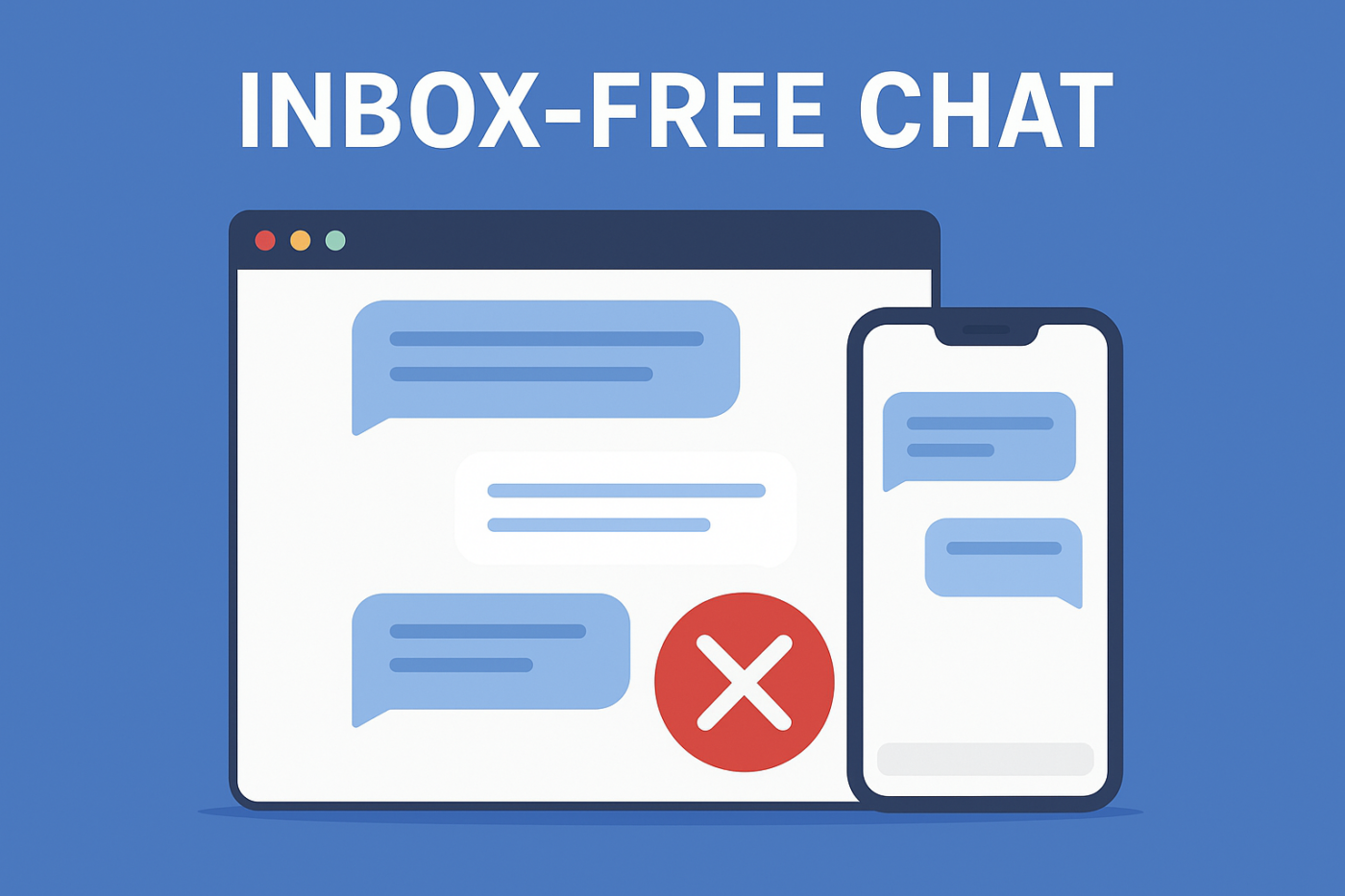
Inbox-free chat removes the “messaging inbox” entirely.

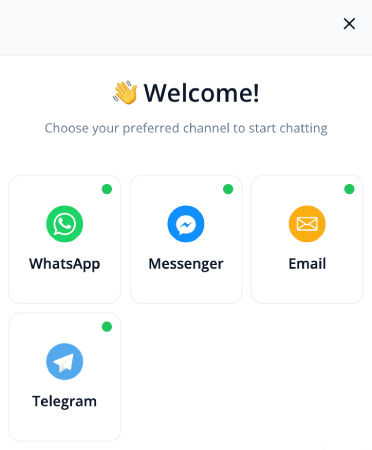
Instead of storing conversations inside your system, the chat widget redirects users to the right channel, right page, or right action — instantly.

So instead of users typing open-ended questions, agents juggling tickets, messages piling up, and support teams scrambling…

It becomes:

  • “Click to contact on WhatsApp”
  • “Visit this help article”
  • “Book a demo now”
  • “Open the support portal”

Everything becomes direct, clear, and actionable. No inbox. No backlog. No stress.

Why Your Customers Will Love Inbox-Free Chat

They Get Faster Help — Without Waiting

Customers don’t want to explain their problem in a chat bubble. They want the fix. Redirecting them instantly to the right channel eliminates the classic “please wait for an agent” dead end.

No Confusing Forms or Robot Conversations

Traditional chat often forces users into static flows or long forms. Inbox-free chat removes that friction, replacing complexity with simple, intuitive choices.

They Always Know Exactly What to Do Next

Instead of typing questions like “How do I update my billing?”, they simply click through a clear path and land directly on the solution.

Why Your Team Will Never Want to Go Back

No More Chaotic Chat Inboxes

Most chat tools create more work than they save. With inbox-free chat, there are no backlogs, no unassigned messages, no lost conversations, and no queue management.

Your Team Isn’t Forced Into Another Tool

Support inboxes come with routing rules, seats, permissions, and training requirements. Inbox-free chat removes all of it by letting users reach your team where they already operate.

Nothing Slips Through the Cracks

When conversations never enter a private inbox, messages can’t be forgotten or lost. Users are routed to systems that already have ownership and accountability.

Operational Advantages Most Teams Overlook

Faster Website Performance

Inbox-based chat widgets often slow down your site by constantly syncing. An inbox-free setup loads lighter scripts and avoids unnecessary server calls.

No Compliance Risk From Stored Conversations

No stored chat = no Personal Identity Information retention issues, no deletion workflows, and fewer liabilities.

Perfect for Global Audiences

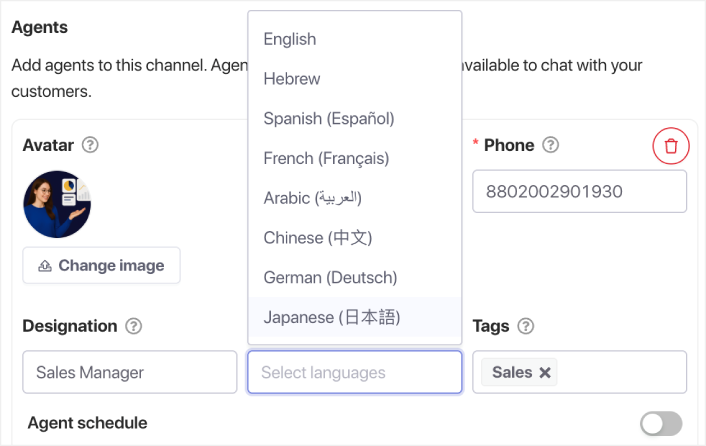
Instead of hiring multilingual agents, you can redirect users to localized pages, WhatsApp numbers, or translated documentation. Or, you can have multilingual agents handling your chat across multiple time zones.

选择客服语言

Marketing and Revenue Benefits

Chat Becomes a Conversion Channel

Instead of conversations stuck inside a support inbox, users move into revenue paths — demo pages, pricing pages, or trial signup.

Cleaner Analytics

You don’t get inflated “chat started” stats. You get actual, trackable clicks with real intent behind them.

Guides Users to High-Value Pages

Inbox-free chat becomes a guided navigation system that leads visitors to pages that matter most.

Why Inbox-Free Chat Is Perfect for Lean Teams

If you’re a solo operator or a small team, inbox-based support quickly becomes overwhelming. Inbox-free chat scales without adding more people, tools, or workflows.

Real-World Inbox-Free Chat Flows

  • Redirect support queries to WhatsApp
  • Send product questions directly to your demo page
  • Guide feature queries to your documentation
  • Route billing questions to your customer portal
  • Send general inquiries to your contact form
  • Guide new users to onboarding videos
  • Direct app users to in-app support instead of web chat

How to Set Up Inbox-Free Chat on Your Site

Choose the Destinations

Examples include WhatsApp, your support portal, docs, pricing, demo booking, or your contact form.

Match Each Destination to User Intent

Billing → billing portal
Sales → demo page
Technical help → documentation
FAQs → help center

Add Contextual Chat Options Per Page

Pricing page → “Talk to Sales”
Docs → “Get Technical Support”
Blogs → “See Product Features”
Checkout → “Need Coupon Help?”

最佳实践

  • Keep choices simple
  • Use action-driven labels
  • Trigger chat on exit intent
  • Localize chat for global visitors
  • Track clicks to understand visitor behavior

Set It Once, Cover All Customer Support

Inbox-free chat flips the traditional chat experience. Customers get help instantly. Your team avoids inbox overload. And your website becomes clearer, faster, and more conversion-focused.

For modern support teams and lean businesses, inbox-free chat isn’t just helpful — it’s the future.

  • 客户始终能看到有人在线
  • 响应时间缩短
  • 售前转化率上升
  • 支持感觉更快、更可靠
  • 您的商店感觉已准备好面向全球

一旦设置好时间表,您的团队就可以更高效地运作,您的客户也能获得他们期望的体验。

如果您还没有在 PushEngage 中设置客服资料和排班,现在就是时候了。

不信?查看这些关于推送通知活动的精彩资源:

立即开始!

添加评论

我们很高兴您选择留下评论。请记住,所有评论都将根据我们的隐私政策进行审核,并且所有链接都将是 nofollow。请勿在姓名字段中使用关键字。让我们进行一次个人化且有意义的对话。

在访客离开您的网站后与他们互动并挽留他们

通过难以忽略的推送通知,增加每次网站访问的价值。

  • 永久免费套餐
  • 轻松设置
  • 五星支持