你好,Engagelings。
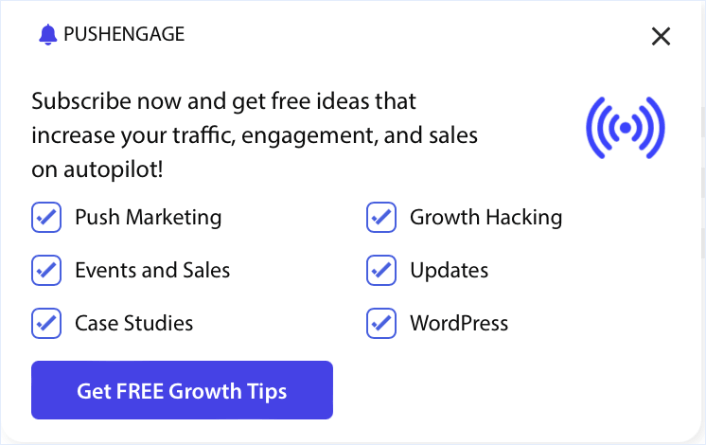
Exciting news: we are revamping push notification popups to help you get push notification subscribers faster.
The new popups are in a beta phase right now. Which means that they’re not available for everyone. But we’ve been using the updates on our own site and they helped us increase our subscription rate by 1000+% in less than a week!
表面上看,这似乎是一个小更新。但事实并非如此。有很多内容需要深入了解。我们也使其超级易于使用。这项升级付出了很多努力,我们认为您会喜欢它。
And there’s stuff in this update that NO other push notification service can offer you.
让我们开始吧。
Why Should You Care About The Push Notification Popups?
The push notification popups we just launched aren’t just some random experiment. We have thousands of customers sending 15+ billion push notifications a day using PushEngage.
是的,这确实是大量的通知。
And we studied all the optins running on PushEngage and came up with cool ways to increase their effectiveness.
What Exactly Are We Revamping?
This is a BIG one, ladies and laddies.
So, strap in!
We just got a 1000+% increase in push subscribers in less than a week!
So, how did we do it?
Our development team just knocked it out of the park with our upcoming release.
There’s a TON to cover. And there’s stuff in this update. In the new update, you’ll see a brand new type of push notification optin.
We’re calling it a Sleek Optin.

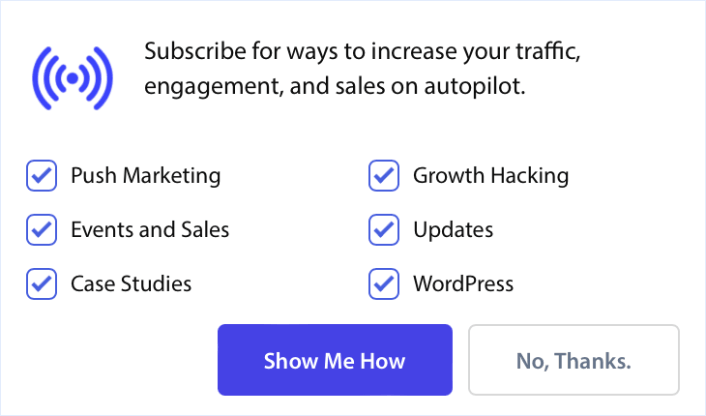
And as the name suggests, it’s super sleek and minimal. Unlike other push notification popups, you can show it multiple times in a session even if your visitors disallow or close the popup.
But that’s not all.
EVERY optin now allows you to automatically segment your visitors.

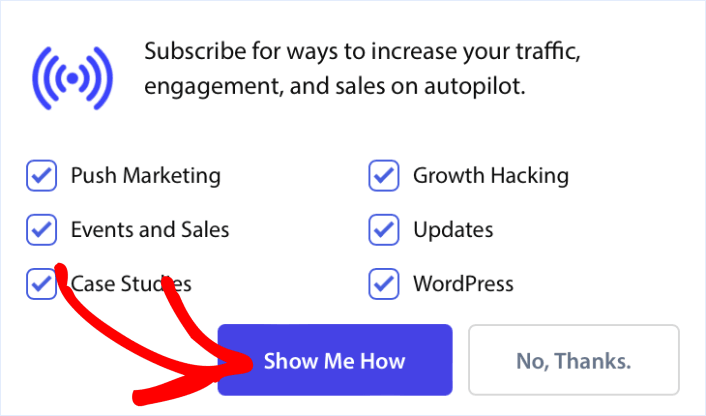
You can easily include segments in your optins so that your subscribers can choose the type of content they want from you.
To make this even better, every popup modal has had a design overhaul.
One of the most impactful changes was the ‘Allow‘ button on every popup modal.

It’s now on the left instead of the right.
So, it’s easier than ever for anyone using LTR (Left to Right) languages on their site to collect push subscribers.
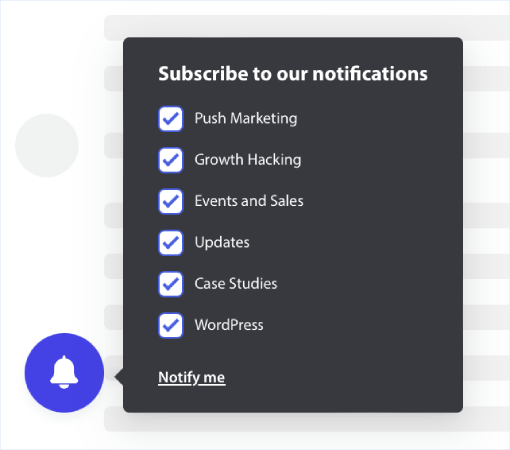
While we’re discussing popup modals, let’s go over an older popup. Ever tried using the Bell Placed Bar? It’s a tiny bell icon that stays on one side of your site.
It’s meant to recover lost subscriptions in case your visitors close or disable your push notification popups.

And it’s perfect for collecting push subscribers even during your quarterly or seasonal sales such as your Black Friday campaigns because it doesn’t get in the way.
Pro Tip: You can create multiple push notification optins using the targeting options for each optin.
How to Access the Beta Release
Unfortunately, not everyone can get access to the beta version. You can fill out a Google Form to let us know that you’re interested. If you’re selected, then you can access these features and use them on your site WAY ahead of everyone else.
It only takes 10 seconds to fill out the application form. We just need your registered email ID and an answer to a quick multiple-choice question.
If your account is approved, you’ll get access to a beta app dashboard that looks exactly like our regular app dashboard. Except, you’ll see the new features there.
And once we’ve hooked you up, any changes you make in the beta app will get reflected on your live site within 2 minutes.
Very cool, right?
Apply now and we’ll take care of the rest for you.
还有什么?
我们知道发展业务是一项艰苦的工作。 在 PushEngage,我们始终致力于改进我们的产品和您的体验。我们推出了这项新功能,以帮助您从 PushEngage 订阅中获得更多价值。
Hopefully, you’ll grow your subscriber list just as quickly as we did.
非常感谢您阅读此公告。
如果您有任何疑问,我们的客户成功团队随时为您提供帮助。只需在实时聊天中发起对话或查看 我们的联系页面。
感谢您使用 PushEngage。无论您使用的是免费版本还是企业版本,您对我们都同样重要。新模板旨在帮助您取得成功,我们祝您一切顺利。
在下面的评论中告诉我们您的想法,如果您还没有开始,请立即开始使用 PushEngage!