Målrettet markedsføring giver et højere ROI end at bombardere hele abonnentlisten med den samme besked. Segmentering er en velsignelse til netop det. Når det rigtige publikum får en relevant notifikation, vil den helt sikkert vise en højere klik- & visningsrate sammenlignet med notifikationer sendt til alle. Når relevante push-udsendelser gives til det korrekte publikum, er de mere tilbøjelige til at blive klikket på og vist end den generiske udsendelse til alle.
For at sende push-udsendelser baseret på abonnementsdatoen kan du navigere til Kampagne > Push-udsendelser > Opret ny push-udsendelse. Indtast notifikationens titel, besked, URL og billede.
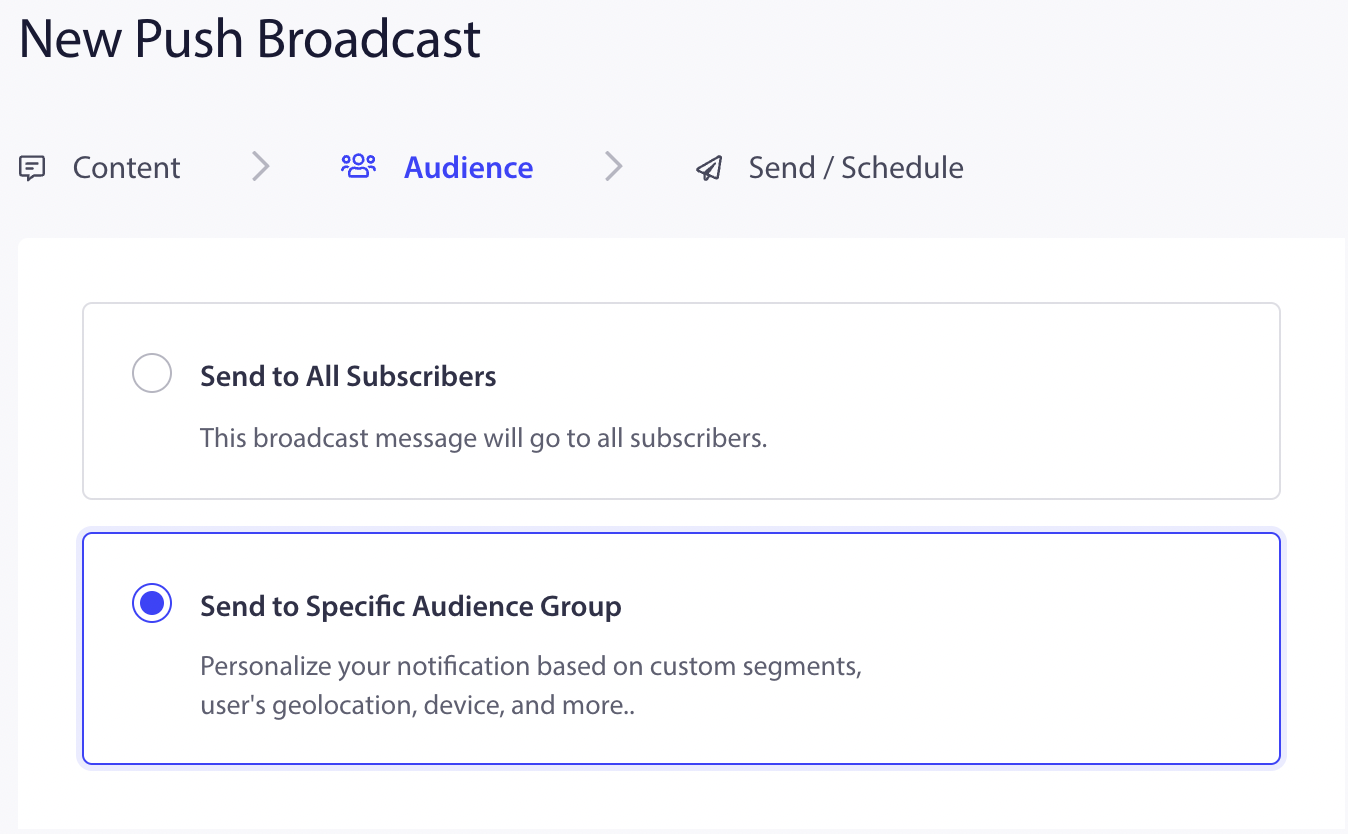
Vælg derefter fanen Publikum, og vælg indstillingen "Send til specifik publikumsgruppe."
Under Datointerval skal du vælge intervallet. Abonnenter, der har tilmeldt sig notifikationen inden for det datointerval, du har valgt, vil modtage notifikationen.
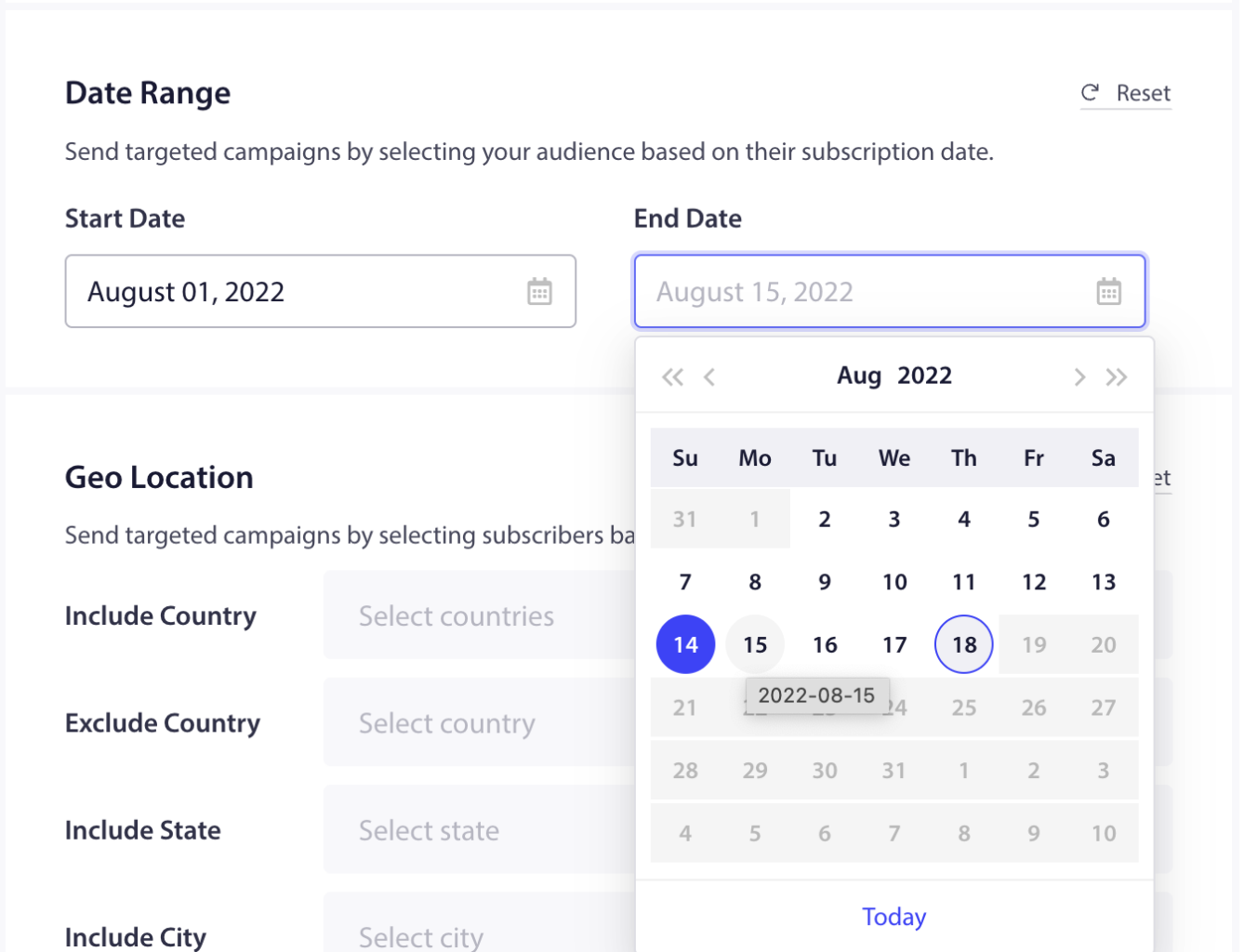
Du kan vælge at målrette personer, der har tilmeldt sig over en periode. Dette kan bruges til at målrette under udsalgssæsonen eller give dem særlige rabatter.
Hvis du støder på problemer, er du velkommen til at kontakte os ved at klikke her. Vores supportteam vil kunne hjælpe dig