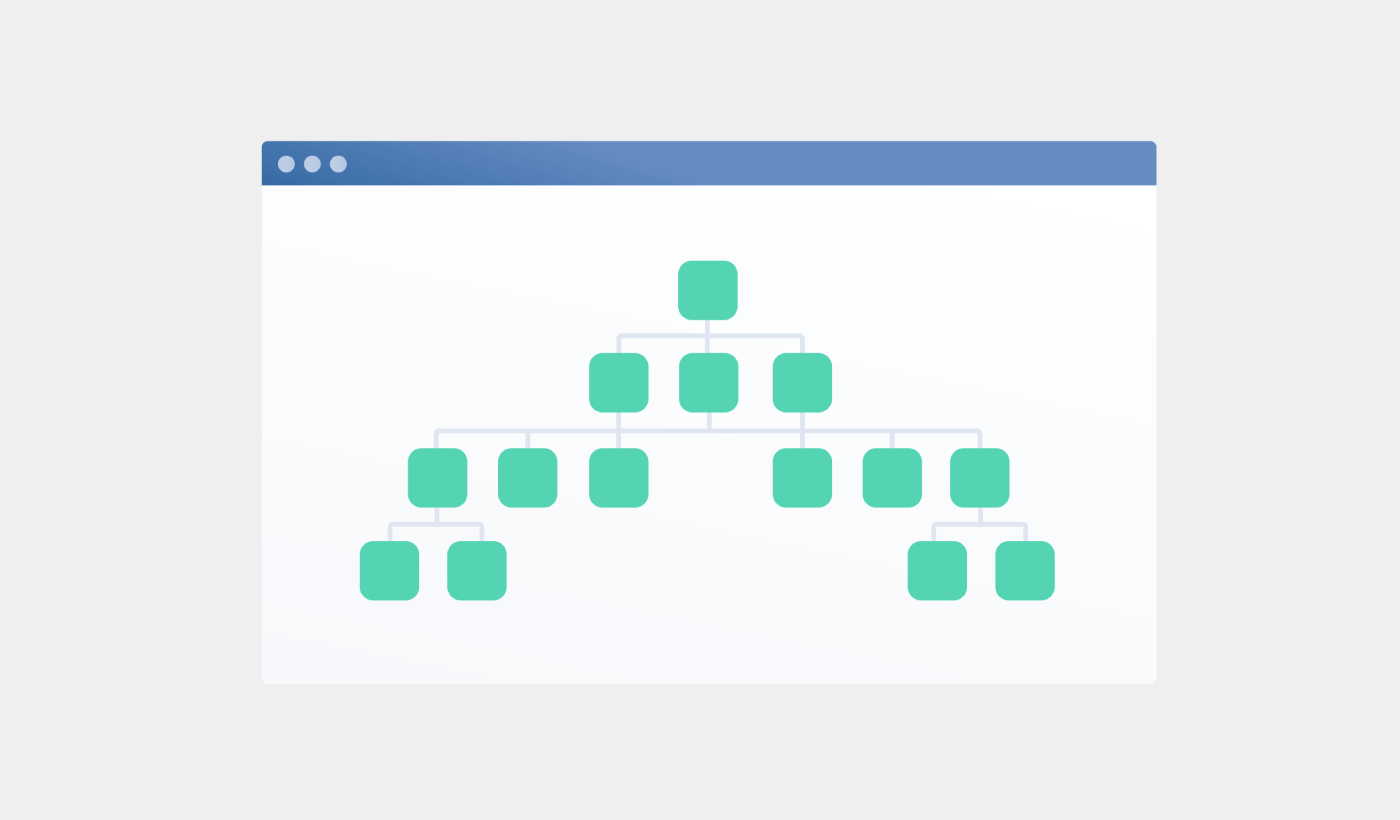
Looking for a detailed tutorial on how to create a sitemap for WordPress?
Sitemaps help search engines to crawl and index your website with ease. In simple terms, a sitemap is a list of all the links on your site. This includes pages, posts, categories, and even media files.
Having a sitemap on your site makes it easy for search engines to discover your site content. But how do you do it?
Simple answer: You can add a WordPress SEO title from any SEO plugin at all. In this article, we’ll show you how to create a sitemap for WordPress in less than a minute with zero coding.
دعنا نتعمق.
What Is a Sitemap for WordPress?
A WordPress sitemap is an XML (extensible markup language) file that contains a list of all (or most of) the pages of your website.
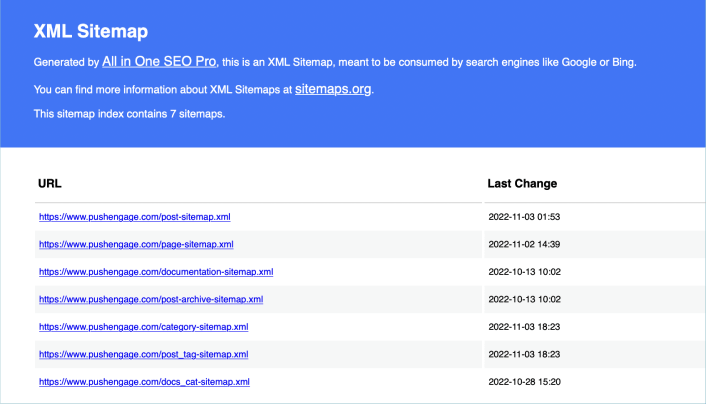
A sitemap tells Google, Bing, DuckDuckGo, and other search engines where your content is located, when was the page last updated, how important is the page for your website, and more information.
If you have no backlinks to your content, it’s difficult for search engines to find your content. Sitemaps get search engines started with indexing your content. And if you use a WordPress SEO plugin, you can easily create an XML sitemap for your WordPress site.
How to Create a Sitemap for WordPress
The simplest way to create a sitemap for WordPress is to use an SEO plugin. WordPress generates a basic sitemap on its own, but it includes anything that you might have no-indexed. There’s also no way to customize the default WordPress sitemap unless you know PHP code.
So, the default WordPress sitemap is usually full of errors. We recommend using AIOSEO as your WordPress SEO plugin.

All In One SEO هي أفضل إضافة تحسين محركات البحث في ووردبريس في العالم.
لا يقتصر الأمر على أن AIOSEO قوي بما يكفي لتطبيق أحدث ممارسات تحسين محركات البحث، بل تحصل أيضًا على خيارات متقدمة لحل مشكلات تحسين محركات البحث المحددة فورًا. وهذا يشمل:
- وحدات تحسين محركات البحث المحلية للشركات الصغيرة ذات الجمهور المحلي
- تحسين محركات البحث لـ WooCommerce للمتاجر عبر الإنترنت
- محسن تحسين محركات البحث داخل محرر ووردبريس الخاص بك
- خرائط الموقع الذكية للفهرسة الفورية على محركات البحث
- إضافة Schema لجعل المحتوى الخاص بك يحتل مرتبة في المقتطفات الغنية
وبالطبع، يمكنك إضافة، وتعديل، وتحسين علامة عنوان ووردبريس لأي صفحة أو منشور على موقعك! تحقق من الميزات بمزيد من التفصيل من خلال مراجعتنا لـ AIOSEO.
الخطوة #1: تكوين إضافة All in One SEO
بعد تنزيل وتثبيت الإضافة، ستحصل على معالج الإعداد:
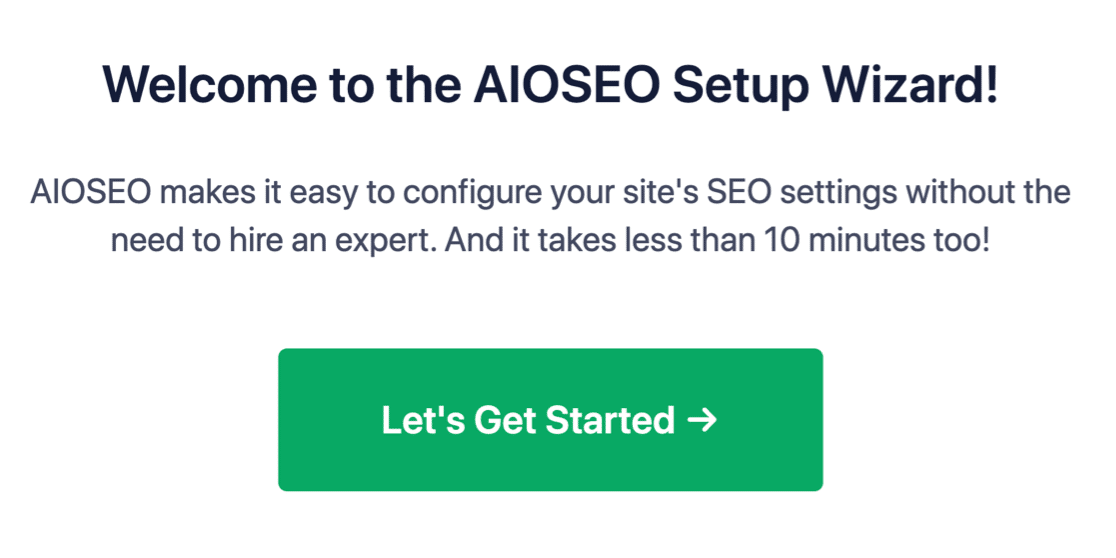
وستستغرق عملية الإعداد أقل من 10 دقائق.
ولكن ماذا لو كنت تنتقل من إضافة تحسين محركات بحث أخرى؟ كل إضافة تتعامل مع البيانات الوصفية بشكل مختلف. لذا، هل عليك القيام بكل شيء من البداية؟ هل كل جهودك السابقة ذهبت سدى؟
لا! إذا اكتشفت All in One SEO إضافة تحسين محركات بحث أخرى أثناء معالج الإعداد، فستعرض نسخ الإعدادات الأساسية لك:
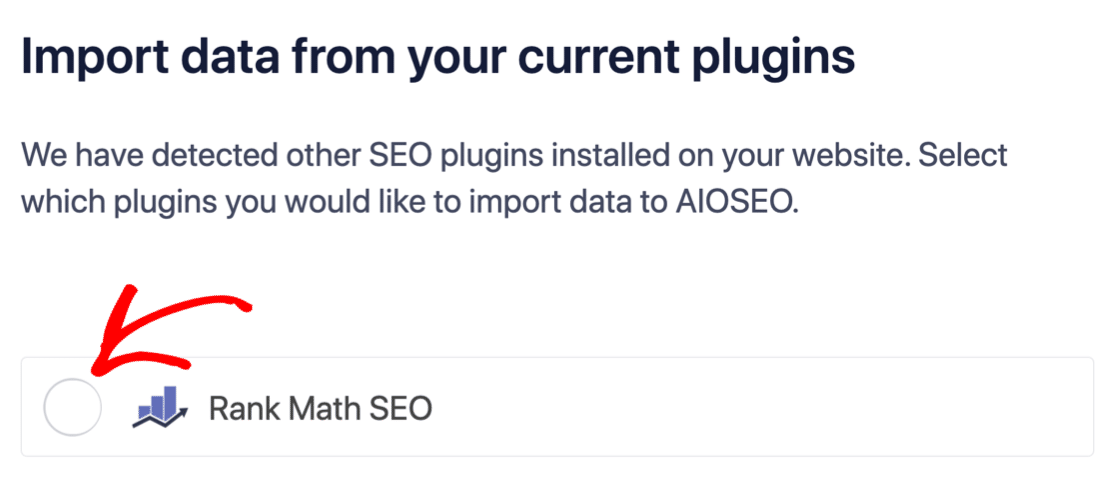
في نهاية الإعداد، سيطلب منك معالج الإعداد إلغاء تنشيط إضافة تحسين محركات البحث القديمة الخاصة بك أيضًا. بهذه الطريقة، لا توجد تعارضات أو أخطاء في الإضافات:
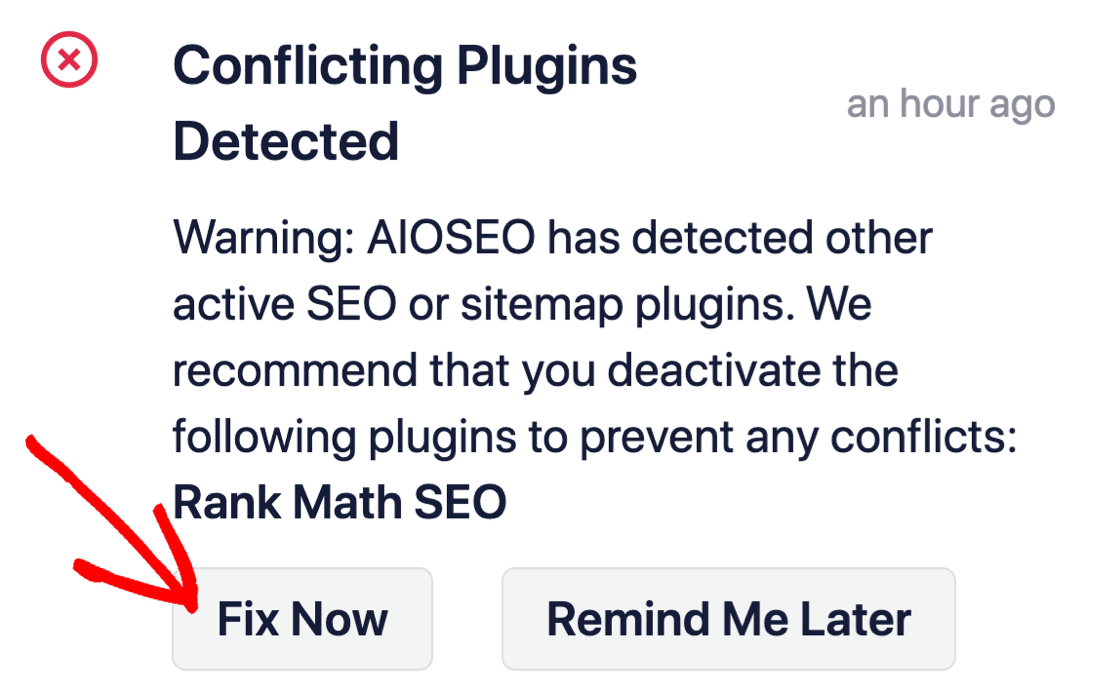
النقر على إصلاح الآن لن يحذف الإعدادات في إضافة تحسين محركات البحث القديمة الخاصة بك. إنه فقط يلغي تنشيط الإضافة لمنع التعارضات.
Step #2: View Enabled Sitemap in All in One SEO
The best part of the All in One SEO plugin is that the sitemap is enabled by default. So, all you have to do is install the plugin and you’re all set. But if you’re switching SEO plugins, you should double-check that the sitemap is enabled.
Go to All in One SEO » Sitemaps from your WordPress dashboard. Then, go to the Enable Sitemap option and check if the toggle button is set to enabled mode:
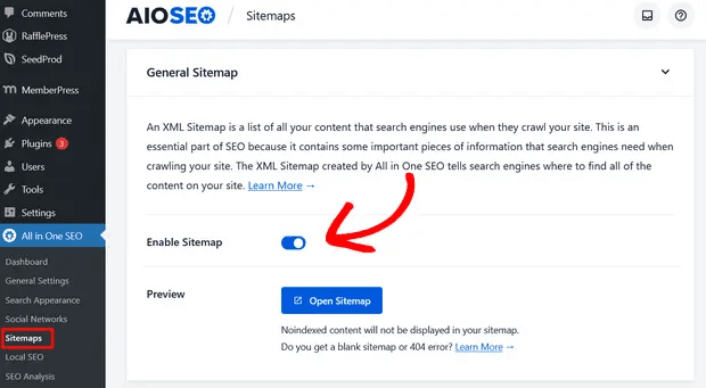
وأنت انتهيت!
Step #3: Verify Your Site’s Sitemap
After making sure the sitemap is enabled, you can verify your website’s sitemap. Just click on the Open Sitemap button:
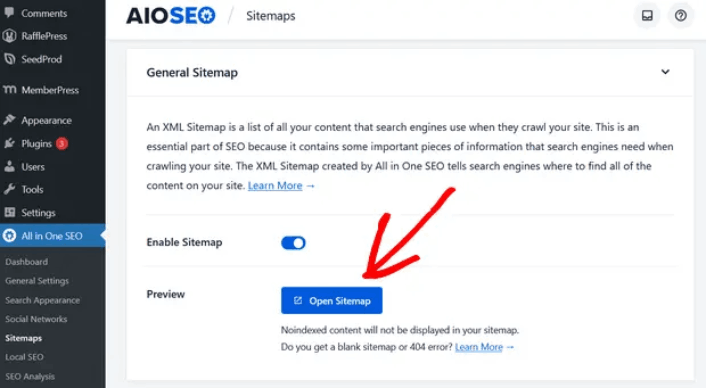
If everything goes well, you should see an XML sitemap like this one:
By default, All in One SEO will create sitemaps for your posts, pages, and categories. And if you have an online store like a eCommerce store or have any products listed, then it will set up a sitemap for them as well.
What to do Once You Know How to Create a Sitemap for WordPress
Now that you know how to create a sitemap for WordPress, it’s time to learn how to get even more traffic to your site. SEO is a great way to bring in fresh traffic to your site using just content. But you also need to bring in repeat traffic, website engagement, and sales.
That’s where push notifications can be super useful for your site.
If you’re not 100% convinced, you should check out these resources on how to effectively use push notifications:
- 7 استراتيجيات ذكية لزيادة تفاعل العملاء
- هل إشعارات الدفع فعالة؟ 7 إحصائيات + 3 نصائح خبراء
- كيفية إعداد إشعارات الدفع للسلات المتروكة (دليل سهل)
- كيفية إضافة إضافة إشعارات الويب لـ WordPress إلى موقعك
نوصي باستخدام PushEngage لإنشاء حملات إشعارات الدفع الخاصة بك. PushEngage هو البرنامج رقم 1 لإشعارات الدفع في العالم. لذا، إذا لم تكن قد قمت بذلك بالفعل، ابدأ مع PushEngage اليوم!


