Squarespace هو الحل المتكامل لأي شخص يتطلع إلى إنشاء موقع ويب جميل. يدعم PushEngage مواقع الويب المستندة إلى منصة Squarespace. إذا كنت ترغب في إرسال إشعارات الدفع عبر الويب من Squarespace، فيمكنك تثبيت PushEngage في أقل من عشر دقائق.
إليك الخطوات التي ستحتاج إلى اتباعها –
1. قم بتسجيل الدخول إلى حساب Squarespace الخاص بك. انتقل إلى الإعدادات » متقدم » وضع المطور » حقن التعليمات البرمجية.
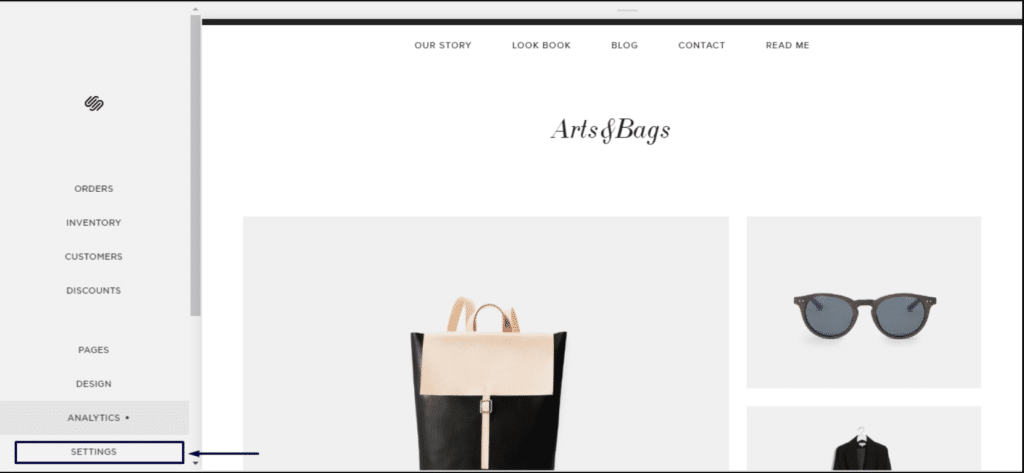
2. انقر فوق إعدادات متقدمة.
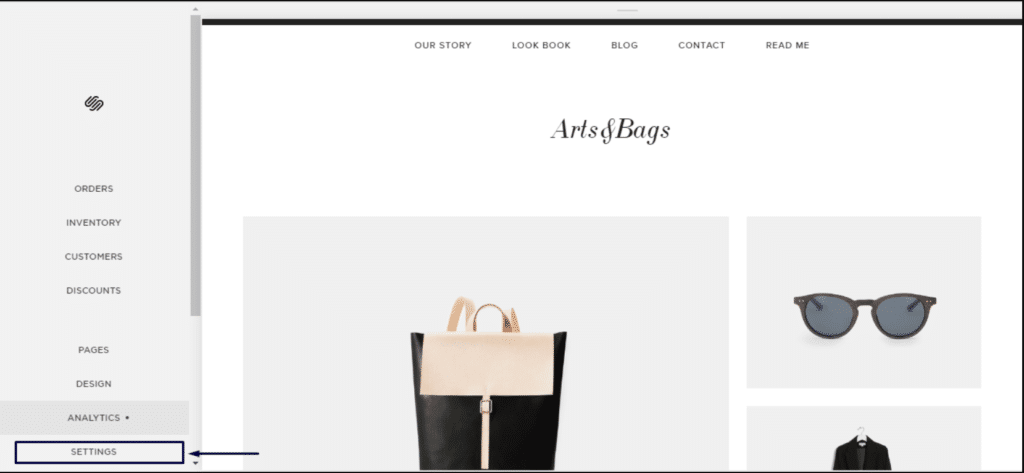
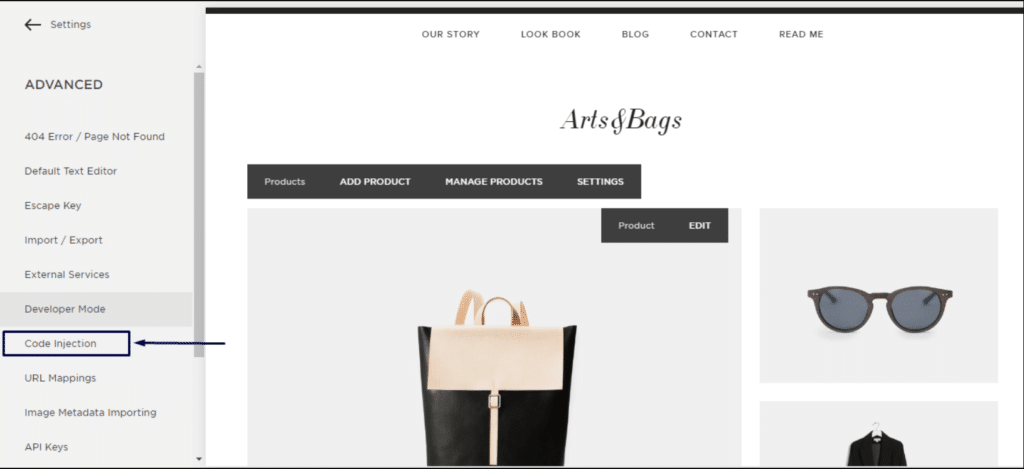
3. انقر فوق حقن التعليمات البرمجية.
4. ثم قم بتسجيل الدخول إلى لوحة تحكم PushEngage الخاصة بك وانتقل إلى إعدادات الموقع » التثبيت
اختر أي موقع
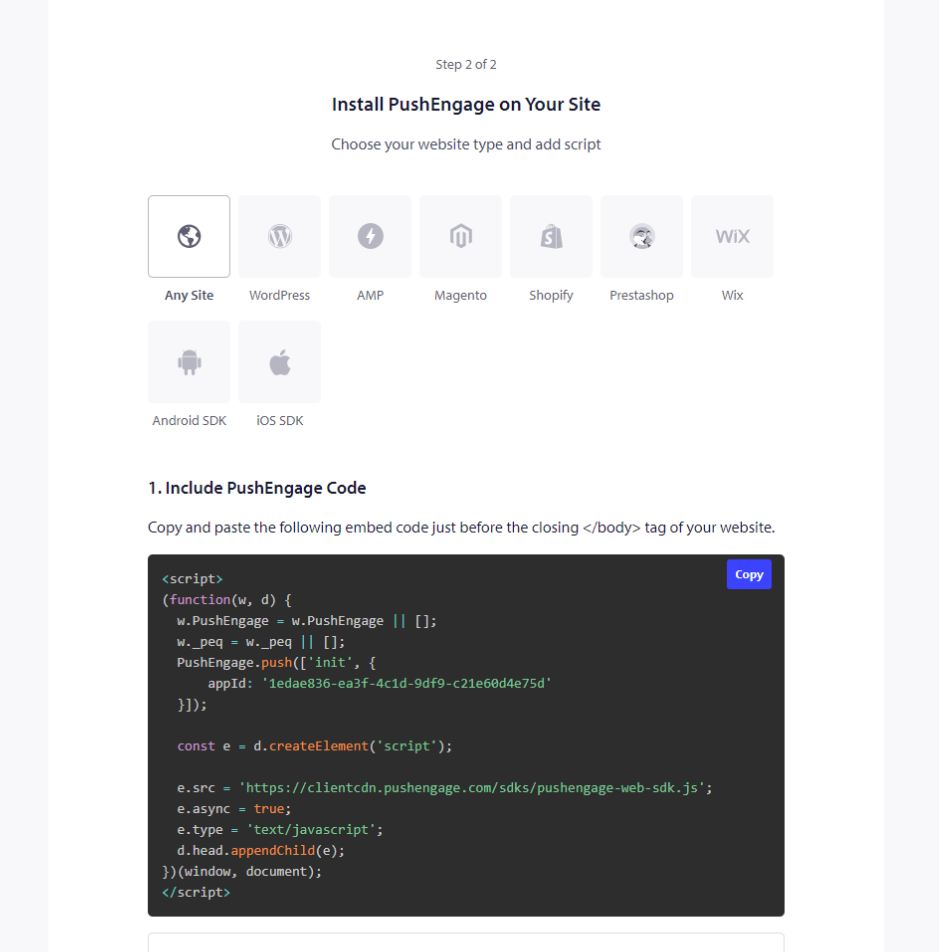
5. انسخ الرمز وأدخله في قسم الرأس في Squarespace.
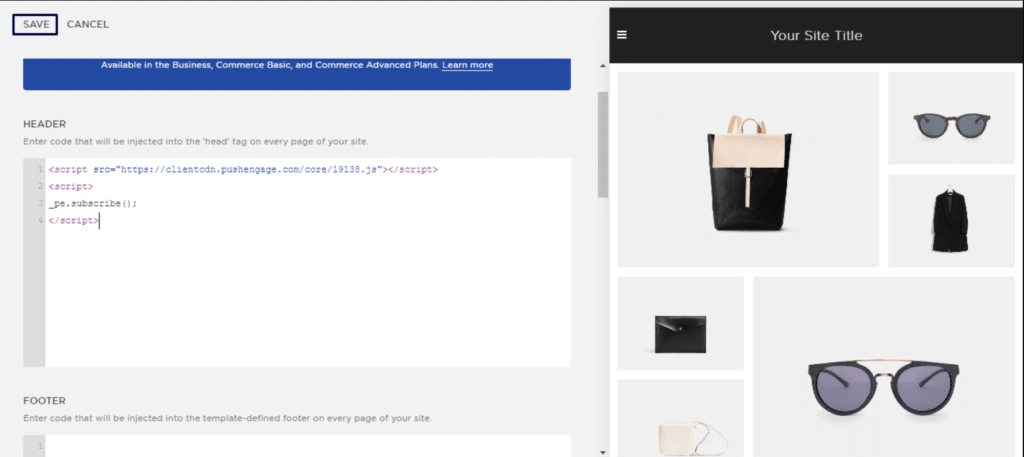
هذا سيكمل تثبيت PushEngage على Squarespace.
في حال واجهت أي مشاكل، فلا تتردد في الاتصال بنا بالنقر هنا. سيكون فريق الدعم لدينا قادرًا على مساعدتك.