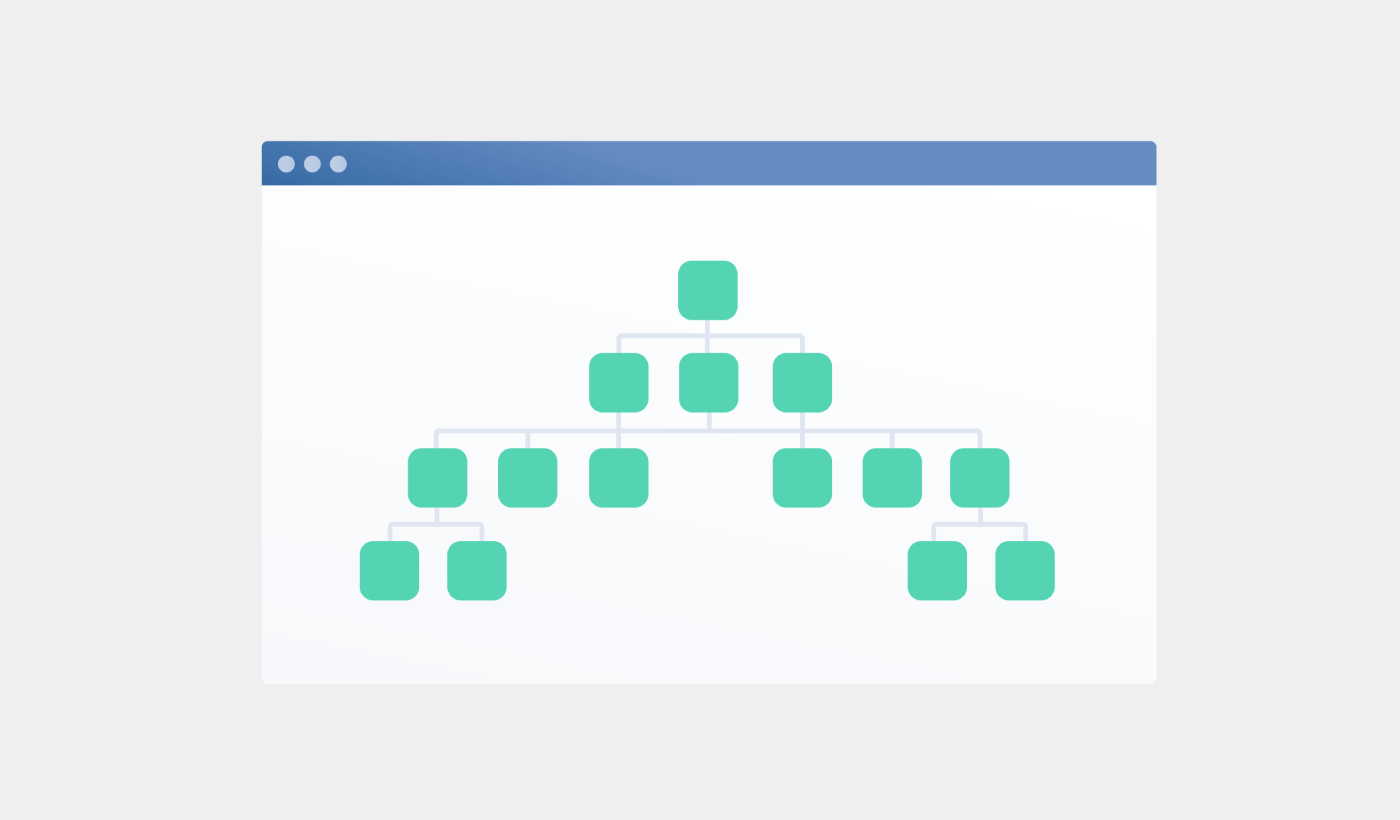
Looking for a detailed tutorial on how to create a sitemap for WordPress?
Sitemaps help search engines to crawl and index your website with ease. In simple terms, a sitemap is a list of all the links on your site. This includes pages, posts, categories, and even media files.
Having a sitemap on your site makes it easy for search engines to discover your site content. But how do you do it?
Simple answer: You can add a WordPress SEO title from any SEO plugin at all. In this article, we’ll show you how to create a sitemap for WordPress in less than a minute with zero coding.
Hadi başlayalım.
What Is a Sitemap for WordPress?
A WordPress sitemap is an XML (extensible markup language) file that contains a list of all (or most of) the pages of your website.
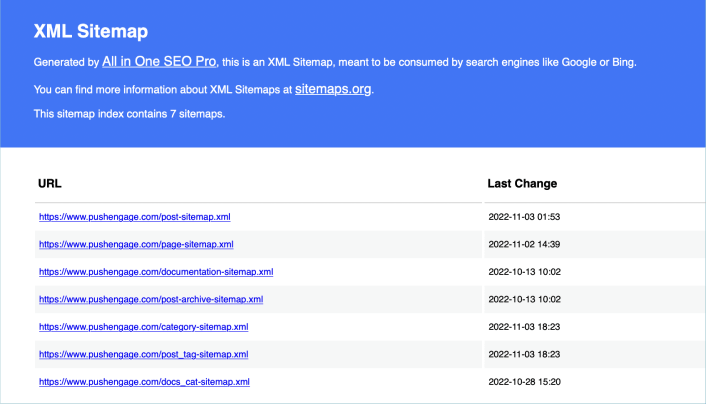
A sitemap tells Google, Bing, DuckDuckGo, and other search engines where your content is located, when was the page last updated, how important is the page for your website, and more information.
If you have no backlinks to your content, it’s difficult for search engines to find your content. Sitemaps get search engines started with indexing your content. And if you use a WordPress SEO plugin, you can easily create an XML sitemap for your WordPress site.
How to Create a Sitemap for WordPress
The simplest way to create a sitemap for WordPress is to use an SEO plugin. WordPress generates a basic sitemap on its own, but it includes anything that you might have no-indexed. There’s also no way to customize the default WordPress sitemap unless you know PHP code.
So, the default WordPress sitemap is usually full of errors. We recommend using AIOSEO as your WordPress SEO plugin.

All In One SEO, dünyanın en iyi WordPress SEO eklentisidir.
AIOSEO, en son SEO en iyi uygulamalarını uygulamak için yeterince güçlü olmakla kalmaz, aynı zamanda belirli SEO sorunlarını kutudan çıkar çıkmaz çözmek için gelişmiş seçenekler de elde edersiniz. Buna şunlar dahildir:
- Yerel bir kitleye sahip küçük işletmeler için Yerel SEO modülleri
- Çevrimiçi mağazalar için WooCommerce SEO
- WordPress düzenleyiciniz içinde bir SEO iyileştirici
- Arama Motorlarında anında indeksleme için Akıllı Site Haritaları
- İçeriğinizin Zengin Snippet'lerde sıralanmasını sağlamak için bir Schema eklentisi
Ve tabii ki, sitenizdeki herhangi bir sayfa veya gönderi için WordPress başlık etiketini ekleyebilir, düzenleyebilir ve optimize edebilirsiniz! Özellikleri daha ayrıntılı olarak AIOSEO incelememizde inceleyin.
Adım #1: All in One SEO Eklentisini Yapılandırma
Eklentiyi indirdikten ve kurduktan sonra, bir Kurulum Sihirbazı alırsınız:
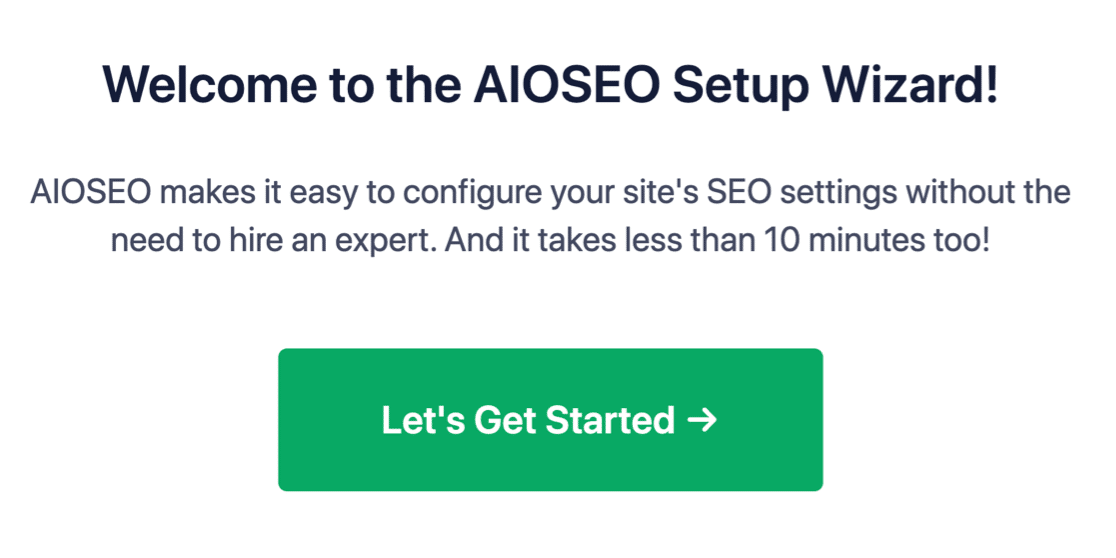
Ve kurulum süreci 10 dakikadan az sürecektir.
Peki ya başka bir SEO eklentisinden geçiş yapıyorsanız? Her eklenti meta verileri farklı şekilde işler. Yani, her şeyi sıfırdan mı yapmanız gerekiyor? Önceki tüm çabalarınız boşa mı gitti?
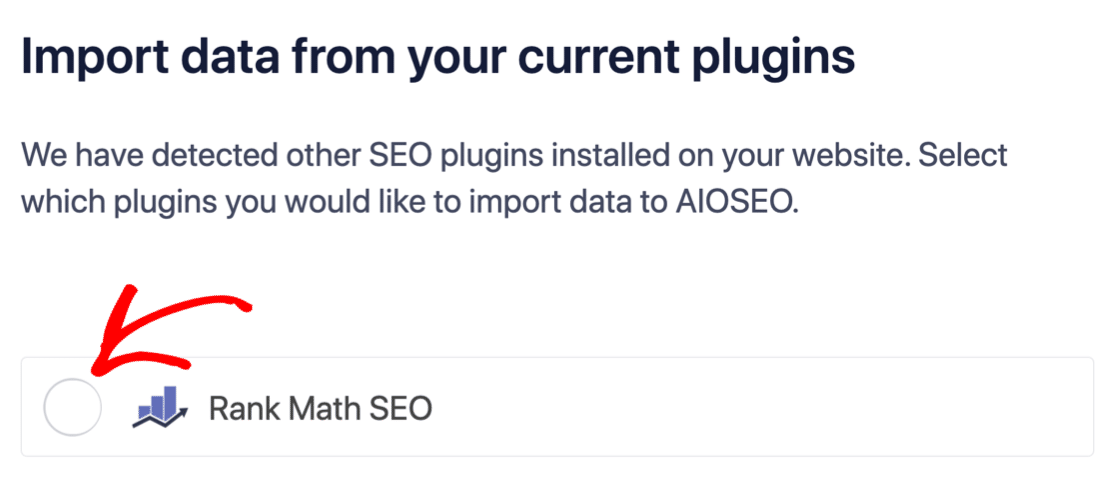
Hayır! Hepsi Bir Arada SEO, Kurulum Sihirbazı sırasında başka bir SEO eklentisi algılarsa, temel ayarları sizin için kopyalamayı teklif edecektir:
Kurulumun sonunda, Kurulum Sihirbazı sizden eski SEO eklentinizi de devre dışı bırakmanızı isteyecektir. Bu şekilde, eklenti çakışmaları ve hataları olmaz:
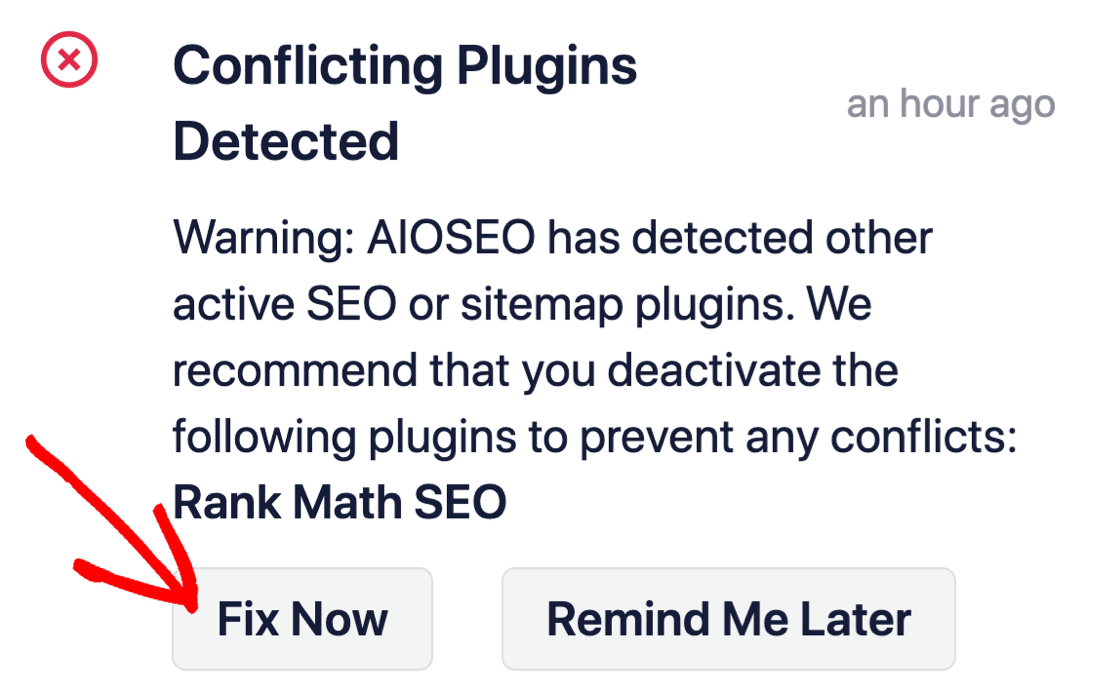
Şimdi Düzelt'e tıklamak, eski SEO eklentinizdeki ayarları silmez. Yalnızca çakışmaları önlemek için eklentiyi devre dışı bırakır.
Step #2: View Enabled Sitemap in All in One SEO
The best part of the All in One SEO plugin is that the sitemap is enabled by default. So, all you have to do is install the plugin and you’re all set. But if you’re switching SEO plugins, you should double-check that the sitemap is enabled.
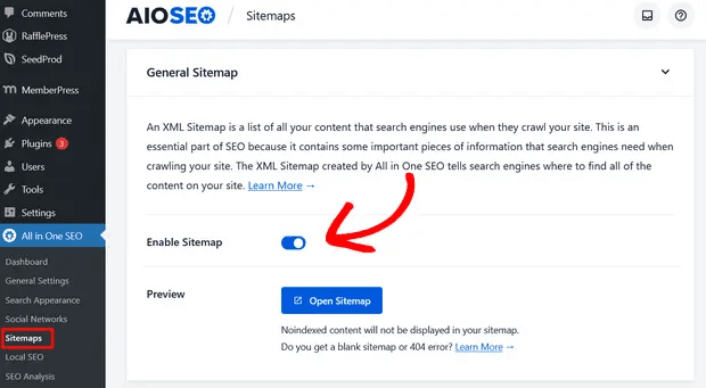
Go to All in One SEO » Sitemaps from your WordPress dashboard. Then, go to the Enable Sitemap option and check if the toggle button is set to enabled mode:
Ve işte bu kadar!
Step #3: Verify Your Site’s Sitemap
After making sure the sitemap is enabled, you can verify your website’s sitemap. Just click on the Open Sitemap button:
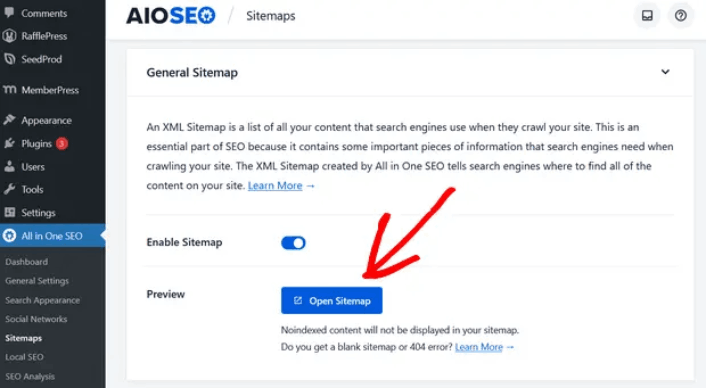
If everything goes well, you should see an XML sitemap like this one:
By default, All in One SEO will create sitemaps for your posts, pages, and categories. And if you have an online store like a eCommerce store or have any products listed, then it will set up a sitemap for them as well.
What to do Once You Know How to Create a Sitemap for WordPress
Now that you know how to create a sitemap for WordPress, it’s time to learn how to get even more traffic to your site. SEO is a great way to bring in fresh traffic to your site using just content. But you also need to bring in repeat traffic, website engagement, and sales.
That’s where push notifications can be super useful for your site.
If you’re not 100% convinced, you should check out these resources on how to effectively use push notifications:
- Müşteri Etkileşimini Artırmak İçin 7 Akıllı Strateji
- Anlık Bildirimler Etkili mi? 7 İstatistik + 3 Uzman İpucu
- Terk Edilmiş Sepet Anlık Bildirimleri Nasıl Ayarlanır (Kolay Eğitim)
- Sitenize Bir Web Bildirimleri WordPress Eklentisi Nasıl Eklenir
Anlık bildirim kampanyalarınızı oluşturmak için PushEngage'ı kullanmanızı öneririz. PushEngage, dünyanın 1 numaralı anlık bildirim yazılımıdır. Bu nedenle, henüz yapmadıysanız, bugün PushEngage'ı kullanmaya başlayın!


