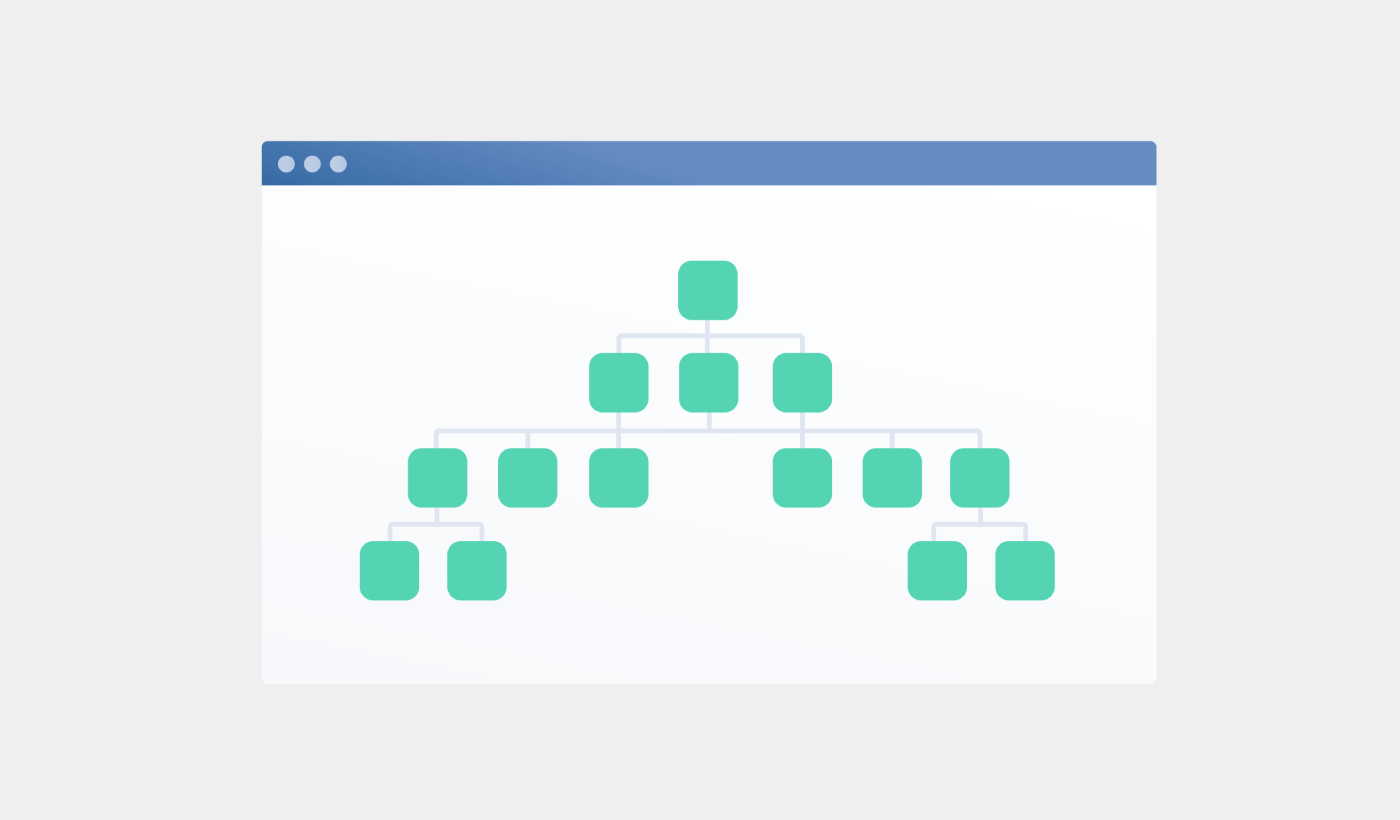
Looking for a detailed tutorial on how to create a sitemap for WordPress?
Sitemaps help search engines to crawl and index your website with ease. In simple terms, a sitemap is a list of all the links on your site. This includes pages, posts, categories, and even media files.
Having a sitemap on your site makes it easy for search engines to discover your site content. But how do you do it?
Simple answer: You can add a WordPress SEO title from any SEO plugin at all. In this article, we’ll show you how to create a sitemap for WordPress in less than a minute with zero coding.
Låt oss dyka in.
What Is a Sitemap for WordPress?
A WordPress sitemap is an XML (extensible markup language) file that contains a list of all (or most of) the pages of your website.
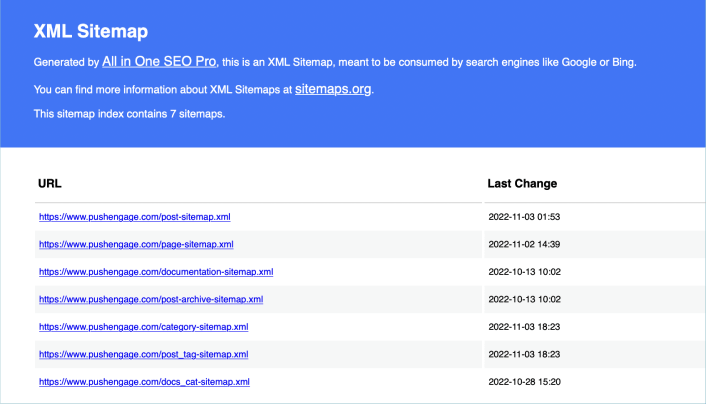
A sitemap tells Google, Bing, DuckDuckGo, and other search engines where your content is located, when was the page last updated, how important is the page for your website, and more information.
If you have no backlinks to your content, it’s difficult for search engines to find your content. Sitemaps get search engines started with indexing your content. And if you use a WordPress SEO plugin, you can easily create an XML sitemap for your WordPress site.
How to Create a Sitemap for WordPress
The simplest way to create a sitemap for WordPress is to use an SEO plugin. WordPress generates a basic sitemap on its own, but it includes anything that you might have no-indexed. There’s also no way to customize the default WordPress sitemap unless you know PHP code.
So, the default WordPress sitemap is usually full of errors. We recommend using AIOSEO as your WordPress SEO plugin.

All In One SEO är det bästa WordPress SEO-pluginet i världen.
AIOSEO är inte bara tillräckligt kraftfullt för att implementera de senaste SEO-bästa praxis, utan du får också avancerade alternativ för att lösa specifika SEO-problem direkt ur lådan. Detta inkluderar:
- Lokala SEO-moduler för småföretag med en lokal publik
- WooCommerce SEO för onlinebutiker
- En SEO-optimerare inuti din WordPress-redigerare
- Smarta Sitemaps för omedelbar indexering på sökmotorer
- Ett Schema-plugin för att få ditt innehåll att rankas i Rich Snippets
Och naturligtvis kan du lägga till, redigera och optimera WordPress-titel taggen för vilken sida eller inlägg som helst på din webbplats! Kolla in funktionerna mer i detalj från vår recension av AIOSEO.
Steg #1: Konfigurera All in One SEO-pluginet
Efter att du har laddat ner och installerat pluginet får du en installationsguide:
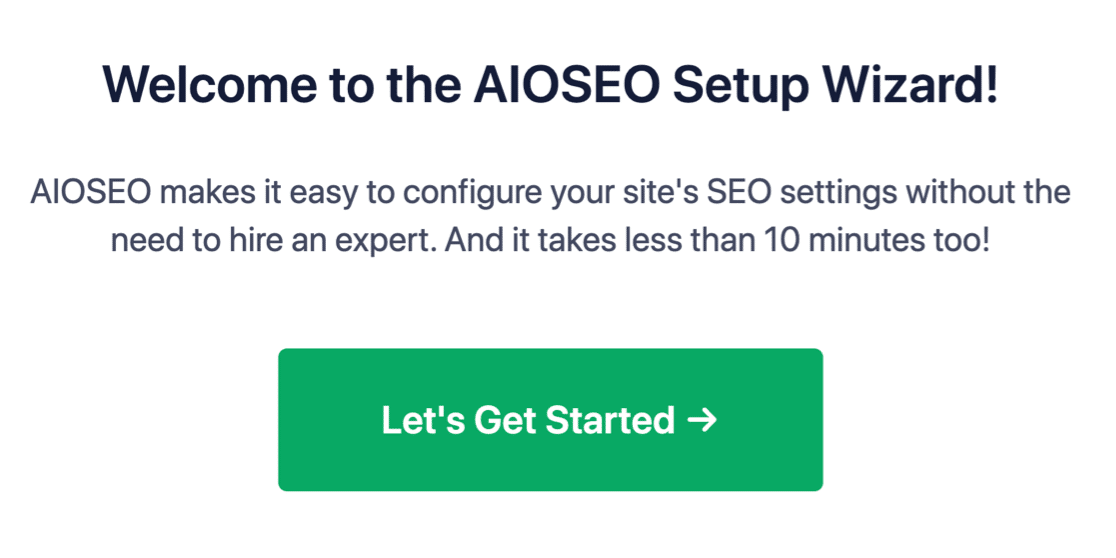
Och installationsprocessen tar mindre än 10 minuter.
Men tänk om du migrerar från ett annat SEO-plugin? Varje plugin hanterar metadata på olika sätt. Så, måste du göra allt från början? Är all din tidigare ansträngning bortkastad?
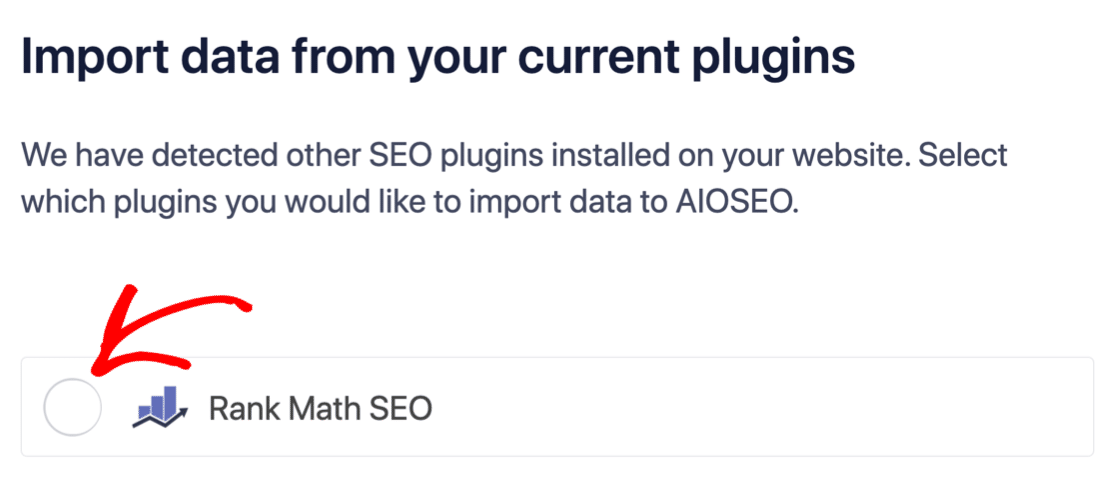
Nej! Om All in One SEO upptäcker ett annat SEO-plugin under installationsguiden, kommer det att erbjuda sig att kopiera över grundinställningarna åt dig:
I slutet av installationen kommer installationsguiden att uppmana dig att avaktivera ditt gamla SEO-plugin också. På så sätt finns det inga plugin-konflikter och fel:
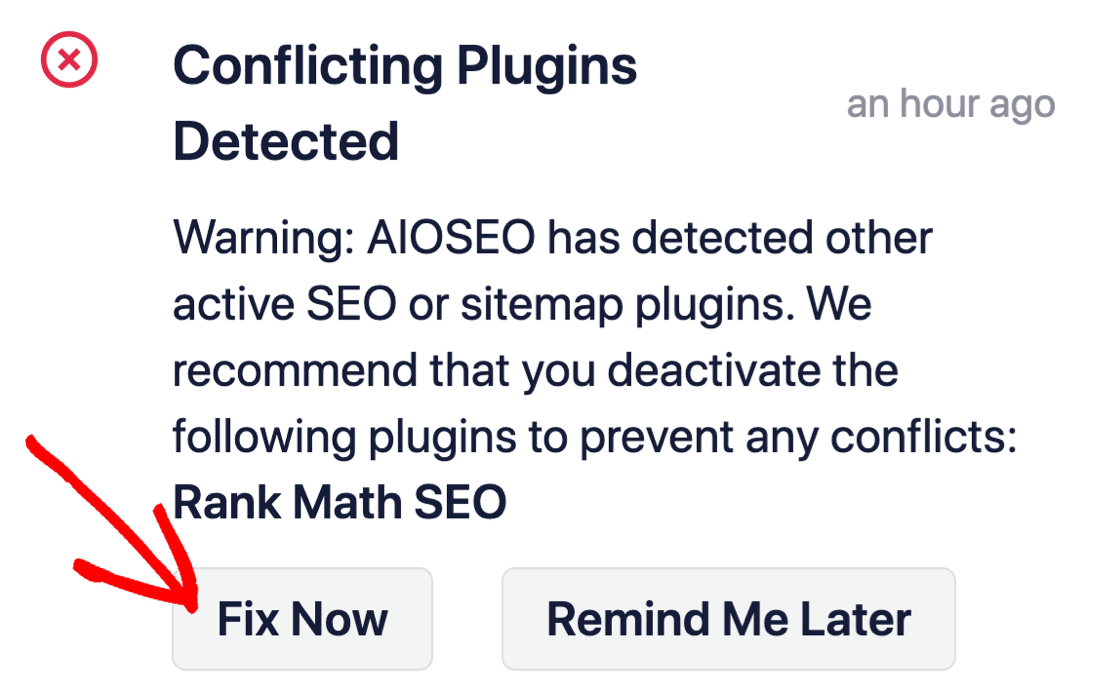
Att klicka på Fixa nu raderar inte inställningarna i ditt gamla SEO-plugin. Det avaktiverar bara pluginet för att förhindra konflikter.
Step #2: View Enabled Sitemap in All in One SEO
The best part of the All in One SEO plugin is that the sitemap is enabled by default. So, all you have to do is install the plugin and you’re all set. But if you’re switching SEO plugins, you should double-check that the sitemap is enabled.
Go to All in One SEO » Sitemaps from your WordPress dashboard. Then, go to the Enable Sitemap option and check if the toggle button is set to enabled mode:
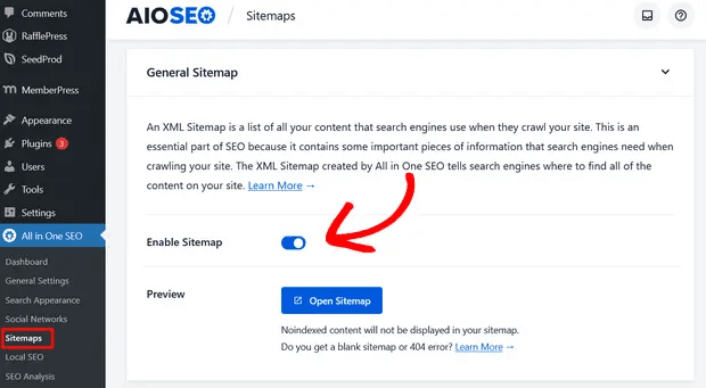
Och du är klar!
Step #3: Verify Your Site’s Sitemap
After making sure the sitemap is enabled, you can verify your website’s sitemap. Just click on the Open Sitemap button:
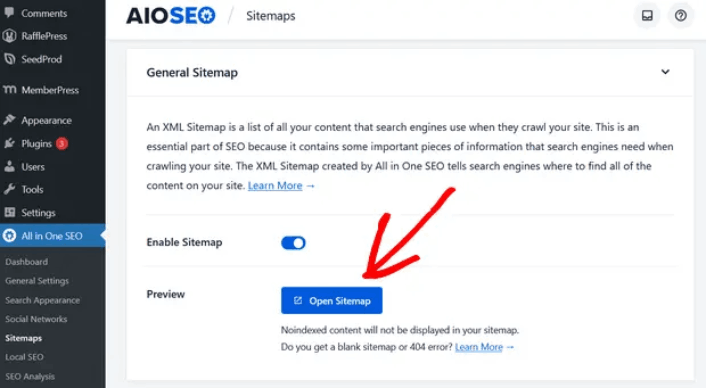
If everything goes well, you should see an XML sitemap like this one:
By default, All in One SEO will create sitemaps for your posts, pages, and categories. And if you have an online store like a eCommerce store or have any products listed, then it will set up a sitemap for them as well.
What to do Once You Know How to Create a Sitemap for WordPress
Now that you know how to create a sitemap for WordPress, it’s time to learn how to get even more traffic to your site. SEO is a great way to bring in fresh traffic to your site using just content. But you also need to bring in repeat traffic, website engagement, and sales.
That’s where push notifications can be super useful for your site.
Om du inte är 100% övertygad bör du kolla in dessa resurser om hur du effektivt använder push-meddelanden:
- 7 smarta strategier för att öka kundengagemanget
- Är push-notiser effektiva? 7 statistik + 3 experttips
- Hur du ställer in pushmeddelanden för övergivna kundvagnar (Enkel handledning)
- Hur man lägger till ett WordPress-plugin för webbnotiser på din webbplats
Vi rekommenderar att använda PushEngage för att skapa dina push-notiskampanjer. PushEngage är den främsta push-notisprogramvaran i världen. Så, om du inte redan har gjort det, kom igång med PushEngage idag!


