Free signup · 14-day money-back guarantee · Works on any PWA · Android + Desktop + iOS

THE #1 PWA PUSH NOTIFICATION PLATFORM
Add push notifications to your PWA without the dev load.
PushEngage merges seamlessly with your existing service worker. No Firebase dependency, no service worker conflicts, no custom server code. Go from zero to sending your first PWA push campaign in 5 minutes.
Join 75,000+ sites using PushEngage for customer engagement

Adding push to a PWA shouldn't require a backend engineer and three days of debugging.
You built a fast, installable Progressive Web App. Now you want to re-engage users with push notifications. But most push providers hand you raw Firebase configs, force you to replace your service worker, and leave you troubleshooting delivery failures across platforms.
The result? Broken service workers, partial subscriber lists, and notifications that arrive on some devices but not others. There's a simpler way.
Full PWA push support across every platform.
PushEngage handles the cross-platform complexity so you don't have to.
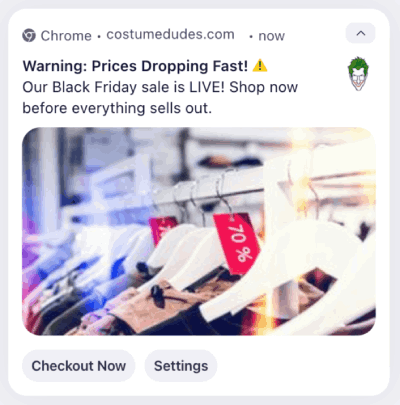
Desktop Browsers
Chrome, Firefox, Safari, and Edge. Full push support on every major desktop browser — no extensions or installs required.
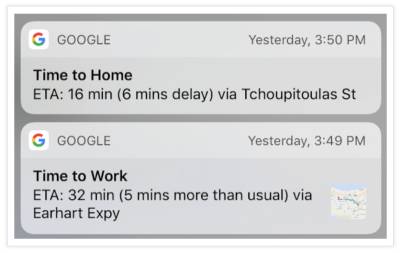
Android
Mature, full-featured push on Chrome, Firefox, Edge, Samsung Internet, and Opera. Delivery is fast and reliable with the highest opt-in rates.
iOS & iPadOS
Safari 16.4+ supports PWA push for Home Screen web apps. PushEngage handles the manifest requirements and opt-in flow automatically.
Every campaign your PWA needs in one dashboard.
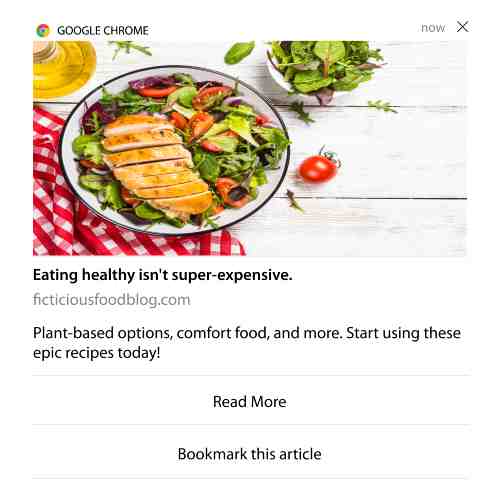
PWA push notifications go far beyond simple alerts. Run the same powerful campaigns that native apps use.

Cart Recovery
Fire automated recovery pushes within minutes of abandonment — even after the user closes your PWA.
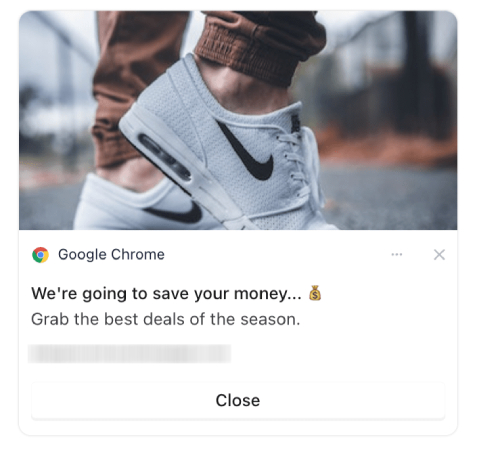
Browse Abandonment
Bring back visitors who browsed products but didn't add to cart with personalized product recommendations.
Price Drop & Back-in-Stock
Notify users the instant a watched item drops in price or comes back in stock. Capture demand competitors miss.
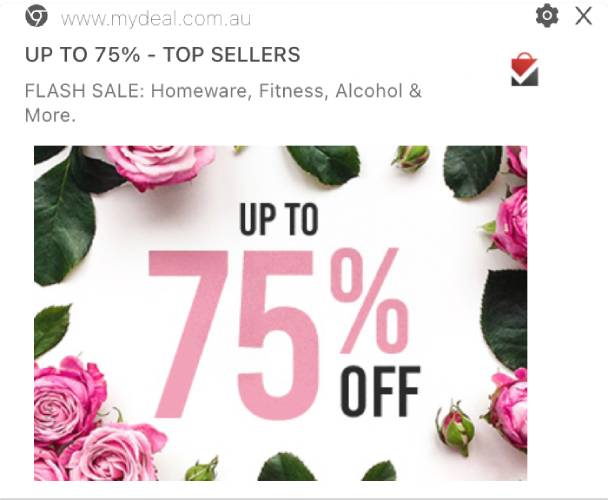
Flash Sales & Promos
Push lands in seconds — not hours. Drive instant traffic to time-sensitive deals across every device.

Welcome Drips
Onboard new subscribers with a multi-step welcome series that educates, builds trust, and drives the first purchase.
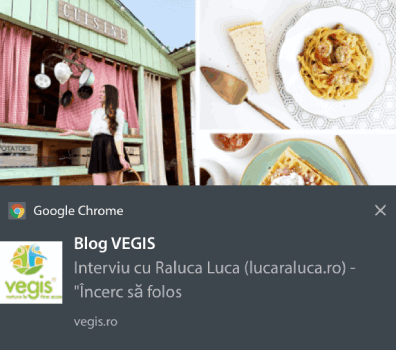
Re-Engagement
Win back lapsed users with automated sequences triggered by inactivity. Personalize the nudge by segment.
Replenishment
Trigger reorder reminders based on purchase frequency. Turn one-time buyers into repeat customers automatically.
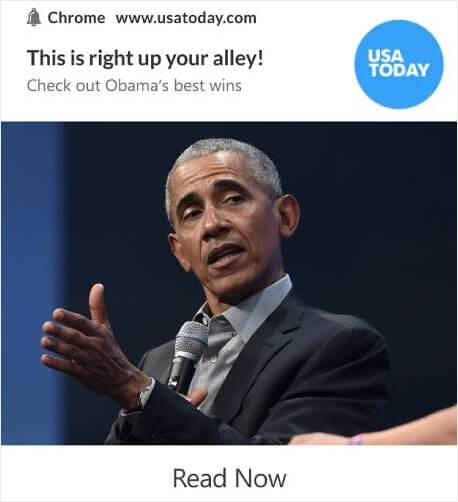
Content & Updates
Announce new blog posts, product launches, or feature updates. Push your best content directly to subscribed users.
Zero service worker conflicts. Just merge and go.
The #1 problem with adding push to a PWA? Service worker conflicts. A PWA can only have one active service worker at its root. Most push providers overwrite yours — breaking caching, offline mode, and existing functionality.
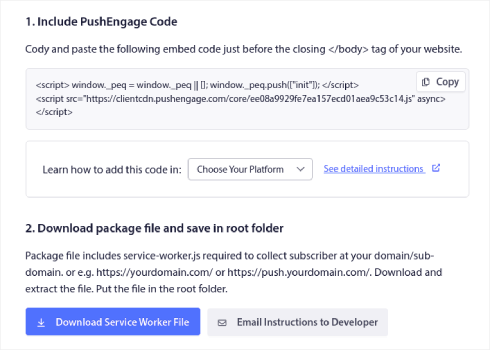
PushEngage is different. Instead of replacing your service worker, you simply paste PushEngage's push handler code into your existing file. Both work together, side by side. Your PWA stays intact. Push works instantly.
- Merge PushEngage code into your existing service worker — no replacement
- Service Worker Bypass mode for restricted platforms (Base44, headless CMSes)
- Your caching, offline mode, and background sync stay untouched
- Works with any PWA framework: React, Next.js, Angular, Vue, vanilla JS
No Firebase. No VAPID key management. No server code.
Most guides for PWA push notifications start with "Step 1: Set up Firebase Cloud Messaging." That means creating a Firebase project, generating VAPID keys, configuring a push server, and managing token lifecycle. For a marketing team, that's a non-starter.
PushEngage handles all of this behind the scenes. You get a visual dashboard for building campaigns, segmenting audiences, and scheduling pushes — no backend code, no Firebase console, no token management.
- No Firebase project or FCM configuration required
- PushEngage manages VAPID keys, push subscriptions, and token refresh
- Visual campaign builder — your marketing team owns the campaigns
- REST API available when developers do want programmatic control
Segment, personalize, and automate at scale
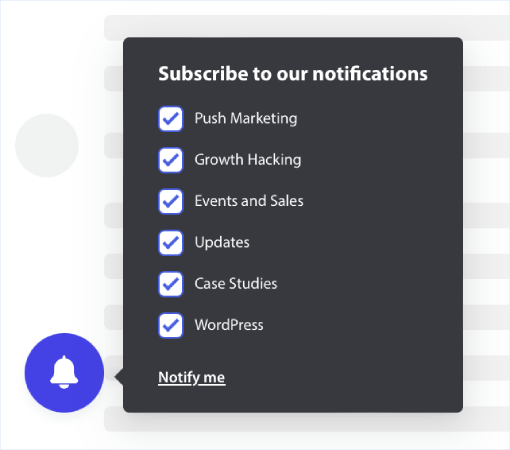
A subscriber list is only as good as what you do with it. PushEngage gives you the same segmentation and automation engine used by enterprise eCommerce brands — now powering your PWA push campaigns.
- Dynamic segments by behavior, device, location, and purchase history
- Multi-step drip sequences with conditional branching
- A/B test headlines, images, CTAs, and send times
- AI-optimized send timing for maximum engagement
- Revenue attribution per campaign and per segment
Live in 5 minutes. Here's how.
PWA push notifications go far beyond simple alerts. Run the same powerful campaigns that native apps use.
Your PWA deserves native-level engagement
Push notifications are the highest-impact re-engagement channel for Progressive Web Apps. PushEngage makes them as easy to use as they are powerful — across Android, desktop, and iOS.
Still On The Fence?
We understand you might have some concerns. Let's address them head-on.

Does it work on iOS?
Yes. iOS 16.4+ supports PWA push for Home Screen web apps. PushEngage automatically handles the manifest requirements and opt-in prompt so your iOS subscribers just work.

Do I need a developer?
Only for one step: pasting a single line into your service worker. After that, your marketing team creates segments, builds campaigns, and sends pushes — all from the dashboard, no code.

Will it break my existing PWA?
No. PushEngage merges with your service worker instead of replacing it. Your caching, offline support, and background sync stay completely untouched.
14-day money-back guarantee. No questions asked.
Trusted by Thousands of Businesses
Join the community of successful eCommerce businesses that have transformed their customer engagement and sales with PushEngage.
"PushEngage is quick and easy to implement. It provides results promptly and the analytics presents them in a clear and understandable fashion. The ability to tailor your target audience is particularly impressive as you are able to increase your engagement rates as you use the software."
Alex AveryDatabase Marketing Executive
"We are able to reach our customer base in almost an instant. Recently we had a Facebook live stream with technical difficulties due to internet connectivity issues. The Livestream dropped 2 times, and without push notifications, we wouldn’t have been able to bring people back onto the live call when we reconnected in such a timely manner. Email would have been too slow to put together in an emergency and social media organic posts only reach a fraction of the following."
John SmithCEO
"Web push notification was a totally new channel that we added to our marketing stack and is continuously adding revenue on a daily basis ever since. Would highly recommend it to all online retailers."
Suhaib AHead of SEO
Success Stories
Charlton Athletic Football Club
+7%
Increase in Clicks
Charlton Athletic kept getting decent traffic to their site, their biggest challenge was to keep that traffic engaged.
WickedWeasel
+$4000
Weekly Revenue Increase
WickedWeasel was already using social media and e-mail to capture the customer base. They were looking for new and effective ways to gather more customers.
Saleduck
+400%
More Subscribers Than Email
Saleduck was able to re-engage with customers repeatedly with top deals across all product categories. PushEngage was bringing in 3% of total revenue.
75,000+
Active Stores
15B+
Monthly Notifications Sent
15%
Cart Recovery Rate
93.5%
Customer Retention Rate
EXCLUSIVE BONUSES
Valuable Extras Included
Get these exclusive bonuses worth $591 when you sign up for PushEngage!
FREE BONUS #1
Multi-Channel Notification Templates Bundle
Ready-to-use templates that have been proven to increase click-through rates by up to 30%.
VALUE: $197
FREE BONUS #1
Conversion Optimization Guide
Our step-by-step playbook for maximizing WooCommerce sales with strategic push notifications and chat widgets.
VALUE: $97
FREE BONUS #1
Priority Support & Setup
Skip the line with VIP support and get personalized setup assistance from our team.
VALUE: $297
All these bonuses are included with your subscription!
Secure your multichannel retention advantage today
Your PWA is already installed. Now make it impossible to ignore.
Push notifications turn your Progressive Web App from a passive tool into an active revenue channel. Start free and send your first campaign today.